
SteelSeries Apex Pro TKL Gen 3 Review
We review the SteelSeries Apex Pro TKL Gen 3, featuring OmniPoint 3.0 Hall Effect switches, adjustable actuation, Rapid Trigger, OLED display and RGB lighting.
The Asus NUC 14 Pro AI is a well-rounded mini PC that balances performance, AI capabilities, and connectivity in a compact form factor.
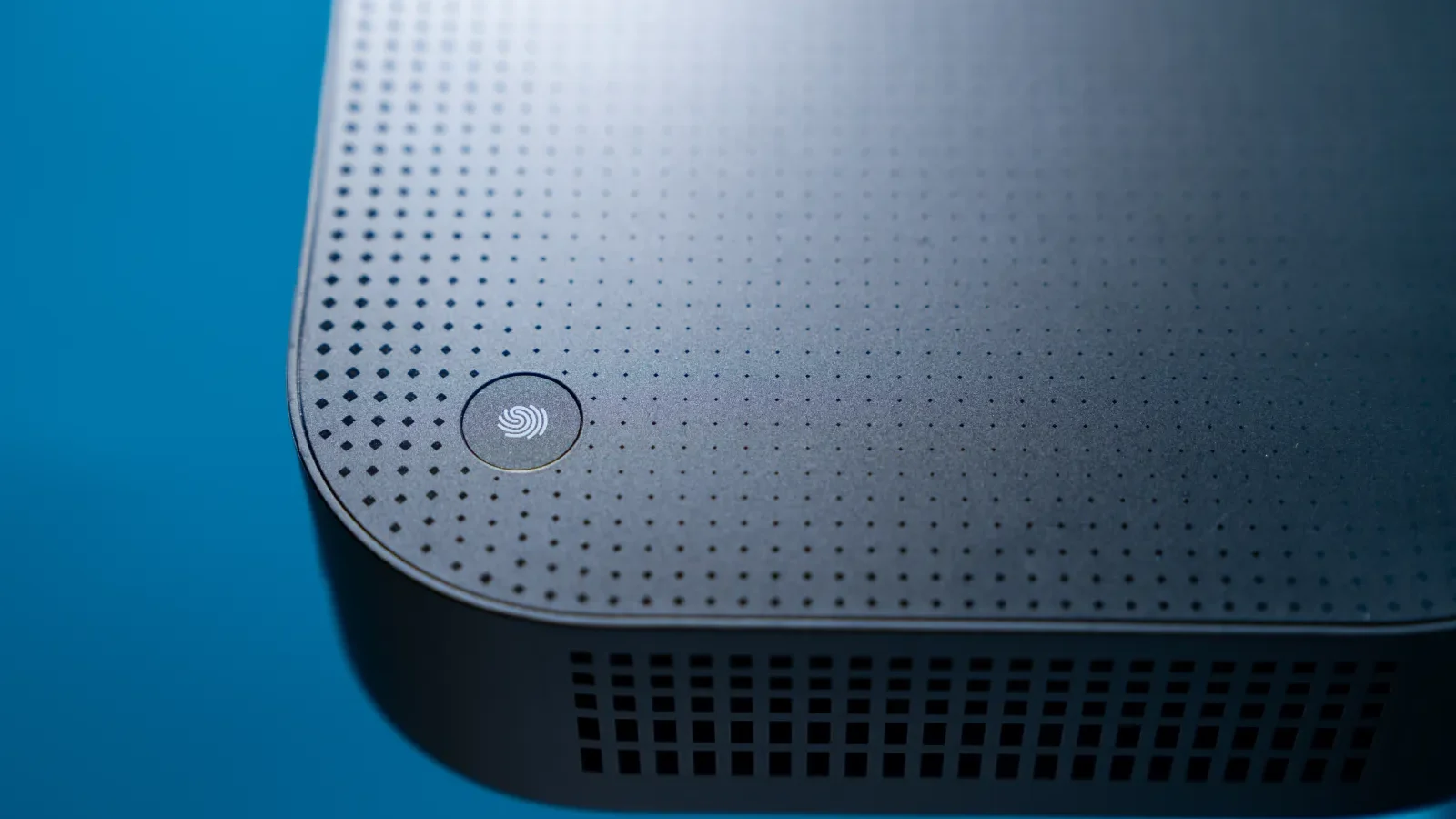
The Asus NUC 14 Pro AI is one of the latest addition to the brand’s mini PC lineup. Announced in December last year, it was the first mini PC to feature Intel’s new Core Ultra processors (Series 2) alongside Microsoft Copilot+. Designed to handle both everyday computing tasks and AI workloads, this compact device aims to deliver impressive performance in a small form factor.
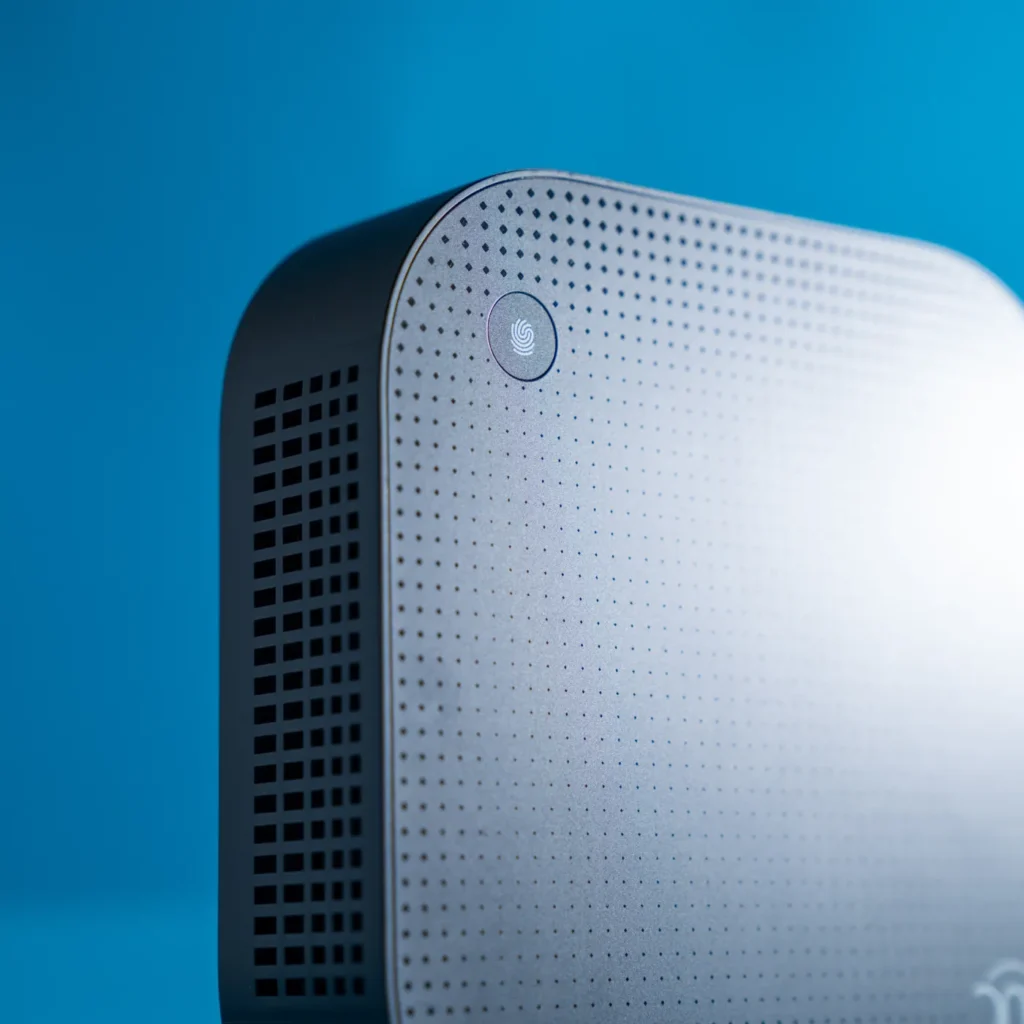
The Asus NUC 14 Pro AI sports a compact and functional design, somewhat reminiscent of the Mac mini. While Apple’s compact desktop emphasizes aesthetics, Asus has opted for a more utilitarian approach with an emphasis on practicality. The device is constructed primarily from plastic, with a removable metal lid at the bottom. Asus claims military-grade durability with its MIL-STD-810H certification.
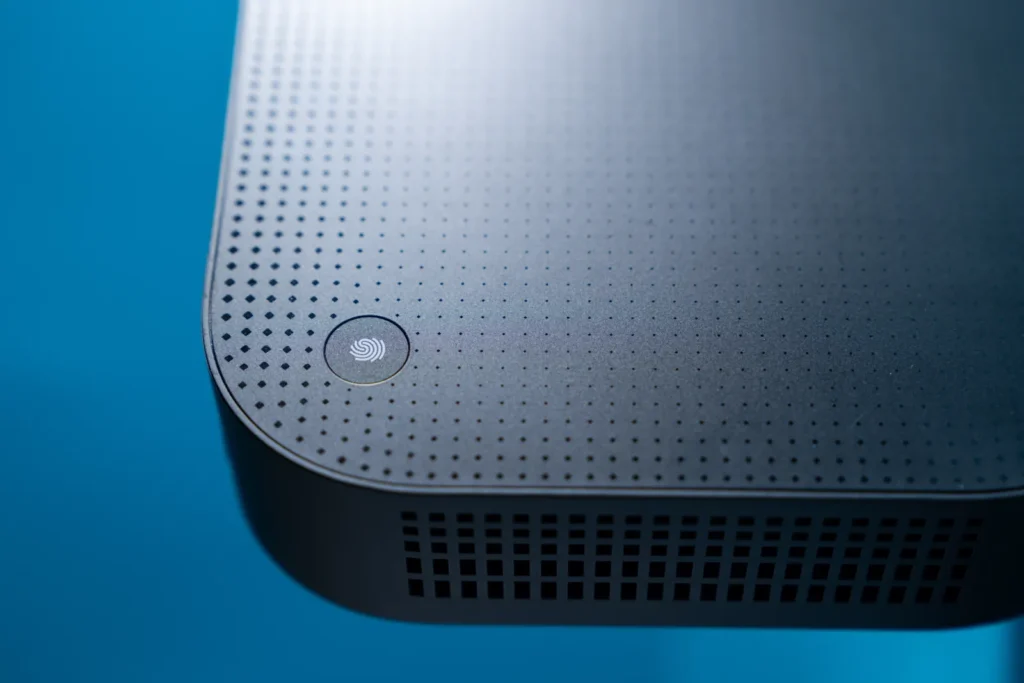
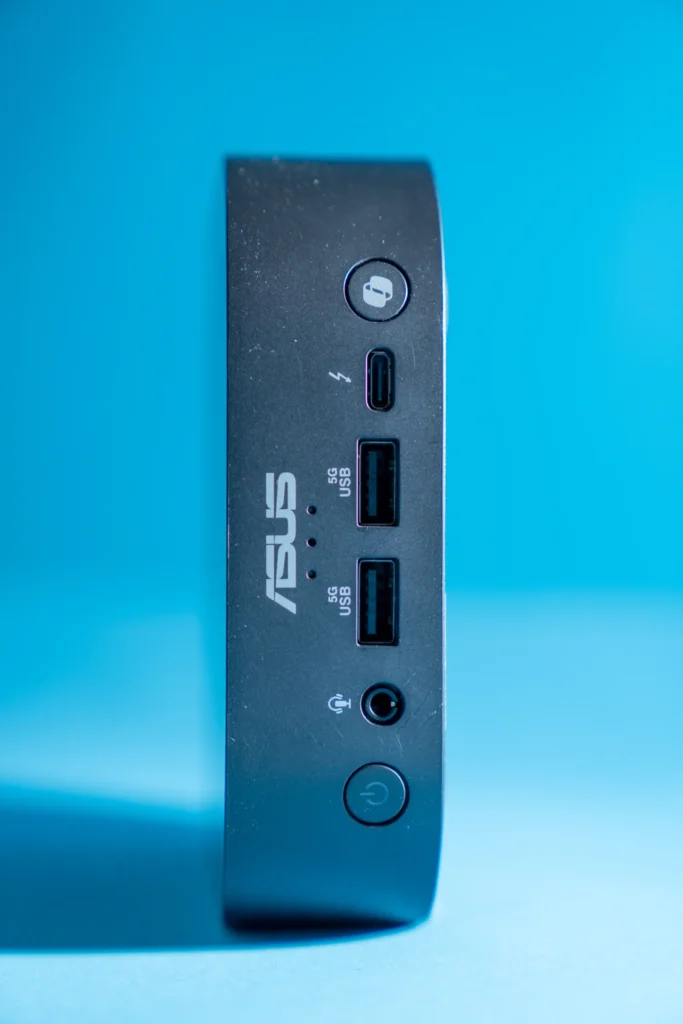
On the top, there is an Asus NUC logo with a subtle print around it, while the opposite corner houses a fingerprint sensor for Windows Hello authentication. The front panel is equipped with multiple ports, a power button, and a dedicated Copilot key, which can be customized within Windows settings.
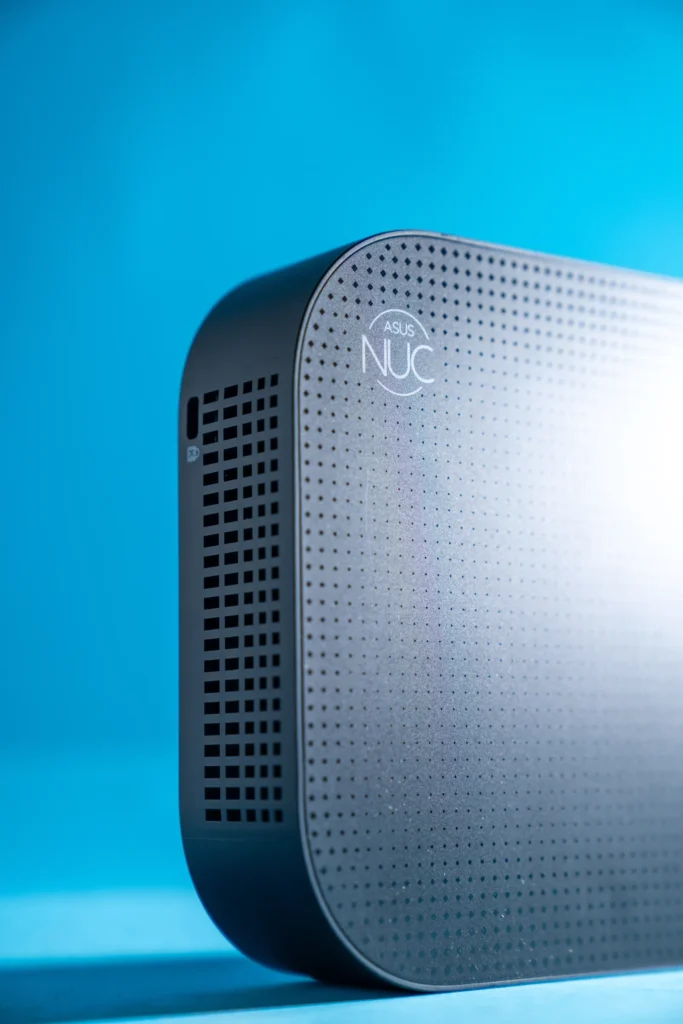
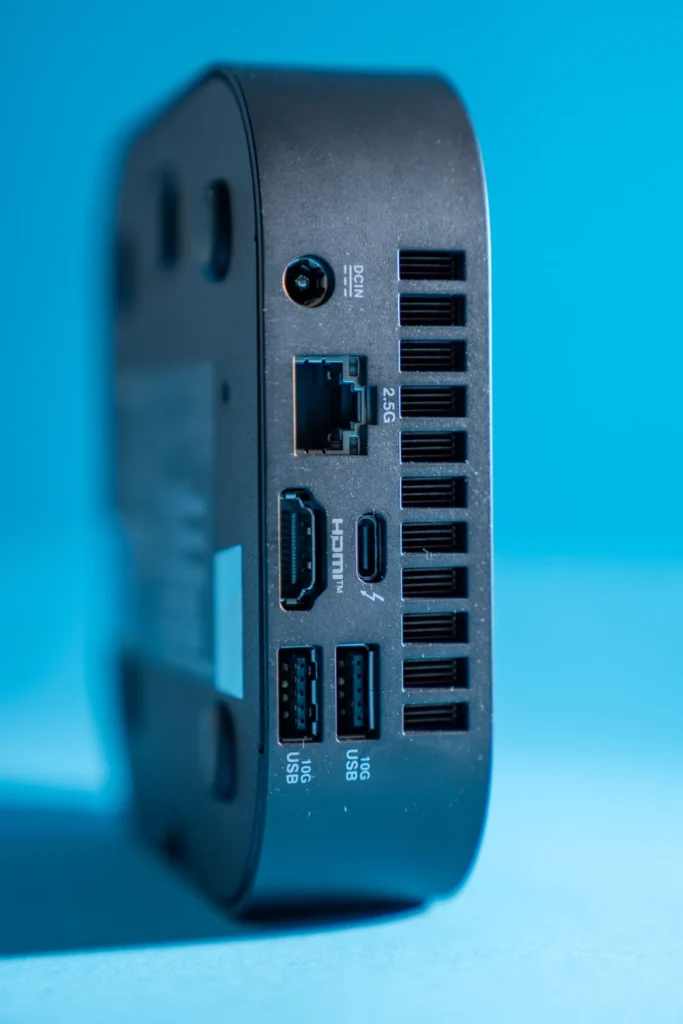
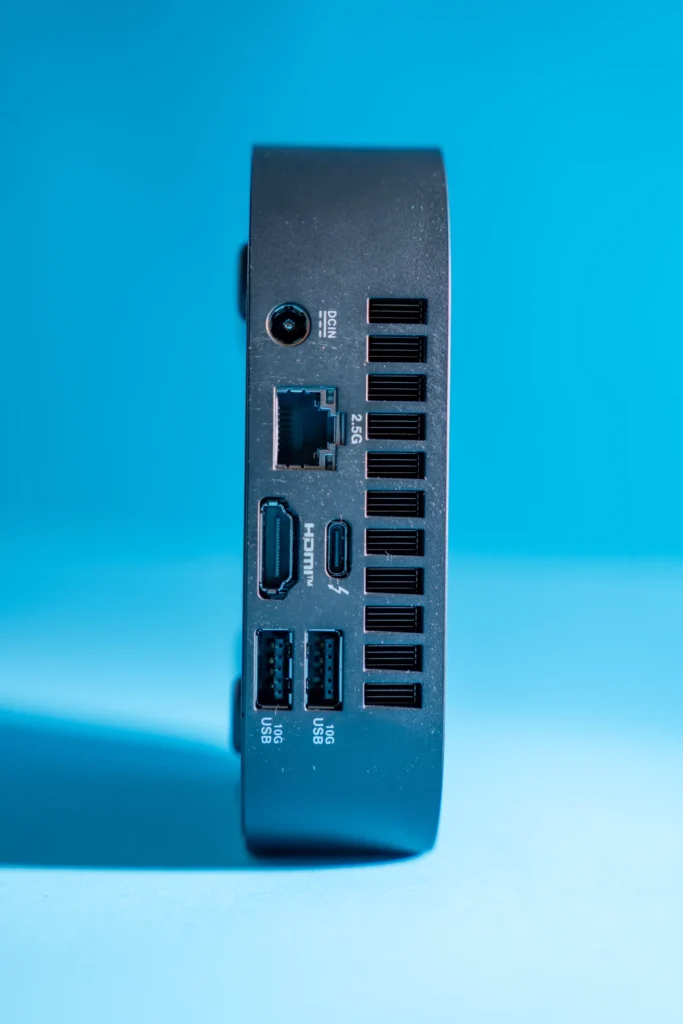
Port accessibility is well thought out, with intake and exhaust vents strategically placed for efficient cooling. The bottom panel is easily removable, granting access to the SSD slot. However, the RAM is integrated into the CPU die, limiting upgradability.
While it may not be the most visually striking mini PC, the NUC 14 Pro AI excels in connectivity and maintenance-friendly design. The integrated fingerprint sensor is also a useful addition, eliminating the need for aftermarket accessories.
The NUC 14 Pro AI is powered by Intel’s Core Ultra processor lineup, featuring an integrated AI accelerator (NPU) for improved performance in AI-driven tasks. There are different configurations available and prices vary depending on the setup.
The integrated Intel Arc graphics, based on the Battlemage architecture, provide solid performance for a mini PC. The Core Ultra 7 and 9 models come with 8 Xe Cores, while the 5 series features 7 Xe Cores. Storage is handled via a single M.2 2280 slot supporting PCIe Gen4x4 SSDs, though no additional expansion slots are available.
In everyday usage, performance is reliable. The NUC 14 Pro AI handles web browsing, office applications, and media consumption with ease. It is also capable of running virtual machines smoothly. However, for demanding tasks like video editing and intensive 3D rendering, it falls short compared to full-sized desktop solutions.
The integrated Arc GPU is surprisingly capable, allowing for playable frame rates in demanding games at 1080p. Titles like Star Wars Outlaws run above 30fps with reduced settings. While not a gaming powerhouse, the NUC 14 Pro AI delivers a decent experience for casual and gaming.
As a Copilot+ PC, the Asus NUC 14 Pro AI is optimized for AI-powered tasks, offloading certain workloads from the CPU and GPU. AI-assisted features such as document summarization, real-time translation, and image generation run smoothly. The built-in microphone facilitates voice-based interactions, an advantage over the Mac mini.
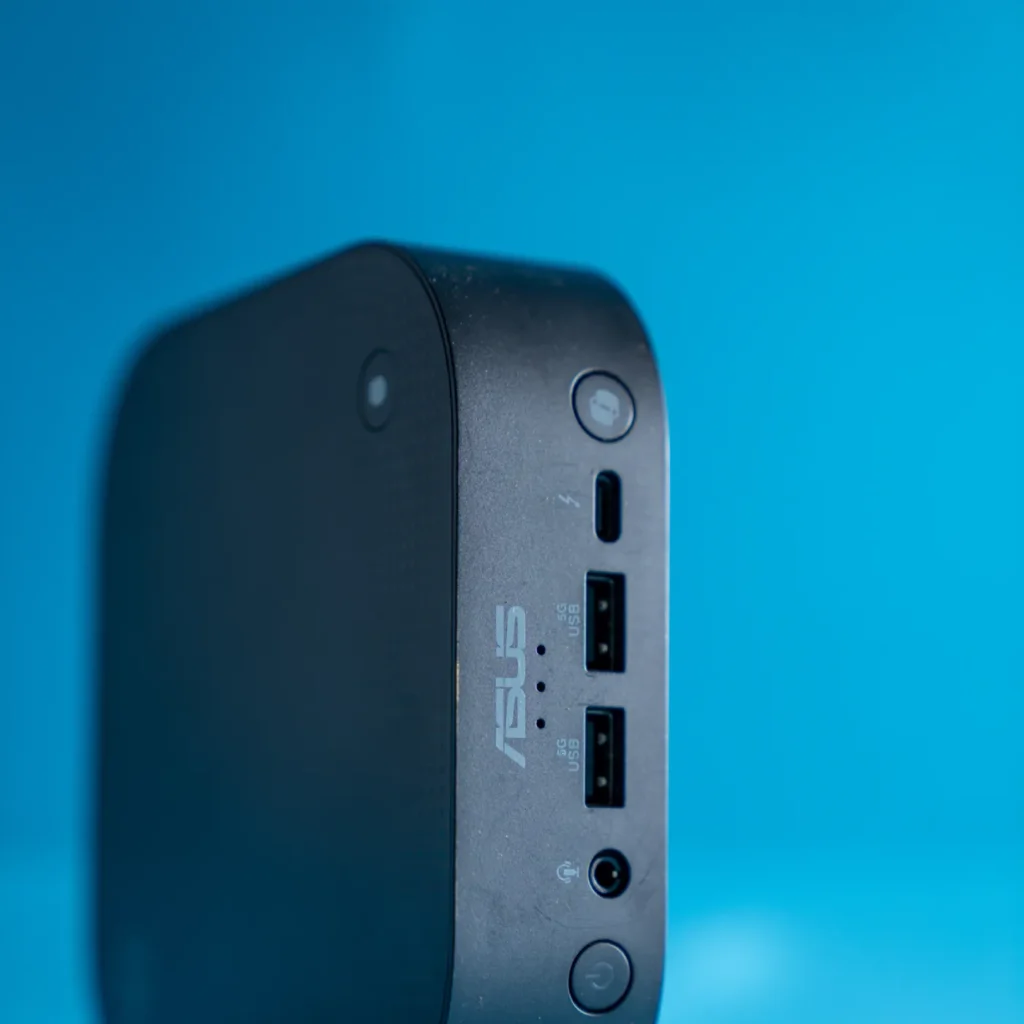
The NUC 14 Pro AI comes with an extensive selection of ports:
The inclusion of multiple Thunderbolt 4 ports and DisplayPort 2.1 support allows for a multi-display setup. However, the lack of an audio jack on the back and the use of an external power brick are minor inconveniences.
The cooling system is efficient, preventing thermal throttling under normal use. The fan noise varies depending on the power profile:
In Whisper Mode, the device remains nearly silent while still delivering adequate performance for most tasks.
The Asus NUC 14 Pro AI is a well-rounded mini PC that balances performance, AI capabilities, and connectivity in a compact form factor. It excels in handling everyday workloads, offers decent gaming performance, and includes AI-enhanced features that can improve productivity.
However, it has some drawbacks, including limited upgradability, an external power brick, and inconsistent performance in demanding applications compared to competitors like the Mac mini. The Copilot+ AI integration is a welcome addition but may not be a game-changer for all users.
Overall, the Asus NUC 14 Pro AI is a strong choice for those seeking a small yet capable PC for home or office use. If you need a compact machine with robust connectivity and AI enhancements, this mini PC is worth considering.
Also Read: ASUS NUC 14 Pro Review

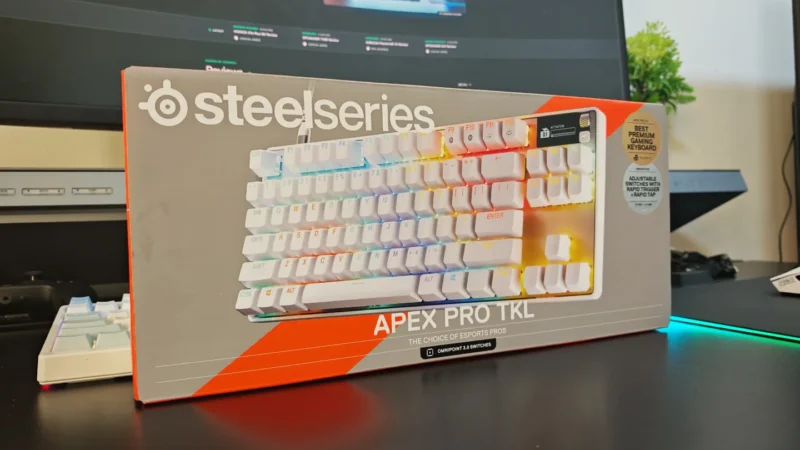
We review the SteelSeries Apex Pro TKL Gen 3, featuring OmniPoint 3.0 Hall Effect switches, adjustable actuation, Rapid Trigger, OLED display and RGB lighting.
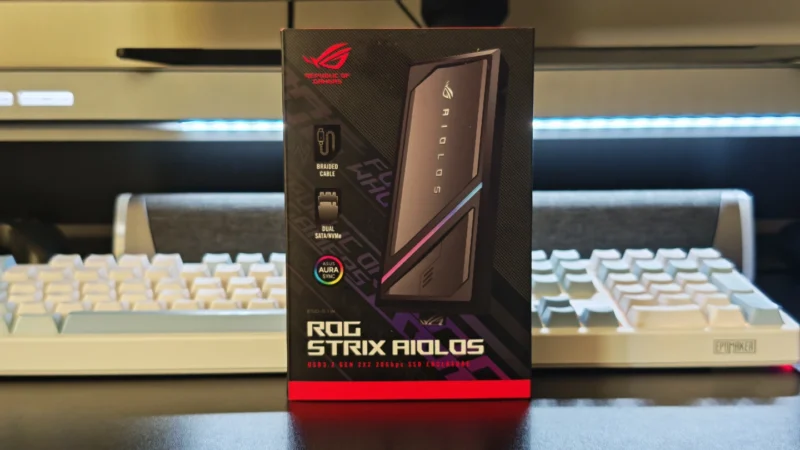
Our ASUS ROG Strix Aiolos review examines its 20Gbps USB 3.2 Gen 2×2 performance, design, cooling, tool-free installation, RGB lighting and value.
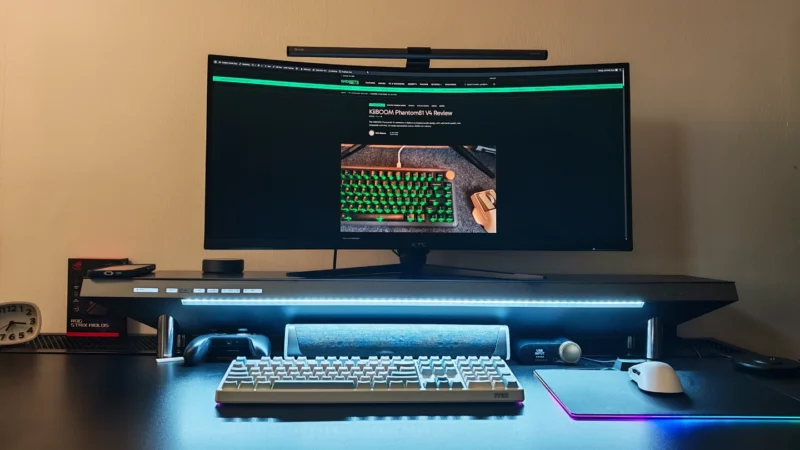
Our Hexcal Studio review examines its premium build, cable management, eight AC outlets, USB connectivity, wireless charging and integrated task lighting.
 Joshua James