
MONTECH Redefines Flagship LiquidCooling with the All-New CyberFlow
MONTECH, a global leader in PC cases, power supplies, and cooling solutions announces the global launch of CyberFlow Series.
Your games are about to look a lot more real. And it's not a new console doing it. It's DLSS 5, NVIDIA's newest graphics tech. It uses AI to give games more lifelike lighting, skin and materials, live as you play.
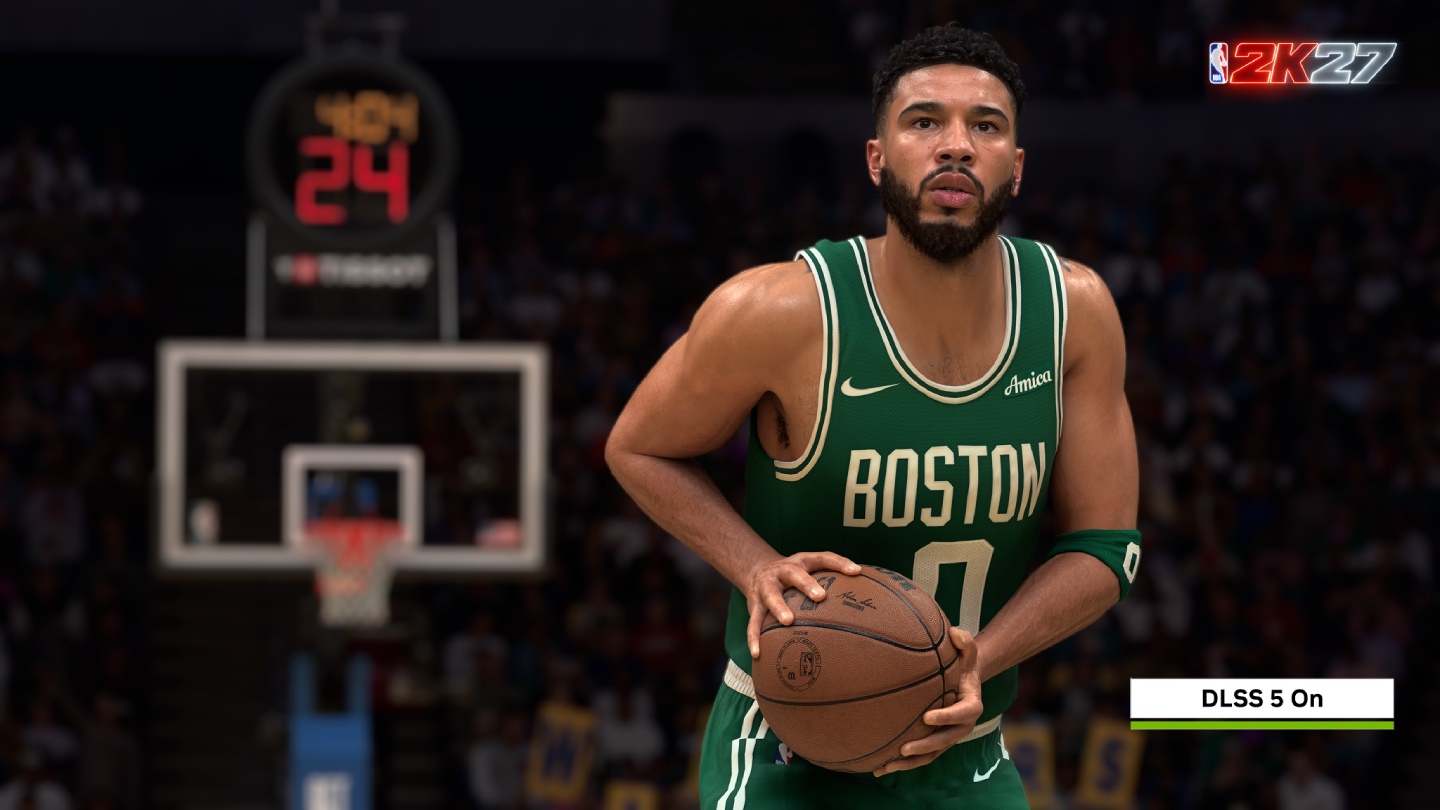
Your games are about to look a lot more real. And it’s not a new console doing it. It’s DLSS 5, NVIDIA’s newest graphics tech. It uses AI to give games more lifelike lighting, skin and materials, live as you play.
It’s already working in Hogwarts Legacy, and more games are joining every week. But there’s a catch: not every graphics card can run it. Here’s what DLSS 5 actually does, whether your PC can handle it, and how to switch it on in a few minutes.
You’ve probably seen “DLSS” in your game settings before. Older versions had one job: make games run faster. They did it by drawing the game at a lower resolution, then using AI to sharpen it up.
DLSS 5 does something different. It’s not about speed. It’s about looks.
NVIDIA calls it neural rendering. In simple terms, an AI model studies each frame as you play. It spots faces, skin, hair, metal, fabric and light. Then it repaints them to look more like real life.
Think of it like a live photo filter, except it understands what it’s looking at. Skin looks softer. Light bounces more naturally. Shadows sit where they should.
Good to know: it’s completely optional. Not everyone loves the look, and some game developers have criticised it for changing how games were designed to appear. If you don’t like it, switch it off.
The latest update: NVIDIA released a faster version of DLSS 5 in October. It cuts the performance hit in half and uses 20% less graphics memory at 4K, with visuals that NVIDIA says match the original.
This is the big one. DLSS 5 only works on NVIDIA GeForce RTX 50 series graphics right now. That covers RTX 50 desktop cards, gaming laptops with RTX 50 Laptop GPUs, and the new laptops built on NVIDIA’s RTX Spark platform, like the ASUS ProArt P14 and P16 (from AED 12,999 in the UAE).
| Your graphics card | DLSS 5? |
|---|---|
| RTX 50 series (5050 to 5090) | Yes |
| RTX Spark laptops (e.g. ASUS ProArt P14 and P16) | Yes |
| RTX 40 series | Not yet. NVIDIA plans to add it, but there’s no date |
| RTX 30 series and older | No |
| AMD or Intel graphics | No |
Not sure what you have? On Windows, right-click the Start button, open Device Manager and expand Display adapters. Your graphics card name is listed there.
| Graphics card | Approx. UAE price | Best for |
|---|---|---|
| RTX 5060 | around AED 1,400 to AED 2,000 | 1080p gaming on a budget |
| RTX 5070 | around AED 2,499 to AED 2,999 | 1440p, the sweet spot for most people |
| RTX 5080 | around AED 5,000 to AED 7,000 | 4K gaming |
| RTX 5090 | from AED 12,999 | No-compromise 4K |
Our pick: the RTX 5070 gives you the best value for the money, and it handles DLSS 5 with room to spare.
Timing tip: White Friday sales are running across the UAE right now. Graphics card prices move fast, so compare Amazon.ae, Noon, Microless and Sharaf DG before you buy, and stick to UAE-warranty stock.
Got an RTX 50 card? It takes about five minutes.
Step 1: Update your graphics driver
Open the NVIDIA app on your PC (download it free from NVIDIA’s website if you don’t have it). Go to Drivers, check for updates and install the latest Game Ready Driver. Restart your PC when it’s done.
Step 2: Update your game
DLSS 5 arrives through game updates. Open Steam, Epic or your game launcher and make sure the game has its latest patch.
Step 3: Switch it on in the game
Open the game’s graphics or video settings. Turn on DLSS first. Then look for DLSS Neural Rendering (some games shorten it to “DLSS-NR”) and switch it on.
Step 4: Compare and decide
In NBA 2K27, you can press F9 while playing to switch neural rendering on and off instantly. It’s the easiest way to see the difference for yourself.
Bonus for modders: NVIDIA’s free RTX Remix tool now supports DLSS 5 too, so modders can add it to classic PC games. Press Alt + X to open the overlay, then switch it on in the developer settings.
The list is short but growing fast. Here’s where things stand this week:
| Game | DLSS 5 status |
|---|---|
| NBA 2K27 | Live since September, the first DLSS 5 game |
| Hogwarts Legacy | Live since 5 November |
| War Thunder | Live since 12 November |
| Where Winds Meet | Live since 24 November in the UAE |
| Metro 2033 Redux | Quietly added in its free Next-Gen Update |
NVIDIA has also announced support for more games, including Resident Evil Requiem, Assassin’s Creed Shadows and AION 2, but without dates yet. From here, NVIDIA says new DLSS 5 games will ship with the faster model by default.
Bottom line: if you play any of the live games on an RTX 50 card, it’s worth trying today.
It’s NVIDIA’s AI graphics tech that makes games look more realistic, with better lighting, skin and materials, as you play.
Not right now. It’s RTX 50 only for the moment. NVIDIA says RTX 40 support is planned, but hasn’t given a date. So if DLSS 5 is your reason to upgrade, go RTX 50.
Yes, anytime. It’s a simple on/off setting in the game’s graphics menu.
The RTX 5060 sells for around AED 2,000 depending on the brand and store, and the RTX 5070 for around AED AED 3,500.

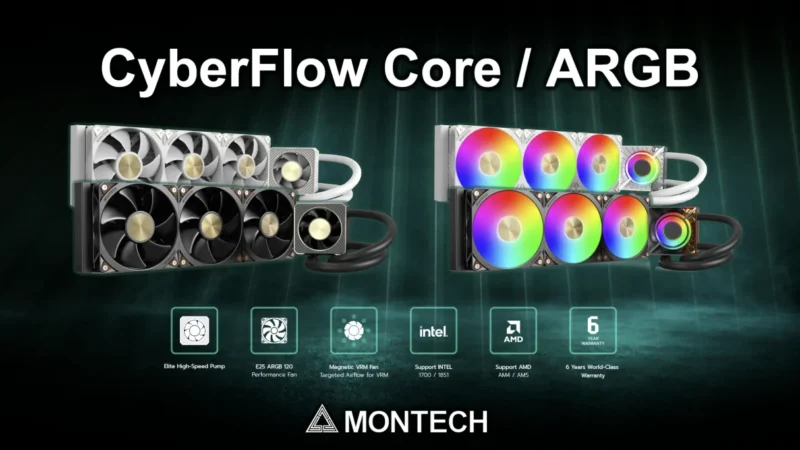
MONTECH, a global leader in PC cases, power supplies, and cooling solutions announces the global launch of CyberFlow Series.
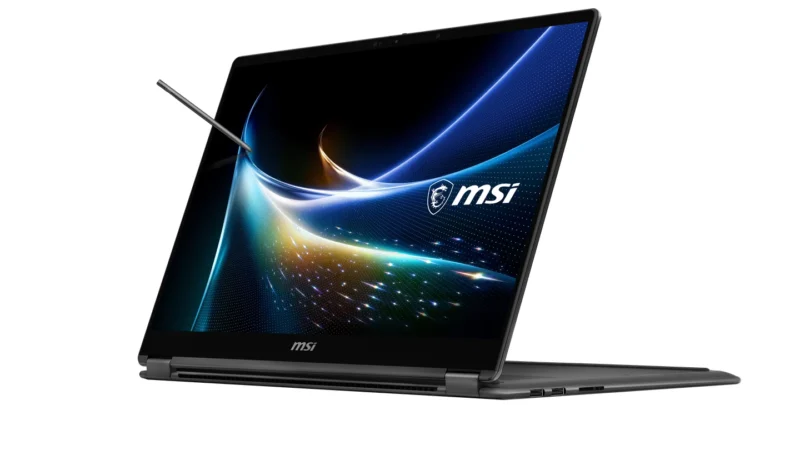
MSI Partners with NVIDIA to Unveil the World’s First 2-in-1 Laptop Powered by NVIDIA RTX Spark in Middle East.
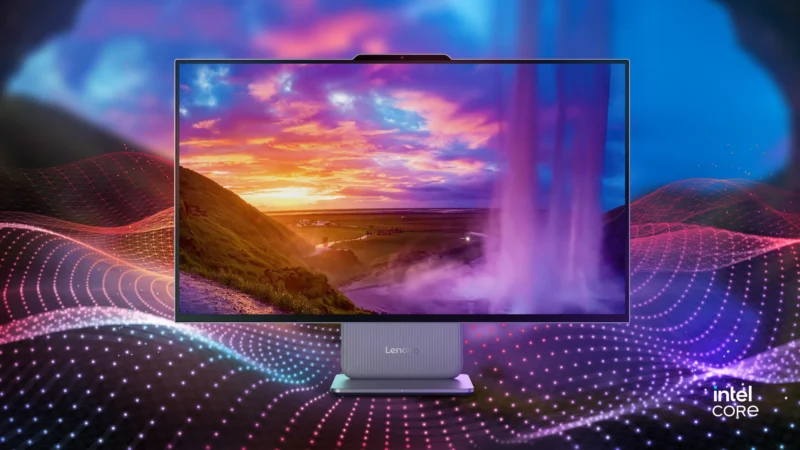
Today at Lenovo Innovation World 2026, Lenovo expanded its vision for Personal AI with its latest consumer portfolio of laptops, desktops, and smarter experiences. Together, the distinctive IdeaPad Vibe series and IdeaCentre AIO desktops give consumers a broader range of devices designed to reflect different lifestyles and everyday needs. “The expectations people have for their […]
 GDGTME Team