
SteelSeries Apex Pro TKL Gen 3 Review
We review the SteelSeries Apex Pro TKL Gen 3, featuring OmniPoint 3.0 Hall Effect switches, adjustable actuation, Rapid Trigger, OLED display and RGB lighting.
The two-bay WD My Cloud Expert EX2 Ultra NAS drive performs well for the home or small office users.
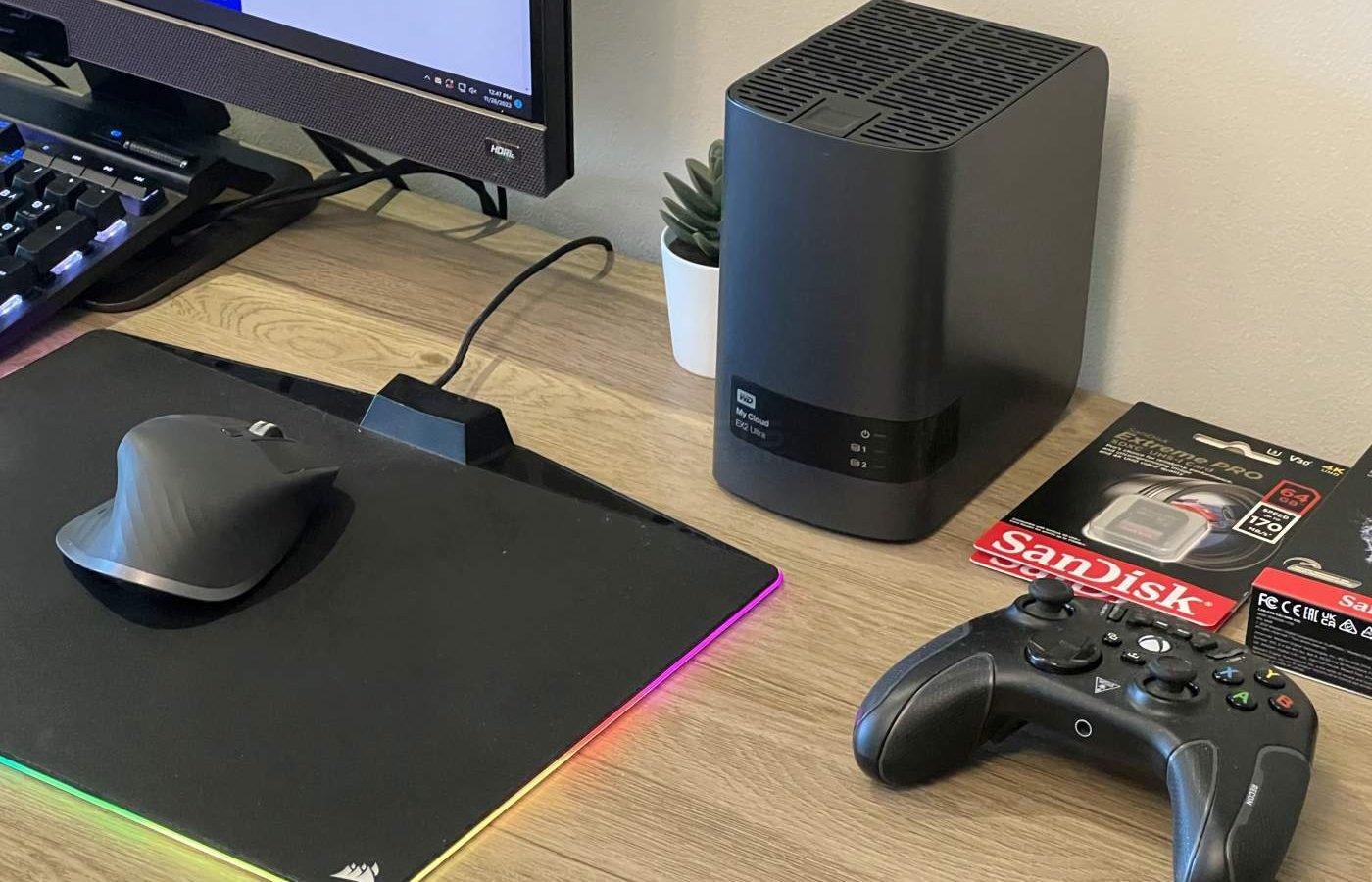
The WD My Cloud Expert EX2 Ultra is a Network Attached Storage (NAS) device that is designed to hold two 3.5 inch hard drives. This device allows you as a private storage server or access and stream content from any location with an internet connection.
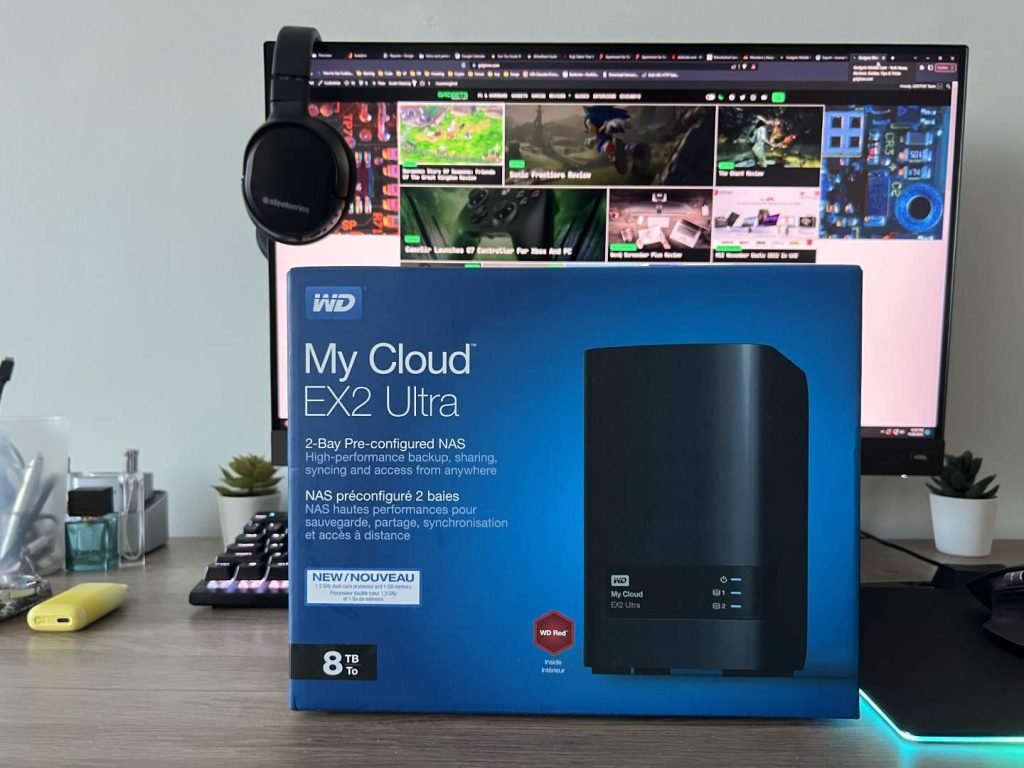
The Expert EX2 Ultra can be configured with up to 36TB of storage, or it can be purchased without any hard drives so you can set it up with your own storage configuration. This NAS drive enables you to backup and organize content from multiple computers and smartphones on your own private network without the need for expensive subscriptions.
| Capacity | Up to 36TB |
| Interface | USB 3.0 Gigabit Ethernet |
| Compatibility | • Windows • macOS • DLNA/UPnP devices for streaming Supported Browsers • Internet Explorer 10 or higher • Safari 6 or higher • Firefox 30 or higher • Google Chrome 31 or higher |
| Dimensions | 6.1″ x 3.9″ x 6.75″ |
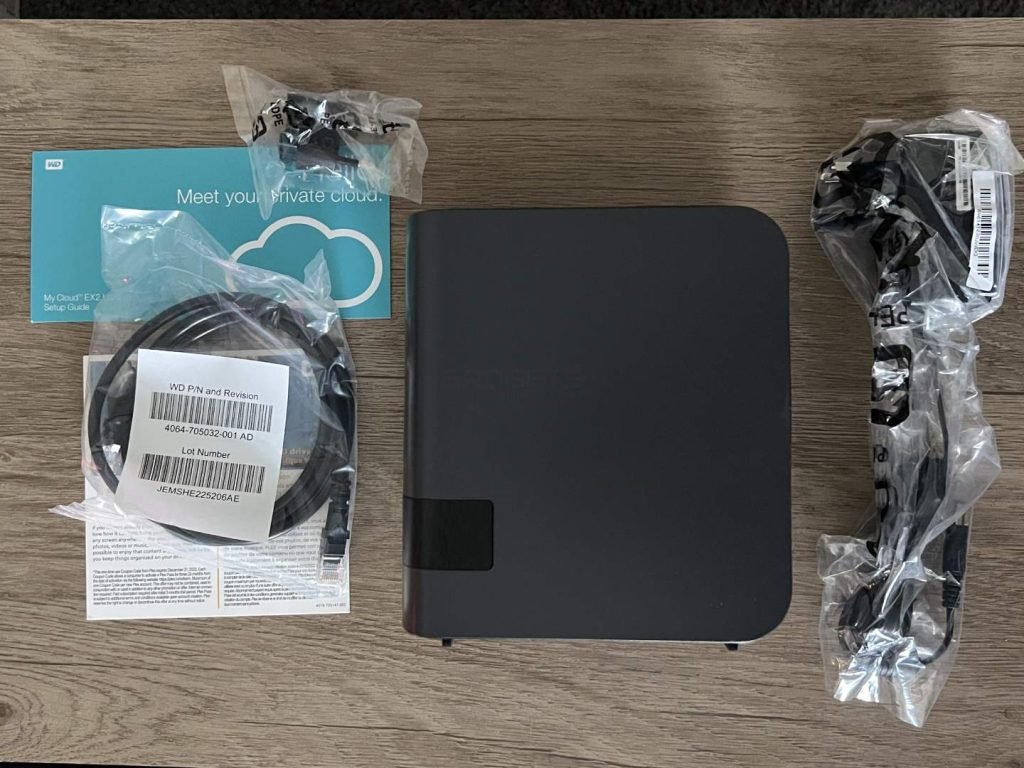
The WD My Cloud Expert EX2 Ultra comes in a glossy cardboard box with an image of the device on the front and information and descriptions on the sides. Inside the box, the WD My Cloud Expert EX2 Ultra is securely packed with cardboard to prevent any damage during shipping. The packaging includes:
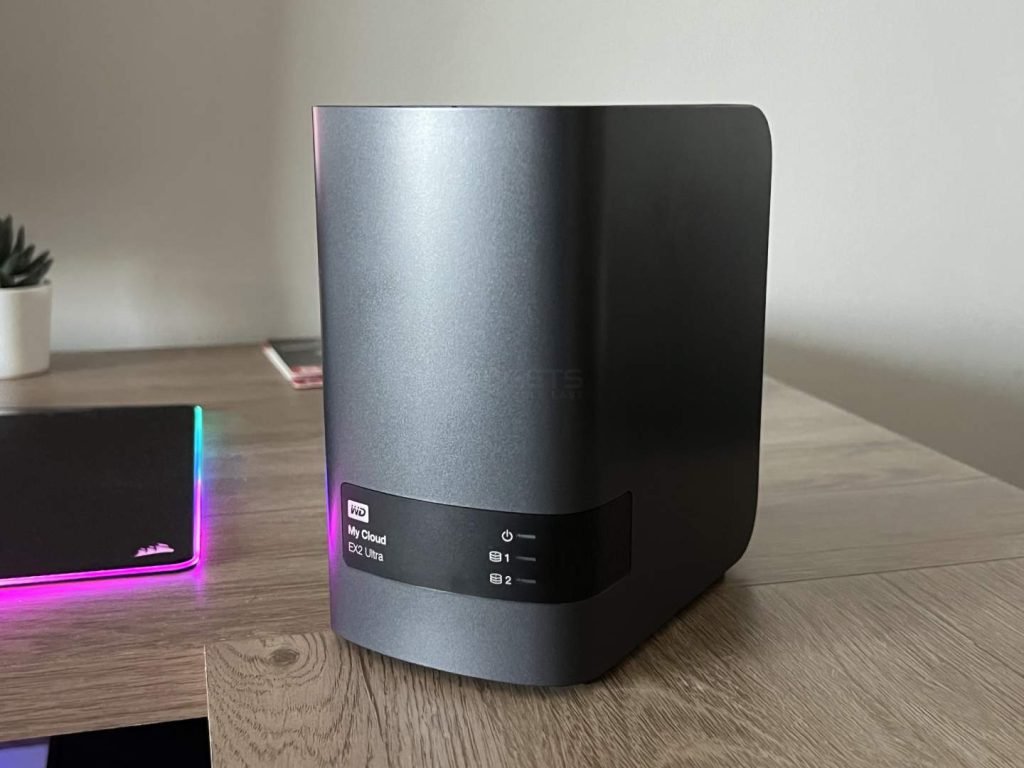
The WD My Cloud Expert EX2 Ultra measures Dimensions 6.1″ x 3.9″ x 6.75″ (LxWxH) and is portable at 2.25kg (with two 8TB Red drives). In terms of design the Expert EX2 Ultra looks elegant with its all-black plastic housing.
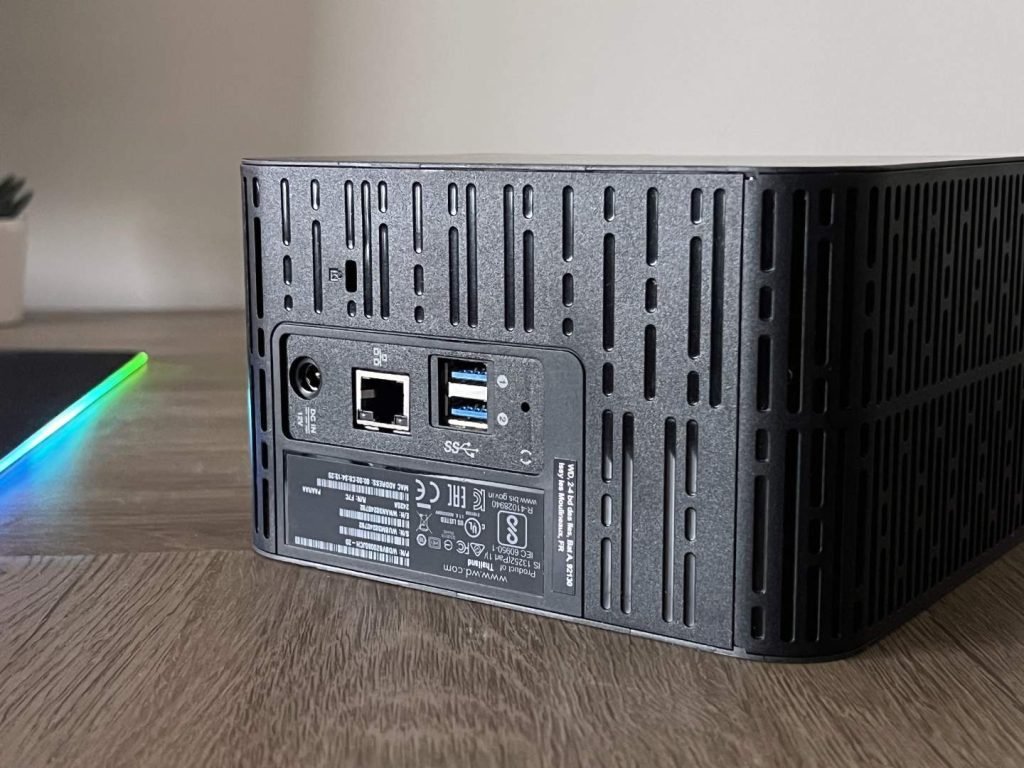
At the front are three LED’s, one for power and the other two for disk operation. All the ports are at the back. These include 2x USB 3.0 ports, 1x Ethernet port, power port and a reset button.
The WD My Cloud Expert EX2 Ultra is equipped with two of WD’s Red series drives internally. This device is also available without any hard drives, allowing you to create a custom NAS setup with your own compatible hard drives. Its drive bays, which do not require any tools or trays, allow you to easily add or replace hard drives in a matter of moments.
Setting up the My Cloud EX2 Ultra is easy, with a quick and straightforward web installation process. Simply connect the device to your router and turn it on, then open a web browser and go to http://mycloud.com/setup to begin the setup process.
You can also customize your system with various RAID configurations, including RAID 0 for enhanced performance, RAID 1 for data protection through mirroring, or JBOD/spanning for non-RAID configurations. The device also has 256 AES volume encryption to secure your files across your entire network on both PC and Mac.
The EX2 Ultra’s internal file system is EXT4, and it can support a variety of file systems on USB external drives connected to it, including FAT/FAT32, NTFS, HFS+J, and Linux EXT2, 3, and 4.
The My Cloud EX2 Ultra runs on My Cloud OS 5, which includes the latest security updates and improved data privacy, as well as enhanced connectivity reliability and a modern mobile and web app experience. The app allows you to access and share files, photos, and videos on your My Cloud NAS from any location with an internet connection.
The user interface is similar to other My Cloud devices. It comes with a modern design and offers explanations for various settings and features such as the amount of free space and a real-time network-activity monitor, as well as a list of paired devices connected to the EX2 Ultra.
The OS allows you to easily create folder shares, users, and groups. It also includes standard features for network storage devices, such as FTP, remote backup, media streaming, DLNA, using it as a media server by installing Plex. You can also use it as a web server install third-party apps such as Joomla, WordPress, and Git.
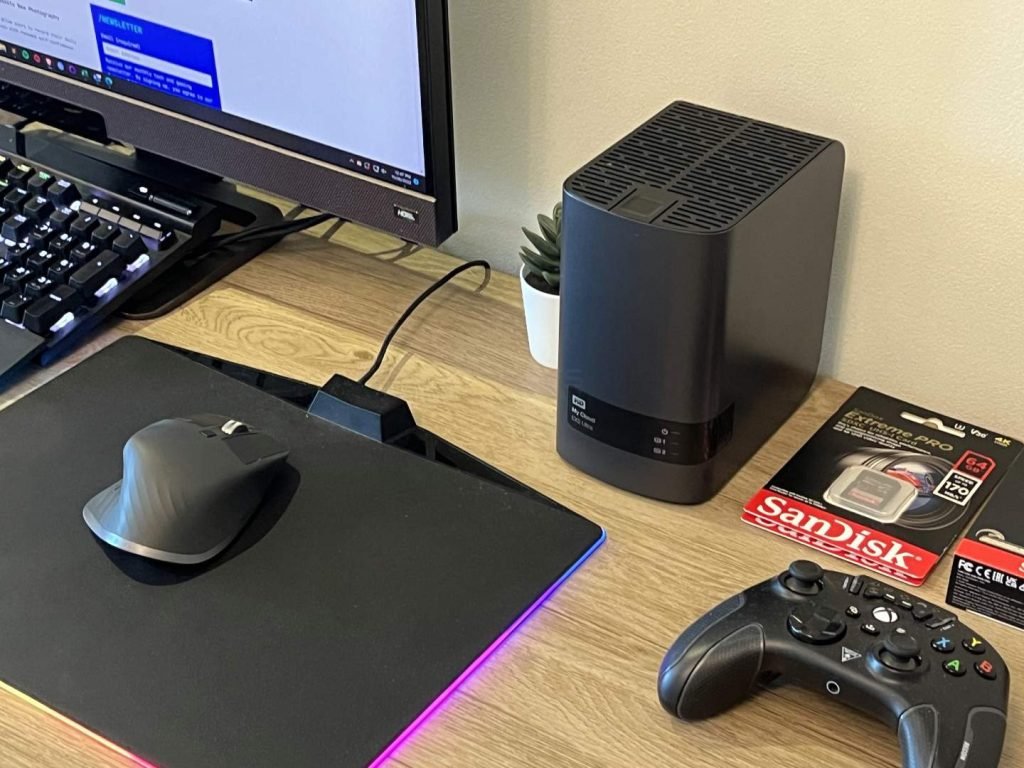
The WD My Cloud Expert EX2 Ultra comes with a Marvell ARMADA 385 1.3GHz dual-core processor and 1GB of DDR3 memory, allowing you to multitask smoothly. In our daily use, the device performs well with reading and writing operations. When copying files during everyday use, the speeds are in the range of 80-100 MB/s.
The WD My Cloud Expert EX2 Ultra works great as NAS to share files on a private home network or over the internet. Its operating system and user interface are easy to use and intuitive, even for beginners, making the overall setup process straightforward. This is a great value device for your home-office NAS setup.

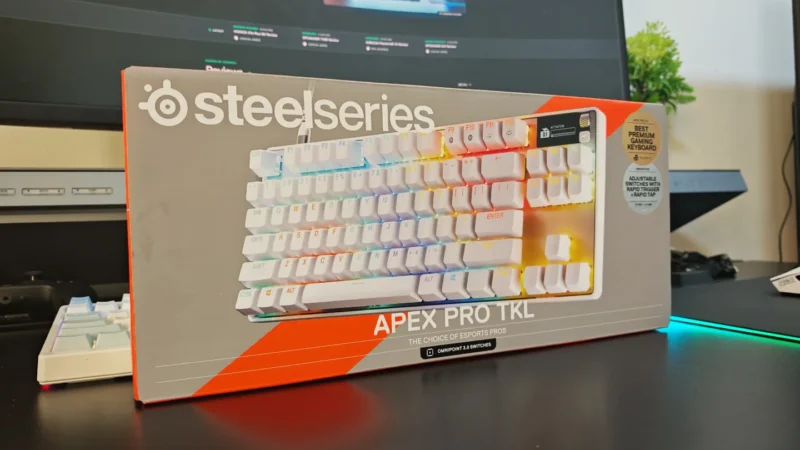
We review the SteelSeries Apex Pro TKL Gen 3, featuring OmniPoint 3.0 Hall Effect switches, adjustable actuation, Rapid Trigger, OLED display and RGB lighting.
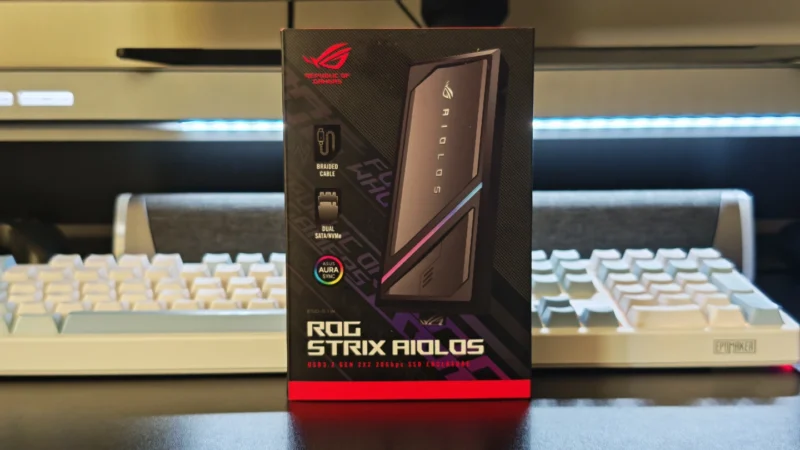
Our ASUS ROG Strix Aiolos review examines its 20Gbps USB 3.2 Gen 2×2 performance, design, cooling, tool-free installation, RGB lighting and value.
Our Hexcal Studio review examines its premium build, cable management, eight AC outlets, USB connectivity, wireless charging and integrated task lighting.
 Joshua James