
How to Reduce Input Lag on a Gaming Monitor or PC
Reduce Input Lag on a Gaming Monitor: fixing it usually means working through your settings systematically rather than blaming any single piece of hardware.
Instagram's Close Friends feature is a powerful tool that allows you to share your posts and Reels with a select group of people.

Instagram’s Close Friends feature is a powerful tool that allows you to share your posts and Reels with a select group of people. This feature is perfect for sharing personal moments or exclusive content with those who are closest to you. Here’s a step-by-step guide on how to use it:
Remember, creating a meaningful Close Friends list is about quality over quantity. Choose individuals who are truly close to you and whose opinions matter most when it comes to sharing personal moments or behind-the-scenes content. By curating your Close Friends list carefully, you ensure that only those special individuals see what matters most to you. This added level of privacy helps foster trust and strengthens bonds within this select circle of friends.
Once you have created your Close Friends list, sharing posts is easy. When posting an image or video, simply tap on the “Close Friends” under Audience list option below the caption box. This will ensure that only those on your designated list can see and interact with that particular post.
Sharing special moments with close friends makes these experiences even more meaningful. It creates a sense of exclusivity and strengthens bonds within our inner circles. So don’t hesitate to use this feature when capturing those cherished memories! Using Instagram’s Close Friends feature allows you to curate personalized content for a specific audience. With just a few taps, you’ll be able to share meaningful moments while maintaining privacy among those who mean most to you.
Once you’ve created your Close Friends list, sharing Reels becomes a breeze. When creating or editing a Reel, you’ll find an option called “Share to.” Tap on it and choose the “Close Friends” option. Your Reel will now be visible only to those selected few.
Engaging with your Close Friends after sharing a Reel is important too. Take advantage of Instagram’s interactive features such as comments and direct messages to spark conversations around your content. This allows for deeper connections and strengthens relationships within this special circle.
To make the most out of the Close Friends feature when sharing Reels:
By utilizing these tips effectively, you can ensure that sharing Reels with close friends remains an enjoyable experience for both parties involved.
The Close Friends feature on Instagram is a powerful tool for sharing posts and Reels with a select group of people. By creating a Close Friends list, you can curate your content and engage more intimately with those who matter most to you. By utilizing Instagram’s Close Friends feature effectively, you can strengthen relationships and create meaningful connections within a smaller community online.


Reduce Input Lag on a Gaming Monitor: fixing it usually means working through your settings systematically rather than blaming any single piece of hardware.

How to Fix Common Wi-Fi and Router Problems at Home: A slow or unreliable Wi-Fi connection does not necessarily mean that your router needs to be replaced.
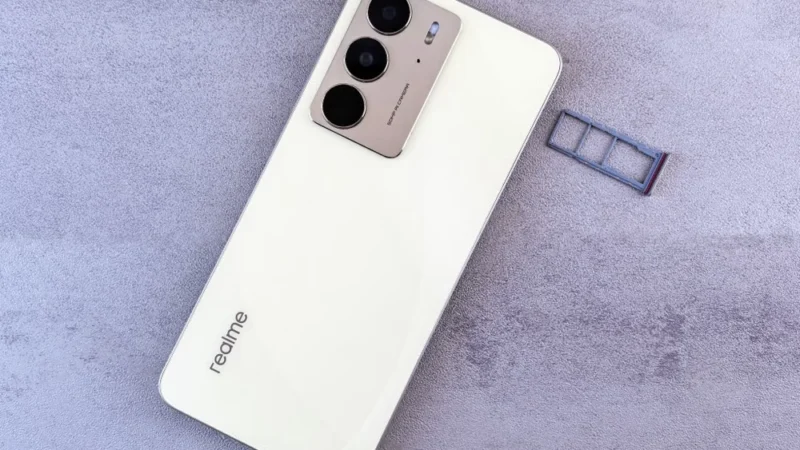
Getting a new SIM card in the UAE is a straightforward process, but every number must be registered against valid identification before it can be activated.
 GDGTME Team