
SteelSeries Apex Pro TKL Gen 3 Review
We review the SteelSeries Apex Pro TKL Gen 3, featuring OmniPoint 3.0 Hall Effect switches, adjustable actuation, Rapid Trigger, OLED display and RGB lighting.
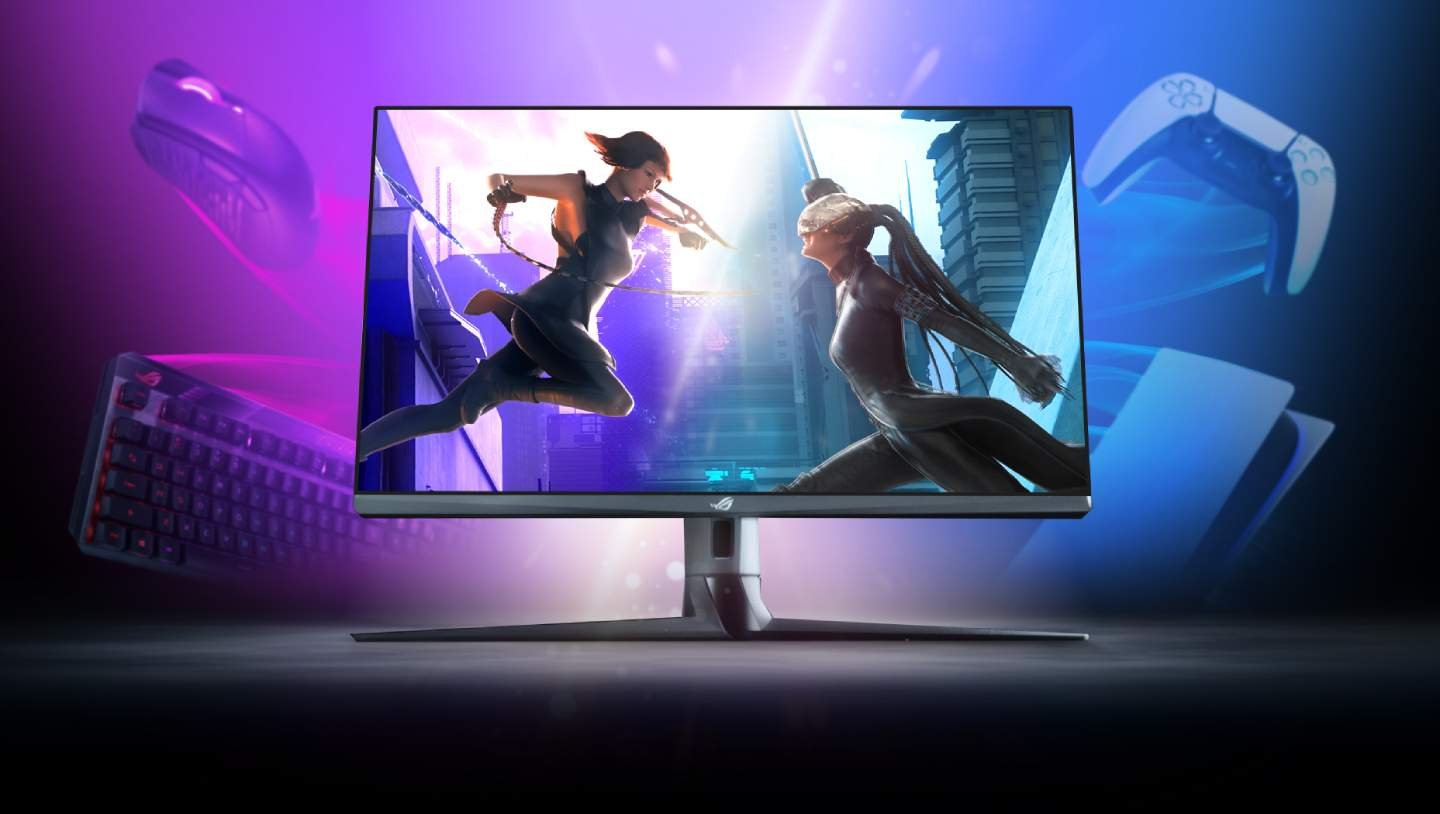
The ROG Strix XG32UQ is a 32-inch 4K UHD IPS gaming monitor, optimized for a smooth 160Hz gaming experience. It features HDMI 2.1 for 4K 120Hz visuals on the latest consoles and supports both NVIDIA G-SYNC and AMD FreeSync for PC gaming. With a peak brightness of 600 nits, 96% DCI-P3 coverage, and 1ms GTG response time, this monitor delivers clear and vibrant visuals with minimal motion blur.
| Size | 32 inches |
| Features | TÜV Flicker-free TÜV Low Blue Light VESA AdaptiveSync Display 144Hz VESA DisplayHDR 600 AMD FreeSync Premium Pro G-SYNC Compatible |
| Connectivity | 1x DisplayPort 1.4 DSC 2x HDMI (v2.1) 2x USB 3.2 Gen 1 Type-A 1x USB Type-B port 1x Earphone jack |
| Resolution | 3840×2160 |
| Panel Type | IPS |
| HDR | HDR10 DisplayHDR 600 |
| Backlight Technology | LED backlight |
| Brightness | 600 nits |
| Native Contrast | 1,000,000:1 |
| Max Refresh Rate | 160Hz |
| Response Time | 1ms (GTG) |
| Display Colors | 1.07 billion colors |
| Color Gamut | 96% DCI-P3 130% sRGB |
| Built-in Speaker | None |
| Ergonomics | Tilt: Yes (+20° ~ -5°) Swivel: Yes (+20° ~ -20°) Height Adjustment: 0~80mm VESA Wall Mounting: 100x100mm |
Read the full specifications here.
The ASUS ROG Strix XG32UQ comes packaged in a sleek black box with the ROG branding prominently displayed. The front of the box features a large image of the monitor, while the sides and back list the monitor’s specifications and features. The packaging is sturdy and complements the aesthetic of the monitor.
Inside the box, the monitor and all included accessories are carefully protected by foam padding. Each component and accessory is placed in designated pockets within the foam, ensuring they are secure during transit. The package includes the monitor itself, along with the following items:
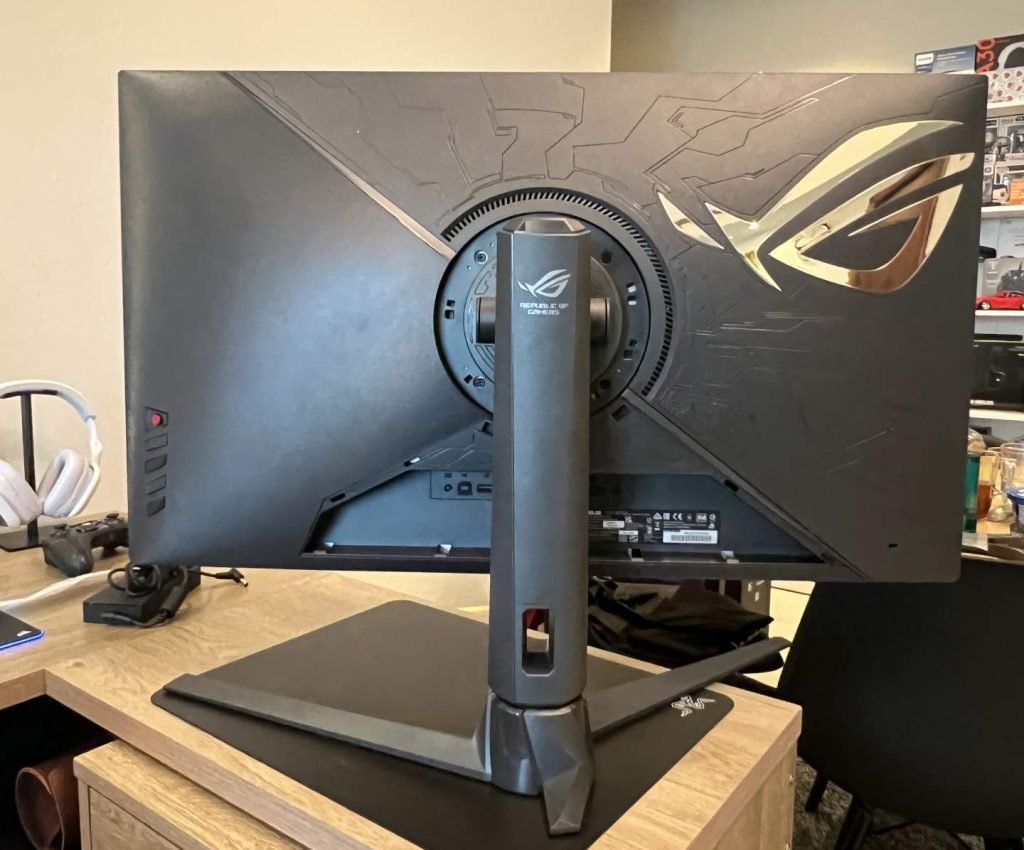
The ROG Strix XG32UQ has a premium finish and build quality. The stand feels durable and study to support the weight of this massive 32-inch display and provide smooth movement. This is quite a hefty monitor weighing 10kgs with the stand in place, so you’d need quite a large desk to place this on.
The monitor comes in a black color with silver metallic accents on the back representing the ROG logo. Overall, it has a elegant look and the angular cut base makes it look modern. For wall or other types of mounting, the display is also compatible with the VESA mount. A ¼ inch tripod socket on the monitor stand allows users to mount a camera or additional display for a unique gaming or streaming setup.
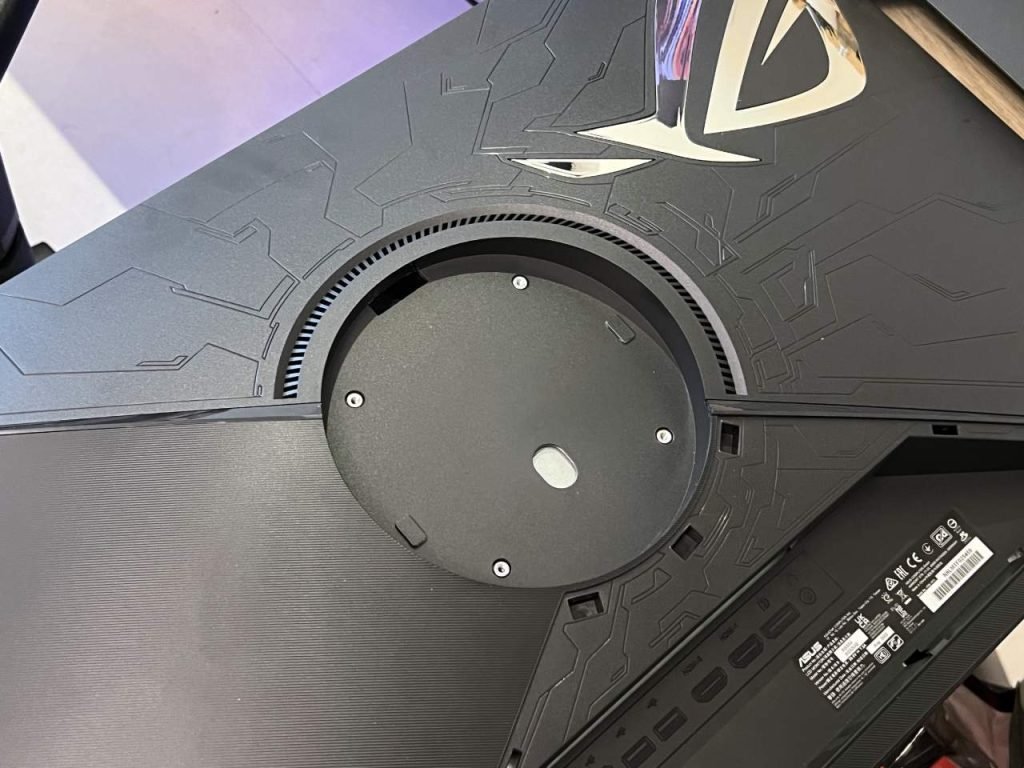
The ROG Strix XG32UQ has narrow 3-sided bezels so it looks even bigger when you are facing it. All the ports are located at the back and all the cables can be hidden using the included plastic I/O cover. Once the monitor is attached to the base, it can tilt from 5˚ – 20˚ and swivel 20˚ each side. The height can be adjusted via a slide system up to 80 mm. There is no pivot function.
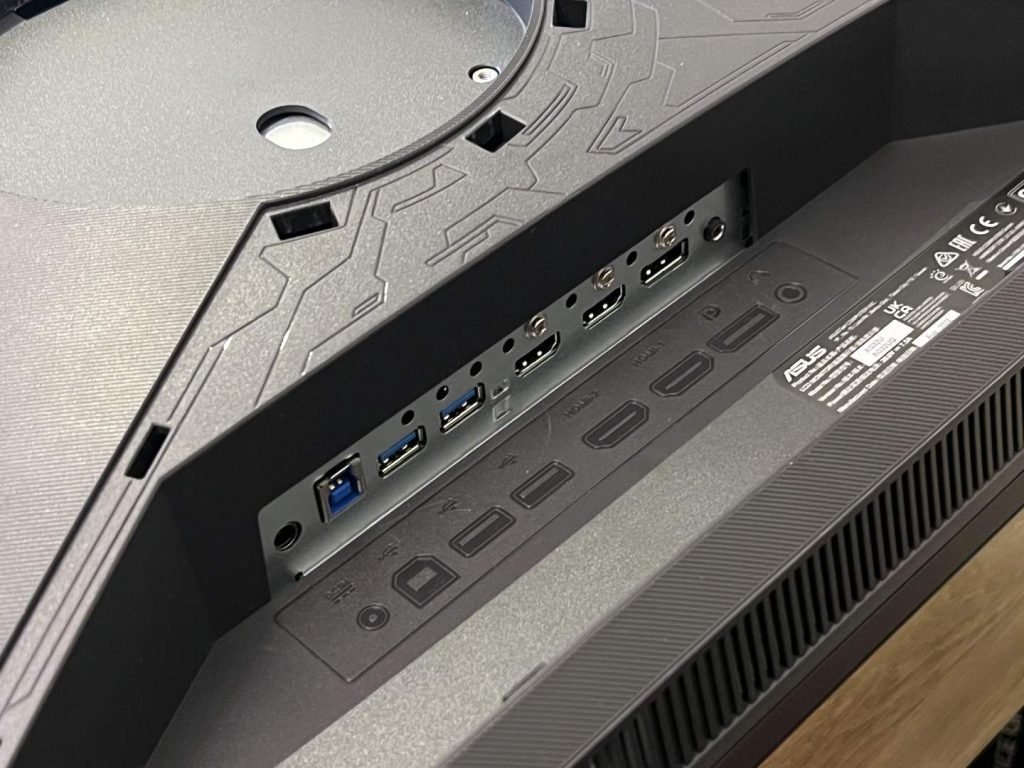
In terms of connectivity, there are 1x DisplayPort 1.4, 2x HDMI 2.1, 2x USB 3.2 Gen 1 Type-A and 1x USB Type B ports. There is a 3.5 mm jack connection for headphones. All of these ports are located on the rear I/O panel, which makes them hard to access. Sadly, the monitor does not have any USB-C or DP out connectivity.
The OSD menu is controlled via an analog button and a 5-way joystick. The other buttons include a back button, another one to quickly switch between the video inputs, an OC button and a power button. These buttons are located under the screen on the right and are easy to reach. The initial OSD menu allows you to quickly adjust the settings and a detailed main menu can be opened.
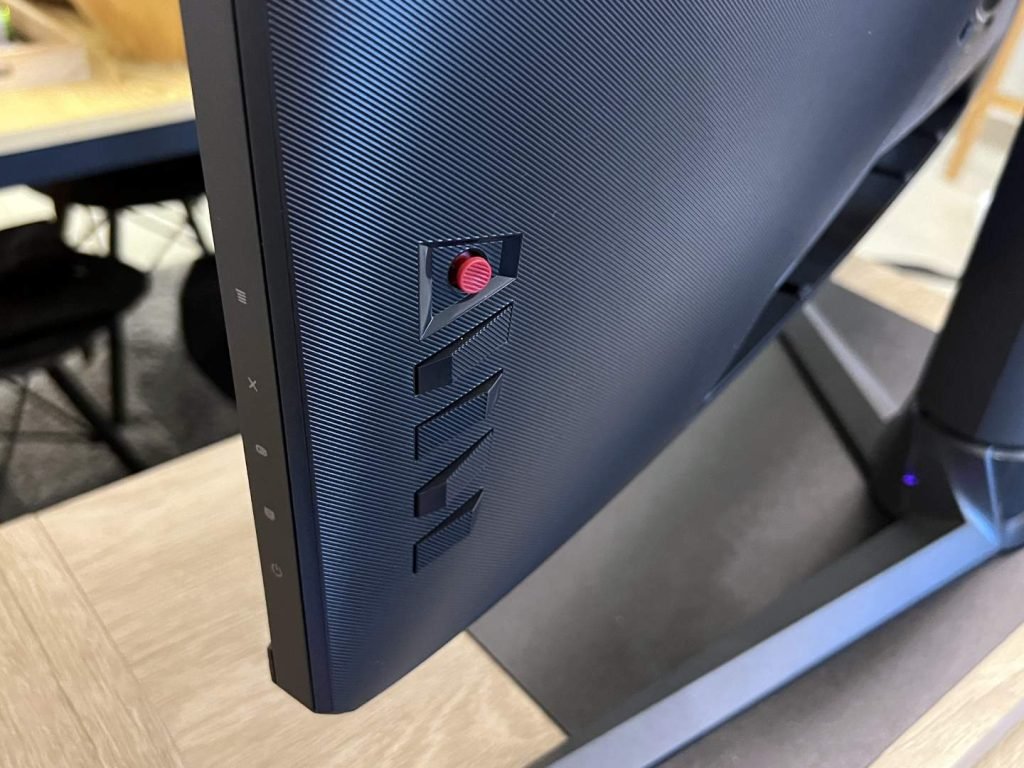
The monitor can also automatically adjust the screen brightness via a sensor located on the lower frame and is activated via the OSD menu. Brightness Intelligence detects the light around you and adjusts brightness and color temperature for longer, more comfortable viewing. The ROG Strix XG32UQ also includes different blue light filters. Overall, the OSD menu offers plenty of configuration options, and the 5-way joystick is convenient to navigate with.
The ROG Strix XG32UQ supports AMD FreeSync and NVIDIA G-SYNC with a variable refresh rate up to 160FPS, eliminating screen tearing and stuttering when used with a compatible graphics card.
The ROG Strix XG32UQ comes with a contrast ratio of 1,000,000:1, 600 nits brightness, and horizontal and vertical viewing angles of 178 degrees. The display sports a reaction time of 1ms (GTG) and a high refresh rate of 160Hz.
With HDR, 1,000,000:1 contrast ratio and 96% DCI-P3 gamut, color reproduction and image quality are great for gaming, watching videos and general use. The brightness is good enough for most conditions at 300 cd/m2 output and a 600 cd/m2 peak in HDR mode. The UHD resolution with 160Hz refresh rate lets you enjoy fast-paced gaming with HDMI 2.1 supporting native 4K 120 Hz gaming on PlayStation 5 and Xbox Series X.
The ROG Strix XG32UQ monitor features software-emulated HDR, which analyzes and adjusts images to enhance their appearance. However, it should be noted that this monitor does not offer true HDR performance, as the HDR effect is software-emulated rather than through the display’s hardware capabilities. The monitor adds a virtual HDR visual effect to your content.
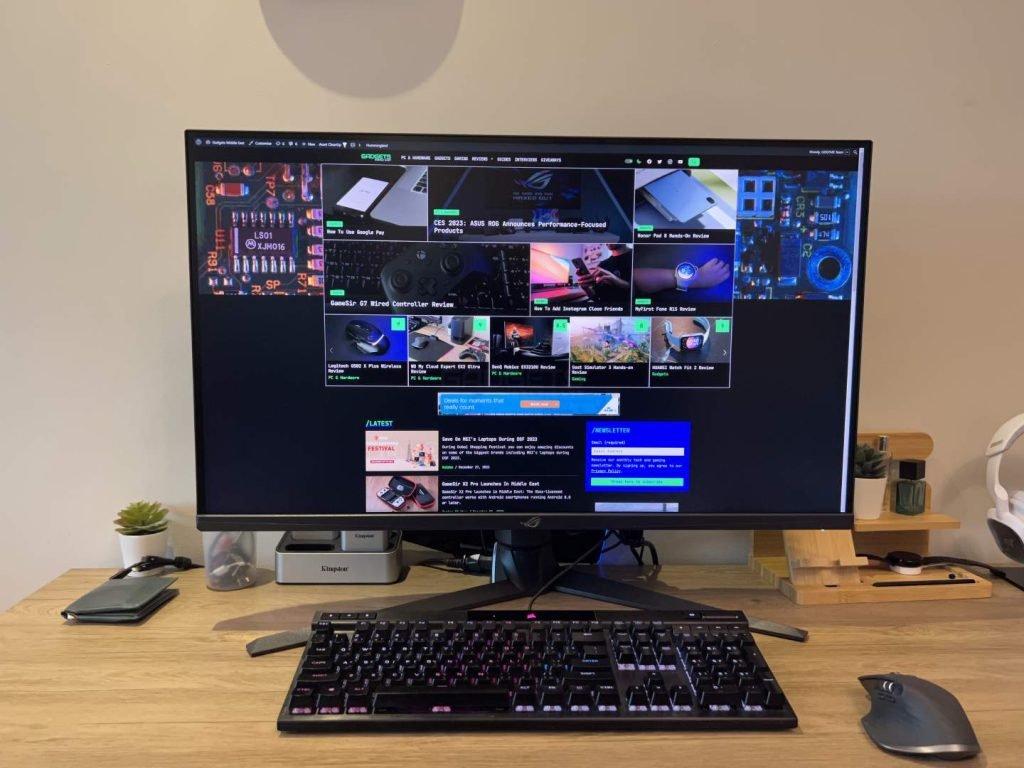
In addition to its standard features, the ROG Strix XG32UQ also includes several proprietary technologies developed by ASUS. These include:
The ROG Strix XG32UQ is a UHD 4K gaming monitor offering high refresh rate of 160Hz and 1ms response time, making it perfect for next-gen gaming on the big screen as well as entertainment and causal use. The monitor also features a built-in HDMI 2.1 ports, HDR and Motion Blur Reduction, which ensures that you get the best image quality in your games. Additionally, the monitor has Eye Care features that reduce the strain on your eyes, making it comfortable to use for long periods of time.
The monitor also boasts a futuristic design, cable management and built-in microphone, which makes it easy to use and helps keep your desk clutter-free.
Some of the downsides are that there is no USB-C connectivity or built-in speakers and the HDR is emulated.

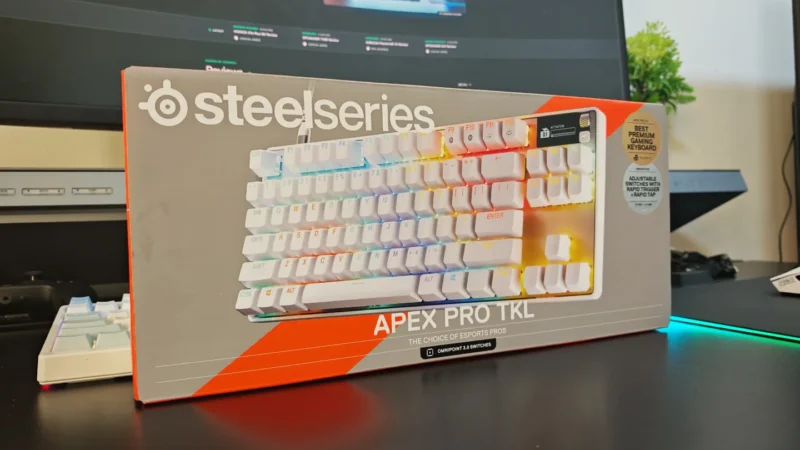
We review the SteelSeries Apex Pro TKL Gen 3, featuring OmniPoint 3.0 Hall Effect switches, adjustable actuation, Rapid Trigger, OLED display and RGB lighting.
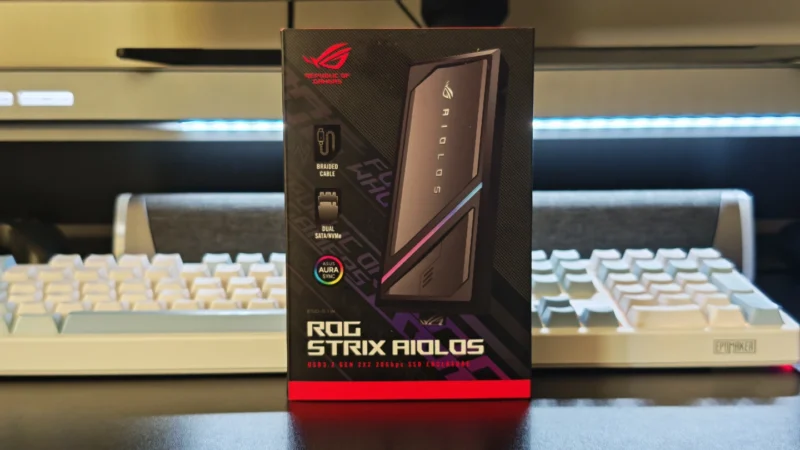
Our ASUS ROG Strix Aiolos review examines its 20Gbps USB 3.2 Gen 2×2 performance, design, cooling, tool-free installation, RGB lighting and value.
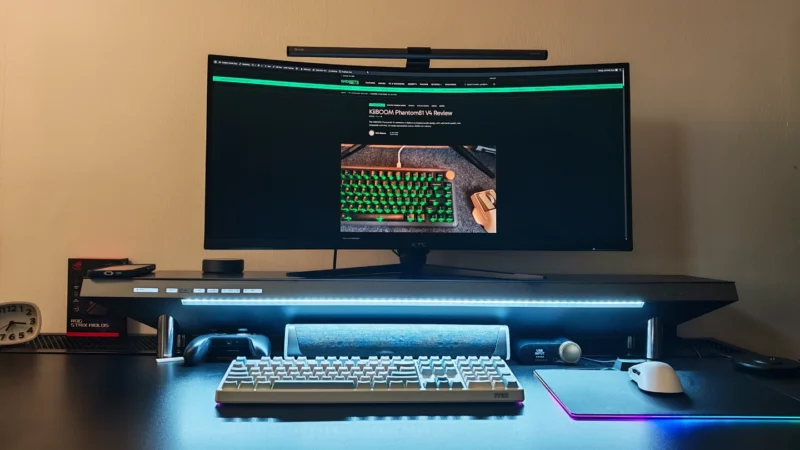
Our Hexcal Studio review examines its premium build, cable management, eight AC outlets, USB connectivity, wireless charging and integrated task lighting.
 Joshua James