
Redragon K1NG M916 ULT Review
Redragon K1NG M916 ULT review: We test the lightweight 8K gaming mouse with a PAW3950 sensor, 30,000 DPI, tri-mode connectivity and five programmable buttons
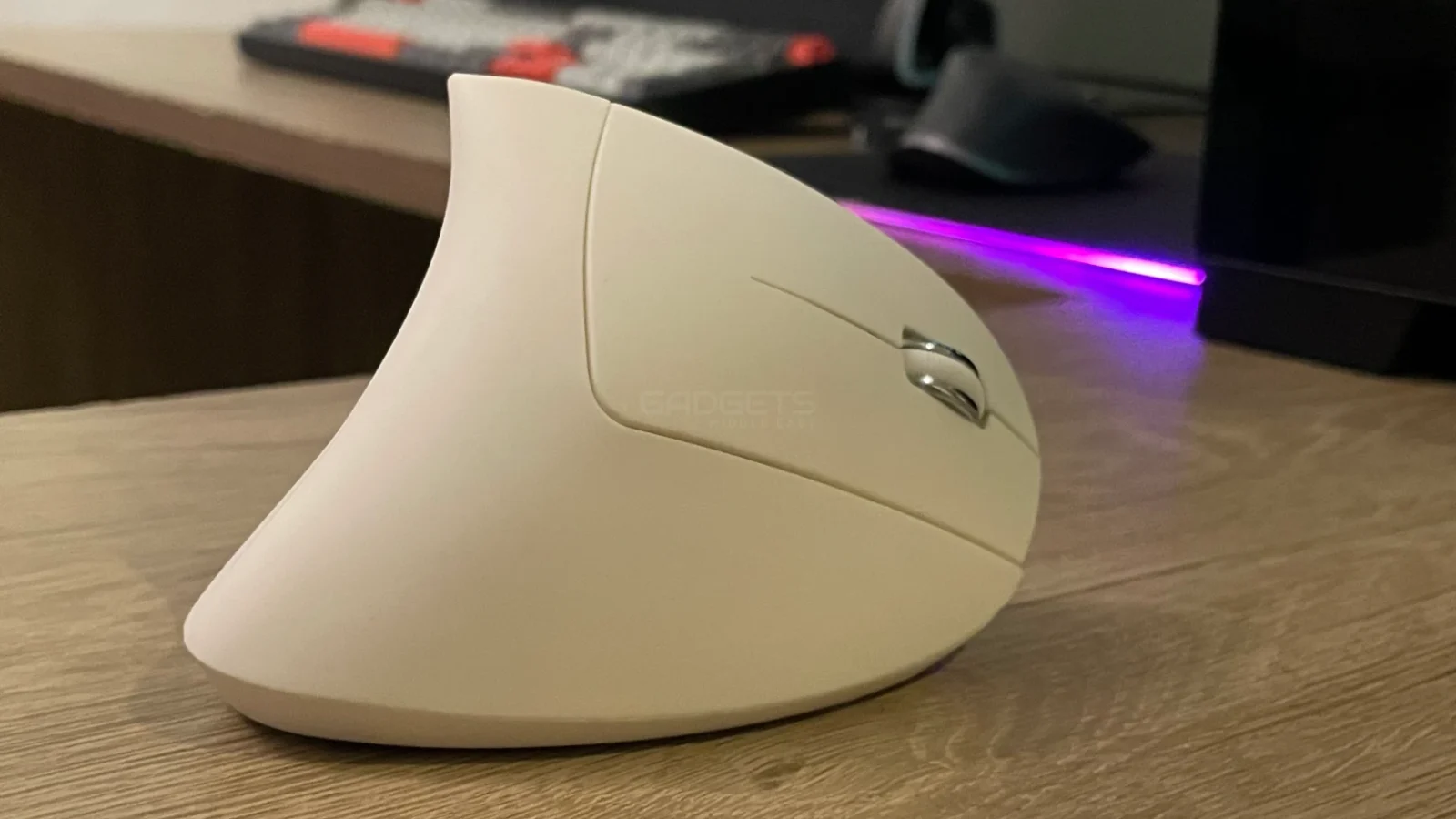
The Clevisco Wireless Ergonomic Mouse is a vertical ergonomic mouse built for comfort, ease of use and productivity. The wireless mouse is affordable at 42 AED ($11.44) comes with decent features and durable battery life.
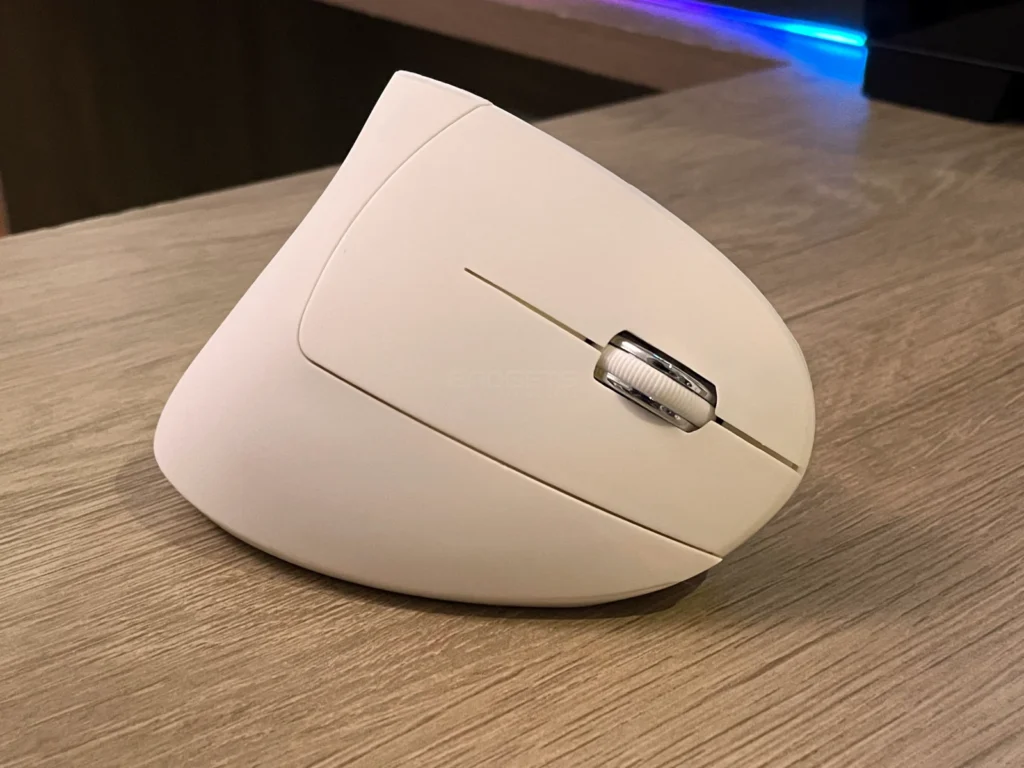
In terms of performance, the mouse offers a 1,600 DPI sensor. For connectivity, it uses 2.4Gz wireless dongle that allows pairing with a laptop or computer. The Mouse features a comfortable ergonomic shape and is designed to keep your hands in a neutral position. It comes with four PTFE glide pads to support smooth movements during multitasking.
Highlights
The packaging comes in a plain cardboard box. The box is of average quality without any images or descriptions. The packaging includes:
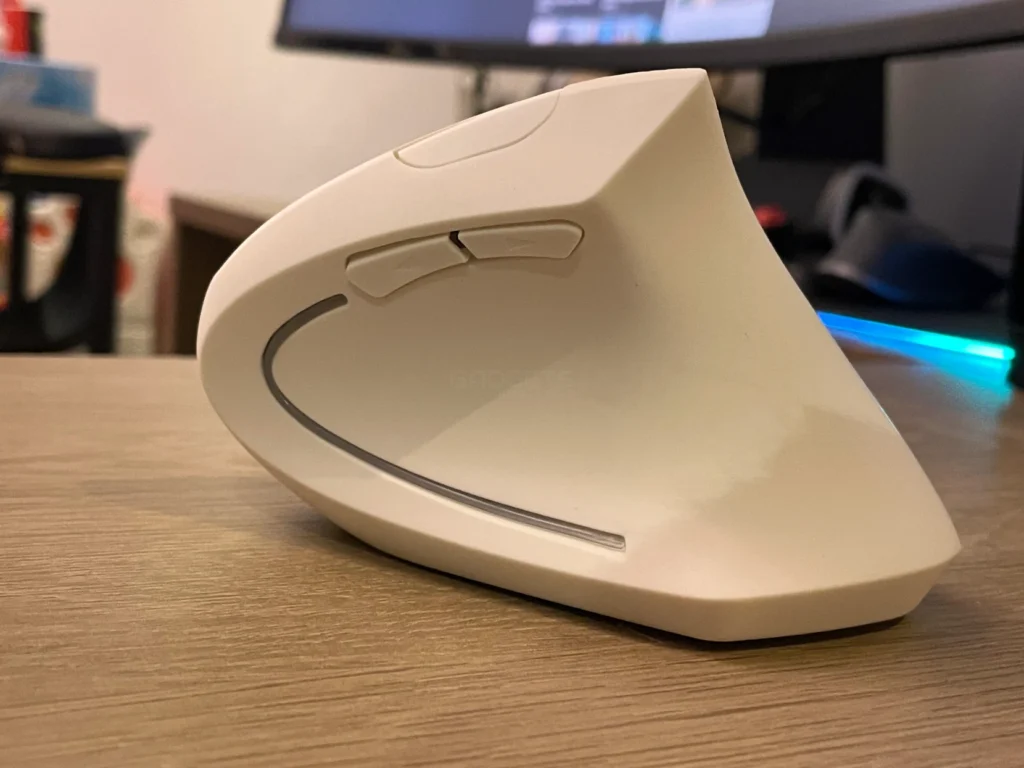
The Clevisco Wireless Ergonomic Mouse comes a single white color option and has a matte-textured finish. The entire mouse is made of plastic and designed for right-handed users.
Being a vertical ergonomic mouse, the Clevisco Wireless Ergonomic Mouse has an unusual design and button placement that may feel odd at first. But with its easy-to-reach buttons, the mouse is comfortable to use. The mouse puts less pressure on your wrist and places your arm and upper body in a more natural posture.
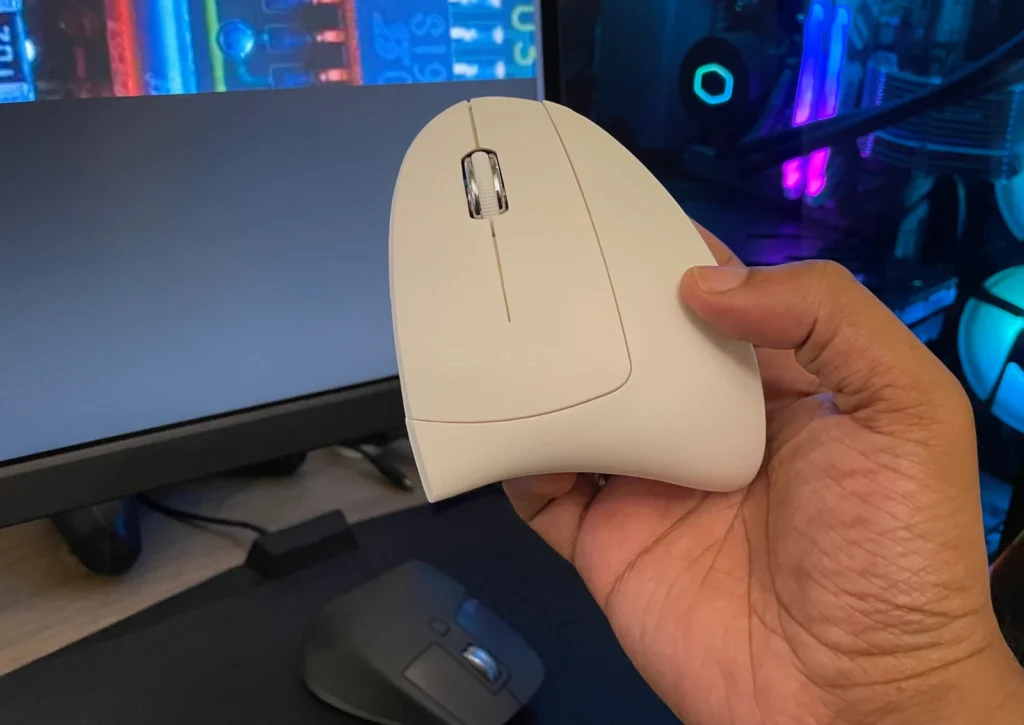
There are a total of five buttons on the mouse. At the top are left and right click buttons which we found to be a little loud but precise. Located here is the scroll wheel. The scroll wheel itself is clickable. On top of the mouse is the third button that can be used to switch DPI on the fly. The fourth and fifth buttons are on the left side of mouse for forward and backward functions. Also located here is an LED strip for ambient lighting.
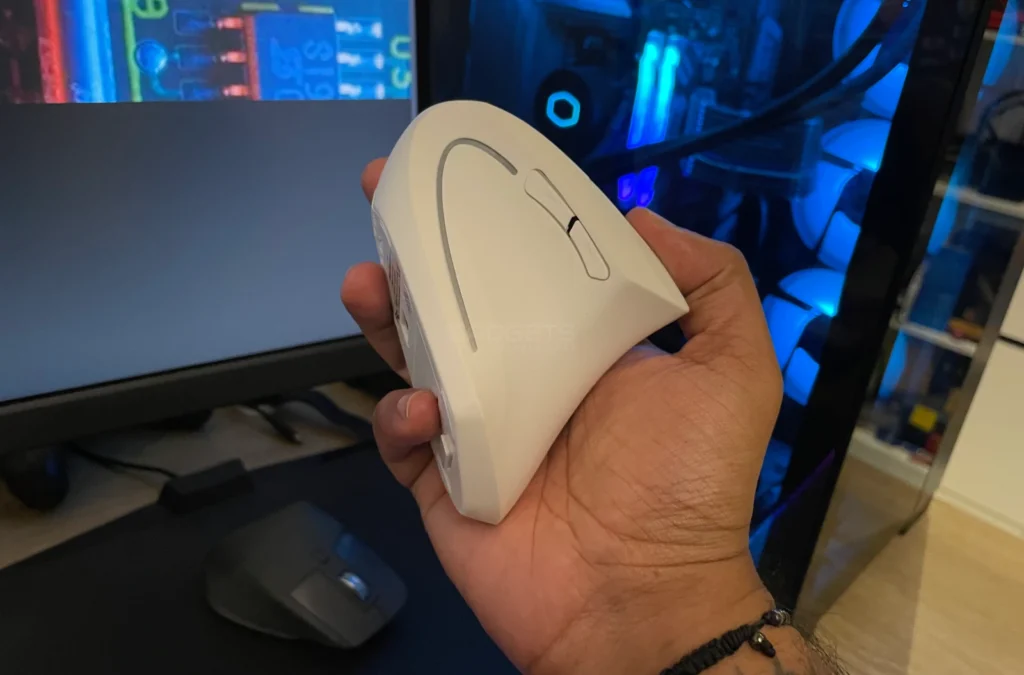
At the base is a toggle to switch turn the mouse on or off. The battery and dongle compartments are located at the base as well, the dongle can feel demanding to remove and store. Finally, there are four PTFE to help with smooth, gliding movement.
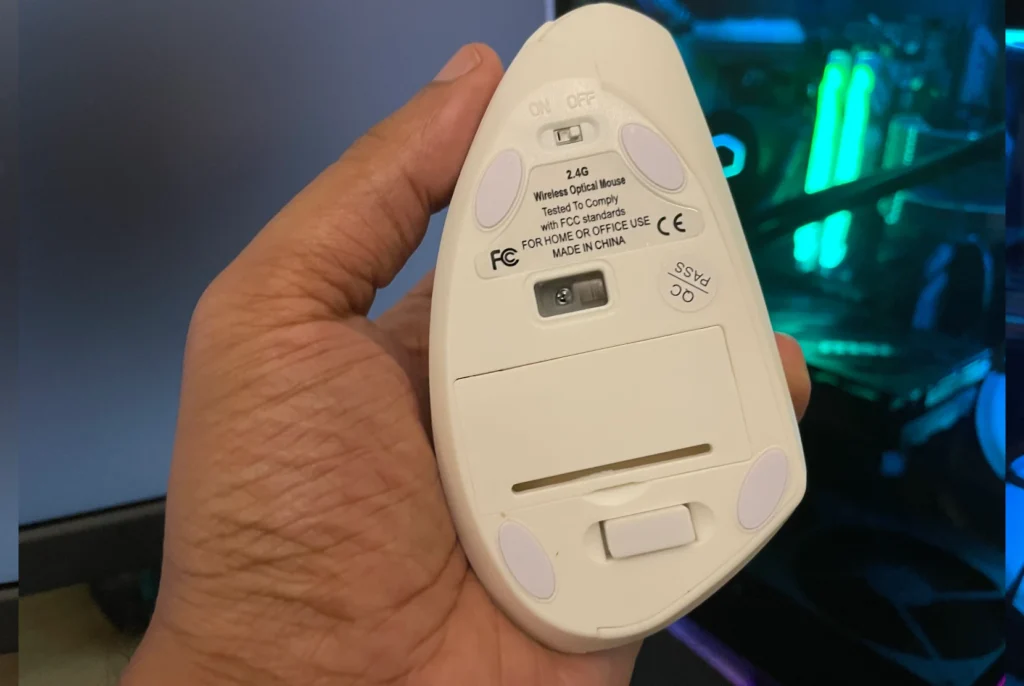
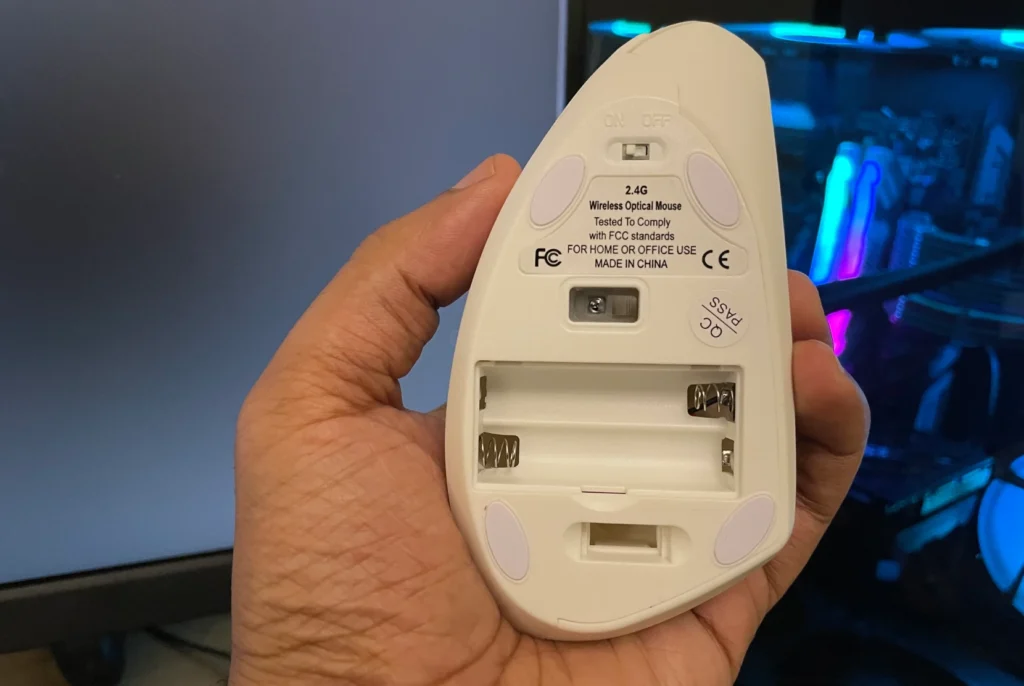
Overall, the construction is average but the mouse feels comfortable to use and glides smoothly.
The Clevisco Wireless Ergonomic Mouse transmits data via a USB dongle that can be connected directly to the PC. There’s no charging port here, the mouse uses two AAA batteries for power.
The Clevisco Wireless Ergonomic Mouse comes with 1,600 DPI sensor and offers sensitivity adjustment options using the top button.
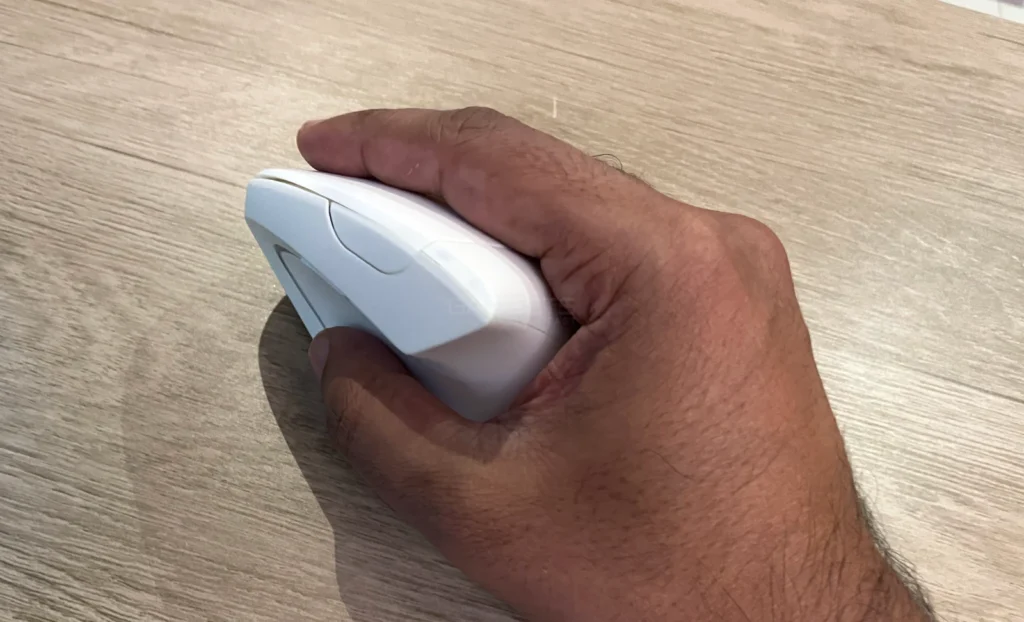
The mouse supports a 10 to 15-ft wireless range. The main buttons click well and feel light although a little loud. The side buttons, are easily accessible and the matte surface offers a good feel of the mouse, although there are no rubberized grips to rest your palm.
In our everyday test, the mouse well and with good overall impressions. However, the layout makes it harder to accurately control the mouse’s sensor initially and getting used to vertical orientation can take some time. The scroll wheel is smooth and comfortable to use.
In terms of battery life, the mouse uses 2x AAA batteries and there is no official rating from the company. While we couldn’t test it fully, the mouse was fully functional for about a week we used it.
The Clevisco Wireless Ergonomic Mouse is an affordable ergonomic, vertical mouse built for comfort and to reduce strain on the wrist. It offers decent battery life and wireless connectivity.
The mouse also has a storage compartment for the dongle to store it securely. If you are looking to upgrade to an ergonomic wireless mouse, this is a good recommendation to start with to see if you can adjust to the new orientation before buying a more expensive product.
The downsides are that it takes time getting used to; there is no dedicated software, it lacks onboard memory, so you can’t store your custom settings and it’s a bit bulky to fit into cases or laptop bags.


Redragon K1NG M916 ULT review: We test the lightweight 8K gaming mouse with a PAW3950 sensor, 30,000 DPI, tri-mode connectivity and five programmable buttons

We review the SteelSeries Apex Pro TKL Gen 3, featuring OmniPoint 3.0 Hall Effect switches, adjustable actuation, Rapid Trigger, OLED display and RGB lighting.
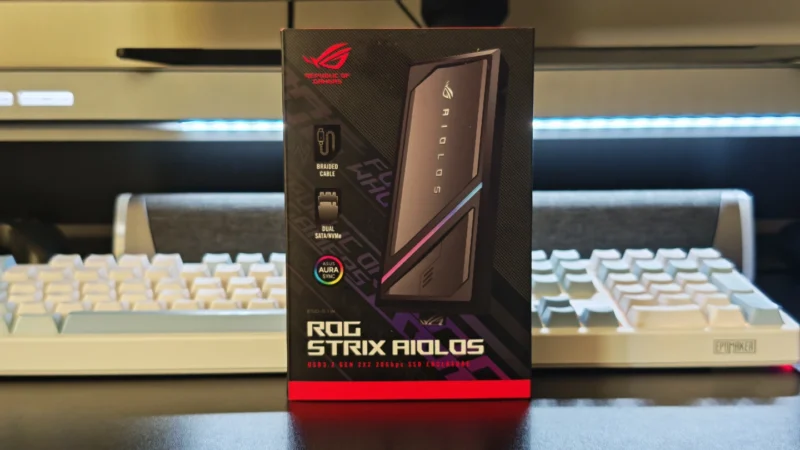
Our ASUS ROG Strix Aiolos review examines its 20Gbps USB 3.2 Gen 2×2 performance, design, cooling, tool-free installation, RGB lighting and value.
 Joshua James