
Wokyis M5 Review: A Retro Mac Mini Dock with a Built-In 5-Inch Display
Read our Wokyis M5 review covering its retro design, 5-inch display, 10Gbps connectivity, NVMe storage expansion and everyday performance.
The BenQ Screenbar Plus works better than a desk lamp - lighting is even, bright and performs well under any condition without any screen glare.

The BenQ Screenbar Plus is a lightbar built for computer monitors to relieve eye strain. It comes with a clamp designed to work with most monitor sizes. Lighting is adjustable via the included controller that also features auto dimming with built-in ambient light sensor.

| Light Source | Dual Color LED |
| Illuminance | Center Illuminance 930lux (Height 45cm) |
| Color Temperature | 2700K ~ 6500K |
| Lighting Coverage (At 500 Lux) | 60cm x 30cm |
| Materials | Aluminum alloy, PC / ABS |
| Power Input | 5V,1A USB Port |
| Power Consumption | 5W (Max.) |
| Power Supply | USB |
| Dimensions | Lamp : 45 x 9 x 9.2 (H x W x D cm) Controller : 7.4 x 7.4 x 3.2 (H x W x D cm) |
| Net Weight | 0.68 kg |
| Gross Weight | 1.33 kg |
| USB Cable Length | 1.5m |
| Monitor Compatibility (thickness) | 0.4”- 1.2” (1.01cm – 3.05cm) |
Read the full specifications here.
The BenQ Screenbar Plus comes in a white cardboard packaging. Included are:

The screenbar and comes in a textured matte-grey finish, although BenQ calls it silver. It has a premium aluminum finishing and construction and feels sturdy. There are two sets of LEDs within the panel. Assembly is simple, the screenbar needs to be attached to the clip. The clip itself is made of high-quality polymer and has a front clamp to attach to the monitor. At the other end is a counter-weight balance, eliminating the need for mounting hardware like tape or screws.

In terms of powering the device, there are two USB cables attached to the controller. One USB-C cable connects to the screenbar, while the second USB-A cable needs to be connected to a computer, phone charger or power bank. No other power supply is required.
Adjusting the screenbar lamp is done using the controller. The controller itself is compact and features a rotating dial, an ambient light sensor and two buttons. Turning the Screenbar Plus on or off is done by tapping the dial.
The button on the left is used for ambient light sensing and adjusting the brightness according to surrounding brightness. The second button on the right is used to toggle between brightness and color temperature. The dial can then be rotated to adjust each accordingly.


In terms of usage, the screenbar works very well. Color temperatures range between an orange 2700K to a bright white 6500K. Maximum brightness caps out at 930lux which works very well even in lit-conditions (although you won’t need to use the screenbar in bright environments). The lighting is even across the whole desk and even picks up dark spots.
The asymmetrical design prevents reflective glare off the screen and the screenbar itself can be rotated up to 20 degrees depending on where you need the light to be. The Screenbar Plus also remembers the last used brightness and color temperature, it turns back on with the last used settings.

The BenQ Screenbar Plus works great for late night working especially in a home-office setup, if price is no objection. It works better than a desk lamp – lighting is even, bright and performs well under any condition without any screen glare.

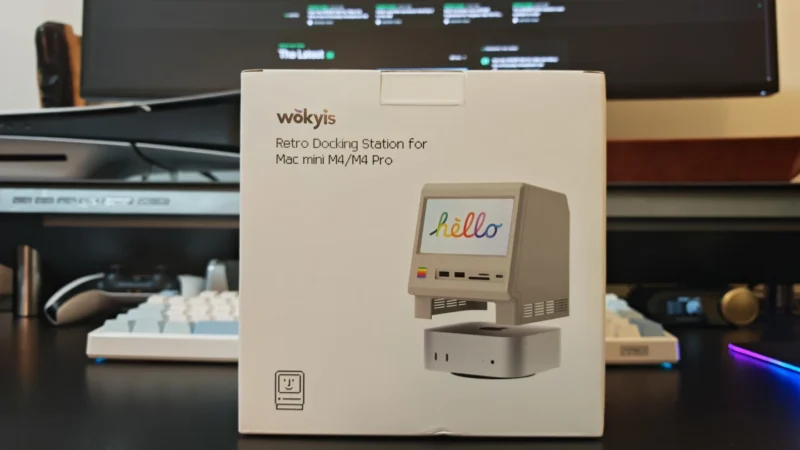
Read our Wokyis M5 review covering its retro design, 5-inch display, 10Gbps connectivity, NVMe storage expansion and everyday performance.
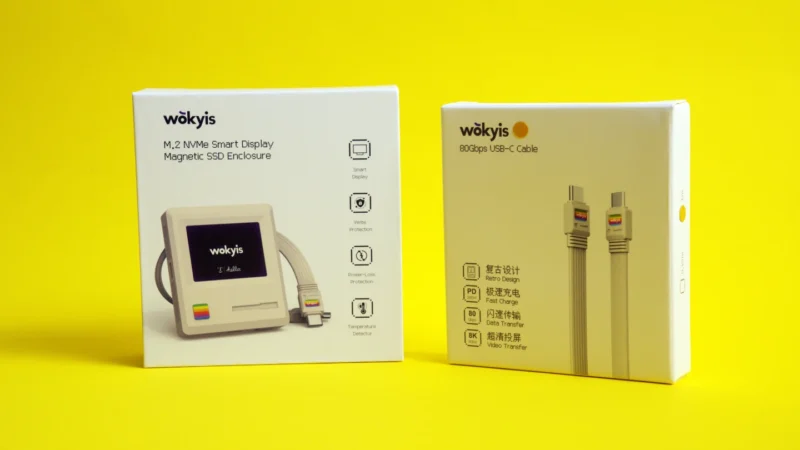
Our Wokyis A1 review explores this retro-inspired NVMe SSD enclosure, featuring a 2-inch LCD, magnetic attachment, 10Gbps connectivity and smartphone storage support.
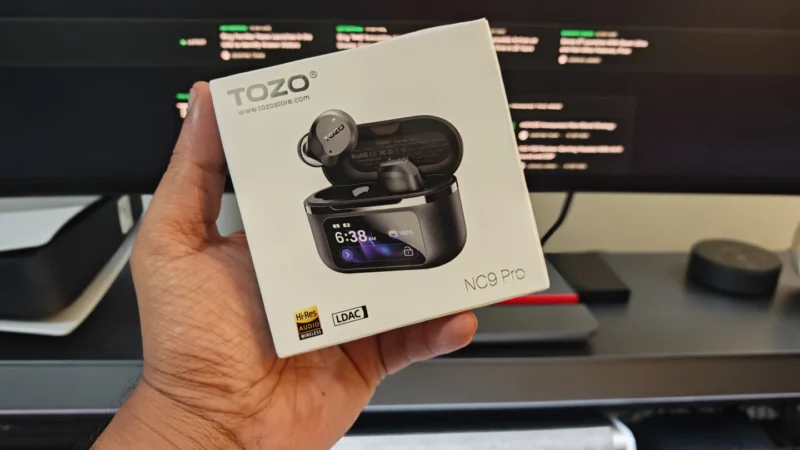
TOZO NC9 Pro review: We test its adaptive ANC, LDAC audio, touchscreen case, Bluetooth 6.0, sound quality, battery life and everyday performance.
 Joshua James