
How to Reduce Input Lag on a Gaming Monitor or PC
Reduce Input Lag on a Gaming Monitor: fixing it usually means working through your settings systematically rather than blaming any single piece of hardware.
To back up your iPhone completely, you can choose iCloud. There should be at least 2.05 times the size of the WhatsApp backup in free space in your iCloud account and iPhone to implement the feature.
What will you do if you lose your phone which has WhatsApp in it? You will fret, faint and maybe fall. Not only because you lost your dear phone but the mere thought of losing all your data will panic you. From sending a sweet good morning text to your lover to recording essential documents, WhatsApp is a coffer of intimate and individual information. Without further ado, let’s see how to back up your WhatsApp chats on Android and iPhone.
Is your phone Android? Then the big news is that your WhatsApp might have been preset to back up data to Google Drive even when you don’t notice it. The back up happens in the background at specific time intervals. On the contrary, if your Android hasn’t automatically defaulted to back up WhatsApp data to Google Drive, you have to set it up manually. Here is how you do it.
From the two options (WiFi and cellular network), click on Back up to choose what kind of network you prefer for the backups. Kindly note that backing up your files using a cellular network may result in additional data charges from your ISP.
It is indeed safe to back up WhatsApp data to Google Drive. The drawback of doing so is that your data will not be encrypted. This means you will not be able to locate the back up in your phone’s internal storage. Sometimes, these backup files are stored in the SD Card of your phone. If you want to manually backup your WhatsApp data to your Android phone’s internal storage, here is how to do it.
If you want to back up your iPhone completely, you can do it through iCloud. You can do this directly from WhatsApp on your iPhone, iPad or iPod Touch. Another prerequisite is that there should be at least 2.05 times the size of the WhatsApp backup in free space in both your iCloud account and on your iPhone to implement the feature. Here is the step-by-step guide on how to back up your WhatsApp data to iCloud.
On the “Chat Backup” page, you have some key options for your WhatsApp back up. These options help you decide on the frequency of back up, to include videos or not and to enable End-to-end Encrypted back up. By backing up WhatsApp through iCloud, you will be entitled to get a backup of all WhatsApp chats and media. The drawback is that you will not be able to view chats within the back up and choose which chats to back up. This will take a lion’s share of the iCloud account. You may have to pay if you want an upgrade.
For those whose iCloud storage is already full, you can choose backup with iTunes or Finder. The finder is recommended on macOS Catalina. Follow the steps to back up your WhatsApp messages with iTunes or Finder.
By backing up via iTunes or Finder, you will get a full device backup including all WhatsApp chats and media. The drawback is that you will not be able to view chats within the backup and choose which chats to back up.


Reduce Input Lag on a Gaming Monitor: fixing it usually means working through your settings systematically rather than blaming any single piece of hardware.

How to Fix Common Wi-Fi and Router Problems at Home: A slow or unreliable Wi-Fi connection does not necessarily mean that your router needs to be replaced.
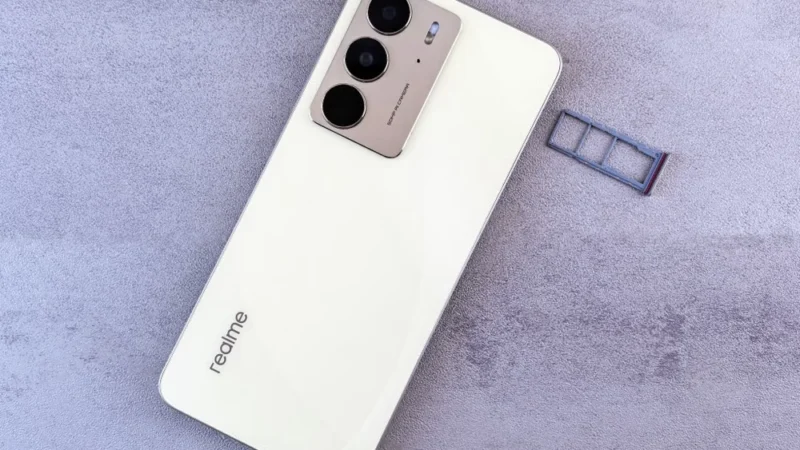
Getting a new SIM card in the UAE is a straightforward process, but every number must be registered against valid identification before it can be activated.
 GDGTME Team