
How to Reduce Input Lag on a Gaming Monitor or PC
Reduce Input Lag on a Gaming Monitor: fixing it usually means working through your settings systematically rather than blaming any single piece of hardware.
From casting videos and music to customizing backdrops and gaming, these 10 tips will help you unlock the full potential of your Chromecast.

Chromecast is a versatile streaming device that allows you to cast content from your smartphone, tablet, or computer to your TV. While it’s a popular choice for streaming movies and TV shows, there are many lesser-known features and tips that can enhance your Chromecast experience.
In this guide, we’ll explore 10 Chromecast tips that you need to know to make the most out of your streaming device.
Did you know that you can enable Guest Mode on your Chromecast? This feature allows your friends or family to cast content to your TV without connecting to your Wi-Fi network. Simply enable Guest Mode in the Google Home app and share the unique PIN with your guests for a seamless casting experience.
Take advantage of the screen mirroring feature to display your entire device screen on the TV. Whether it’s for showcasing presentations or sharing photos and videos with friends and family, screen mirroring offers a convenient way to extend your device’s display onto a larger screen.
Personalize your Chromecast’s backdrop with your favorite images, artwork, or news headlines. In the Google Home app, navigate to Backdrop settings and choose from a variety of options to create a customized slideshow for your TV’s screensaver.
Transform your TV into a gaming console with Chromecast. You can cast games from your smartphone or tablet to the TV, allowing you to enjoy multiplayer experiences with friends or immerse yourself in larger-than-life gaming on the big screen.
If you have a Google Home or any device with Google Assistant, you can control your Chromecast with voice commands. Simply link your Chromecast to your Google Assistant-enabled device and enjoy hands-free control over playback, volume, and content selection.
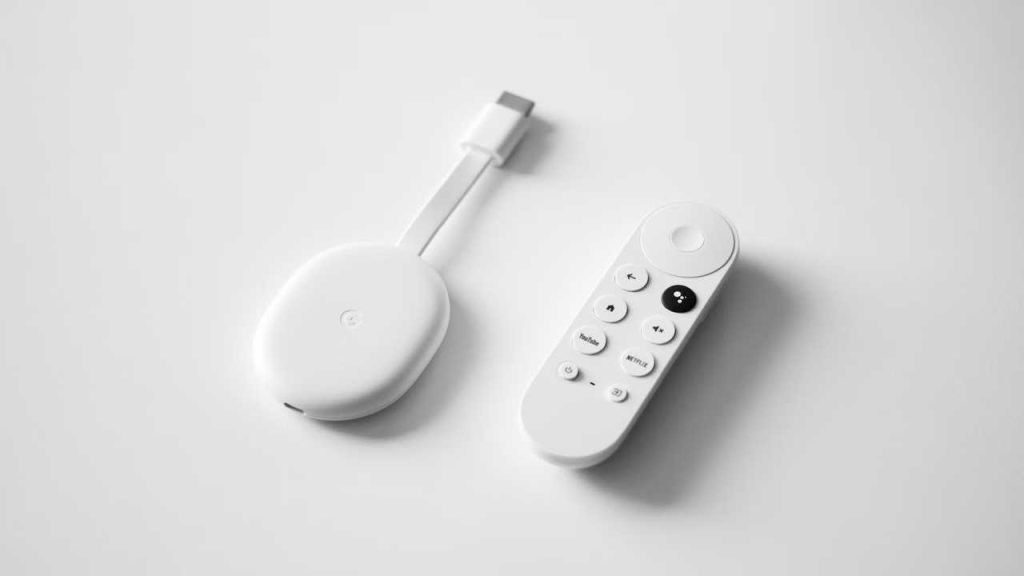
Chromecast can be a great tool to help manage screen time. Utilize the Scheduled Downtime feature in the Google Home app to set specific hours during which the Chromecast will automatically turn off or stop casting, encouraging a healthy balance between entertainment and downtime.
Explore the vast library of apps and services that support Chromecast. From popular streaming services like Netflix and YouTube to niche apps for music, sports, and lifestyle, you’ll find an array of content options to suit your interests. Keep an eye on the Google Play Store for new additions.
Similar to Guest Mode for casting video, you can also enable Guest Mode for casting music on your Chromecast. This allows guests to easily connect and stream their favorite tunes without needing to connect to your Wi-Fi network. It’s perfect for parties or gatherings.
If you own an older Chromecast device, rest assured that it is still compatible with the latest apps and features. Google ensures that backward compatibility is maintained, so even if you have an older model, you can still enjoy the latest streaming capabilities.
If you desire higher resolution and enhanced streaming capabilities, consider upgrading to Chromecast Ultra. This version supports 4K Ultra HD and HDR content, providing a superior viewing experience. With Chromecast Ultra, you can enjoy stunning visuals and vibrant colors on compatible TVs.
Chromecast is more than just a streaming device; it offers a range of features and functionalities that can elevate your entertainment experience. From casting videos and music to customizing backdrops and gaming, these 10 tips will help you unlock the full potential of your Chromecast. Experiment with these tips and discover new ways to make the most of your device.

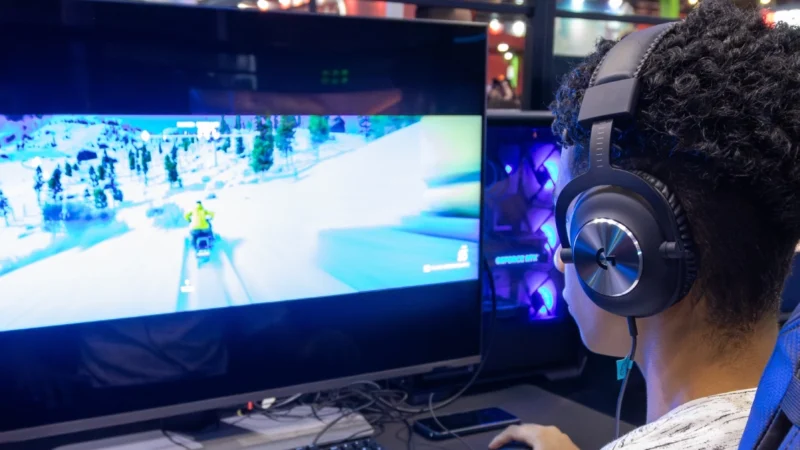
Reduce Input Lag on a Gaming Monitor: fixing it usually means working through your settings systematically rather than blaming any single piece of hardware.
How to Fix Common Wi-Fi and Router Problems at Home: A slow or unreliable Wi-Fi connection does not necessarily mean that your router needs to be replaced.
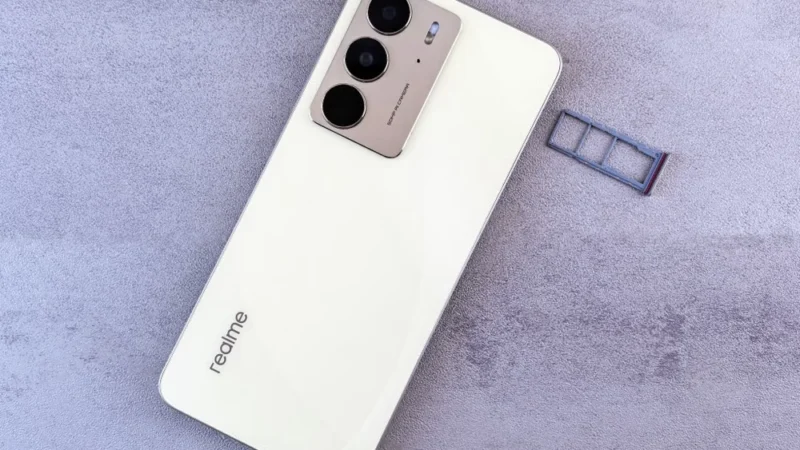
Getting a new SIM card in the UAE is a straightforward process, but every number must be registered against valid identification before it can be activated.
 GDGTME Team