
SteelSeries Apex Pro TKL Gen 3 Review
We review the SteelSeries Apex Pro TKL Gen 3, featuring OmniPoint 3.0 Hall Effect switches, adjustable actuation, Rapid Trigger, OLED display and RGB lighting.
The Corsair iCUE LINK H100i LCD impresses with its innovative design, modular features, and efficient performance.
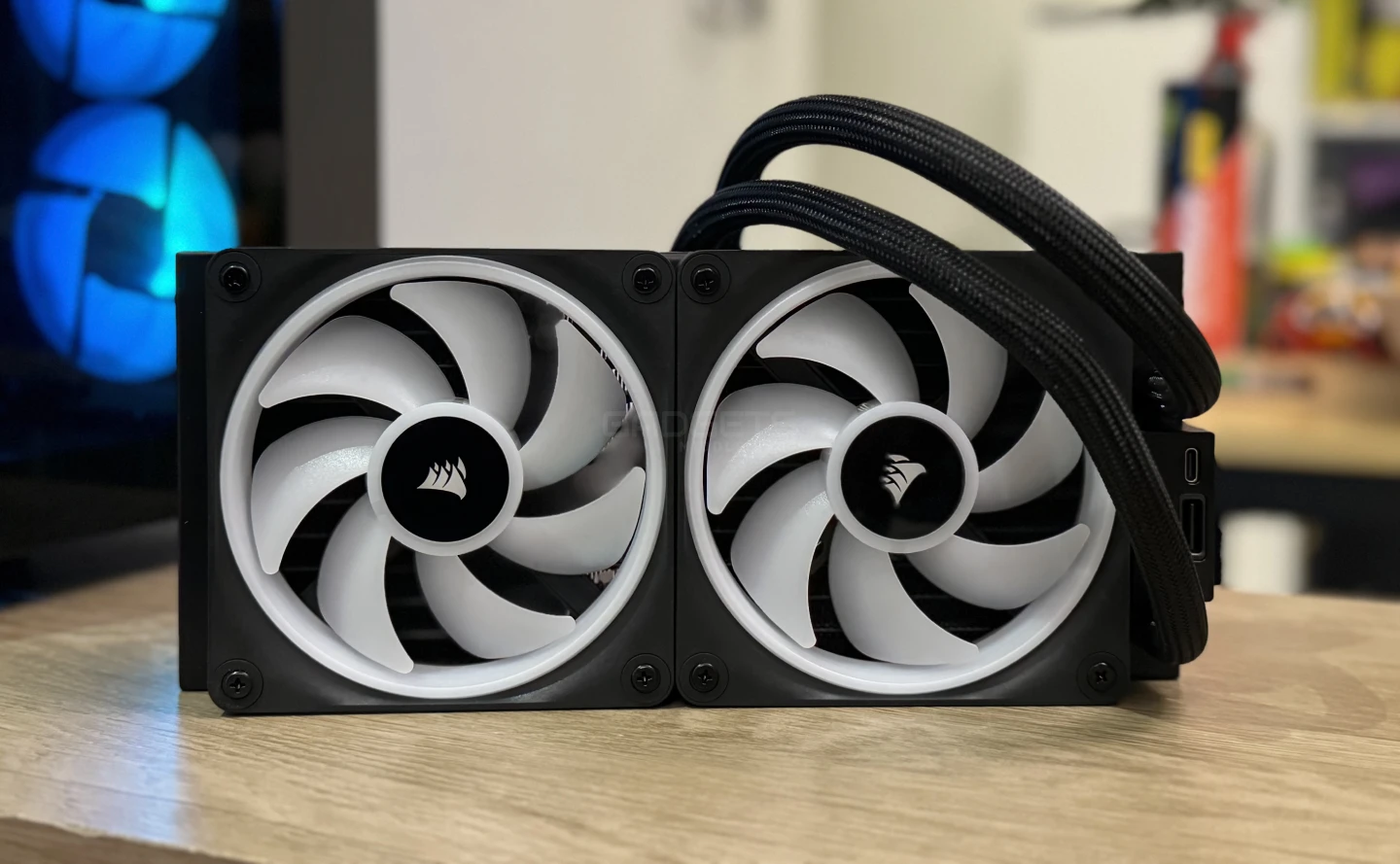
The Corsair iCUE LINK H100i LCD stands out as the flagship in the iCUE LINK LCD Series, a premium all-in-one cooler seamlessly integrated into Corsair’s single-cable ecosystem. Featuring a 2.1″ IPS LCD screen that’s fully customizable, along with the stylish CORSAIR QX RGB fans and discreet wiring, it brings both functionality and aesthetics to the forefront.
The series, consisting of the iCUE LINK H100i, H150i, and H170i LCD coolers, cater to various setups with radiator sizes of 240 mm, 360 mm, and 420 mm respectively. Installation is a breeze with pre-applied CORSAIR XTM70 thermal paste and tool-free mounting brackets, ensuring compatibility with popular motherboard sockets like Intel LGA 1700, 1200, 115X, and AMD Socket AM5 and AM4.
The single-cable technology of the iCUE LINK ecosystem streamlines the PC-building process. By connecting QX RGB fans in a direct sequence through the universal iCUE LINK connector, all routed to a single port on the iCUE LINK System Hub, it minimizes cable clutter for a cleaner and more manageable system.
The pump cap’s ultra-bright 480×480 LCD screen, a hallmark of every iCUE LINK LCD Series cooler, not only defines the aesthetic but also provides a canvas for personal expression, supporting a myriad of customizations, from esports logos to animated GIFs in 24-bit true color depth. Additionally, the design conceals cables from view, contributing to an immaculate and visually pleasing build.
Highlights:
| Lighting | RGB |
| Cooling Warranty | 6 Year |
| Radiator Dimensions | 277mm x 120mm x 27mm |
| Number of Fans | 2 |
| Cold Plate Material | Copper |
| Radiator Material | Aluminum |
| Fan Dimensions | 120mm x 25mm |
| Cooling Socket Support | Intel 1700, Intel 1200, Intel 1150, Intel 1151, Intel 1155, Intel 1156, AMD AM5, AMD AM4 |
| Fan Speed | 480 – 2400RPM ±10% |
| Fan Airflow | 16.44 – 63.1 CFM |
| Fan Static Pressure | 0.17 – 3.8mm-H2O |
| Radiator Size | 240mm |
| iCUE Software | Yes |
| Tubing Length | 400mm |
| Coldplate Dimensions | 56 x 56mm |
| Tubing Material | Black Sleeved Low-Permeation Rubber |
| Fan Control Method | Digital |
| AMD Processors Supported | Ryzen |
| Intel Processors Supported | Core i9, i7, i5, i3, Pentium, Celeron |
| PWM | No |
| Weight | 2.16 |
View full specifications here.
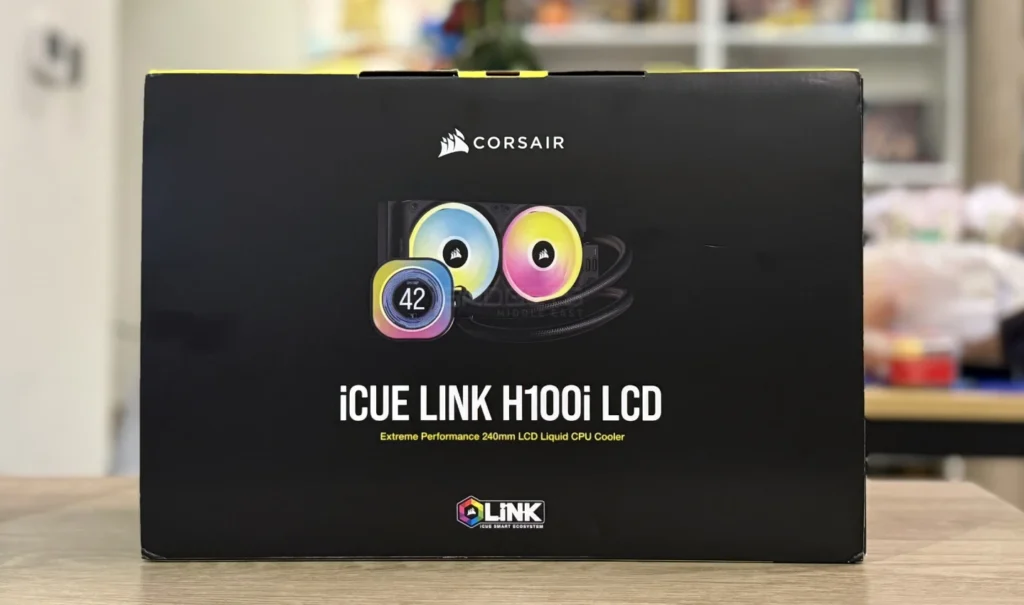
The Corsair iCUE LINK H100i LCD comes in a stylish yellow-black packaging with photos and specifications on the sides. The box is durable and the keyboard and accessories are well-= protected by cardboard and plastic. You have to download the Corsair iCUE software manually. The packaging includes the below:
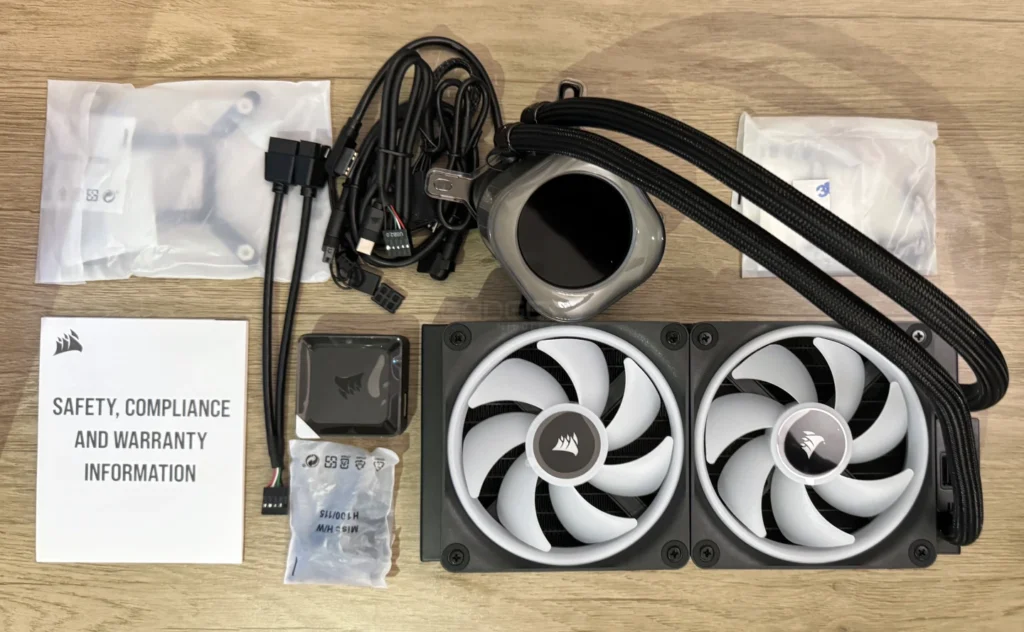
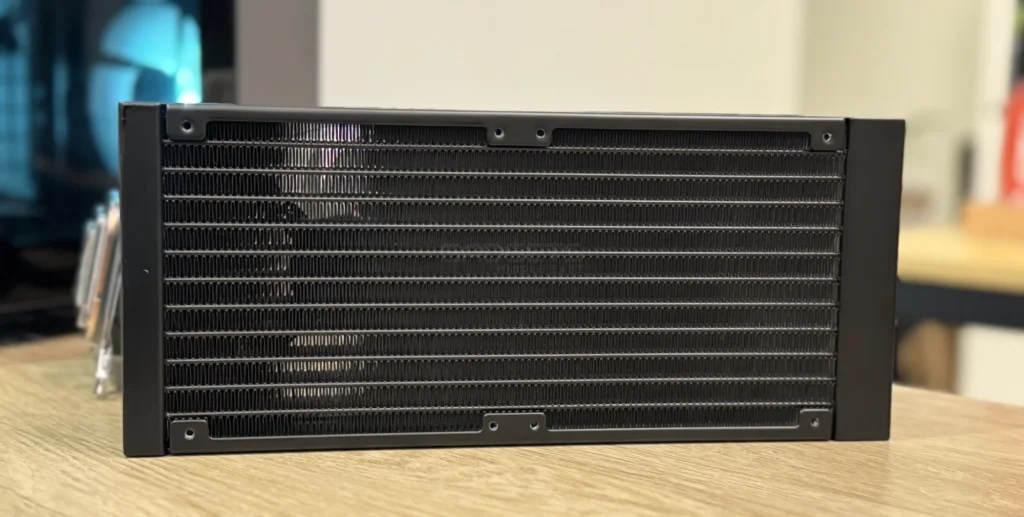
The Corsair iCUE LINK H100i LCD cooler stands out for its LCD screen in the water block and a modular design that eliminates fan cables, enhancing simplicity. Upon unboxing, the integrated liquid cooling is neatly assembled and well-protected. The 40 cm tubes from the water pump boast high-quality mesh, and the copper contact plate ensures efficient heat transfer.
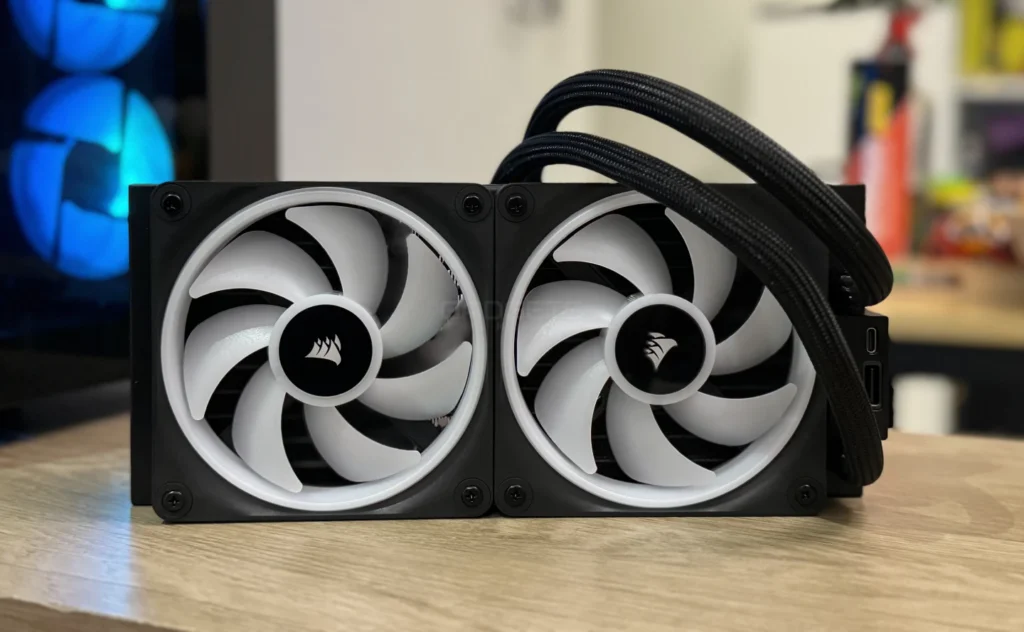
Noteworthy features include pre-applied Corsair XTM 70 thermal paste and two QX120 RGB fans with 34 LEDs each, reaching up to 2,400 RPM silently. The custom 2.1″ IPS LCD screen on the water pump offers a vivid 480×480 resolution, configurable with various system information and animated images. With 24 RGB LEDs encircling the screen and 20 on the pump base, the aesthetics are captivating, and hidden connections maintain a clean look.
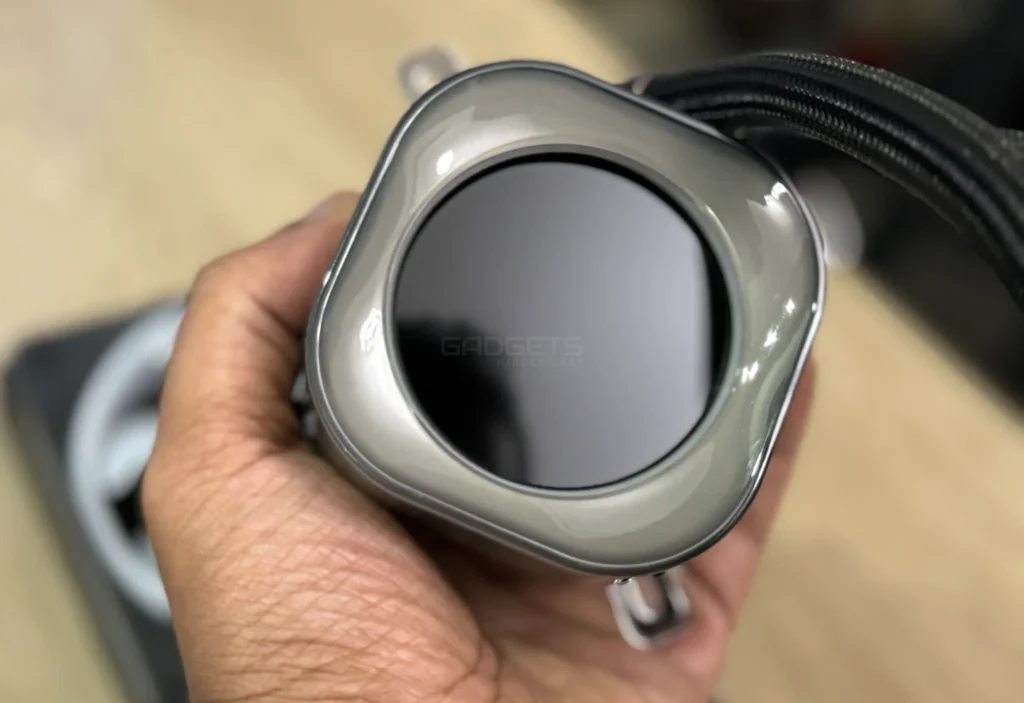
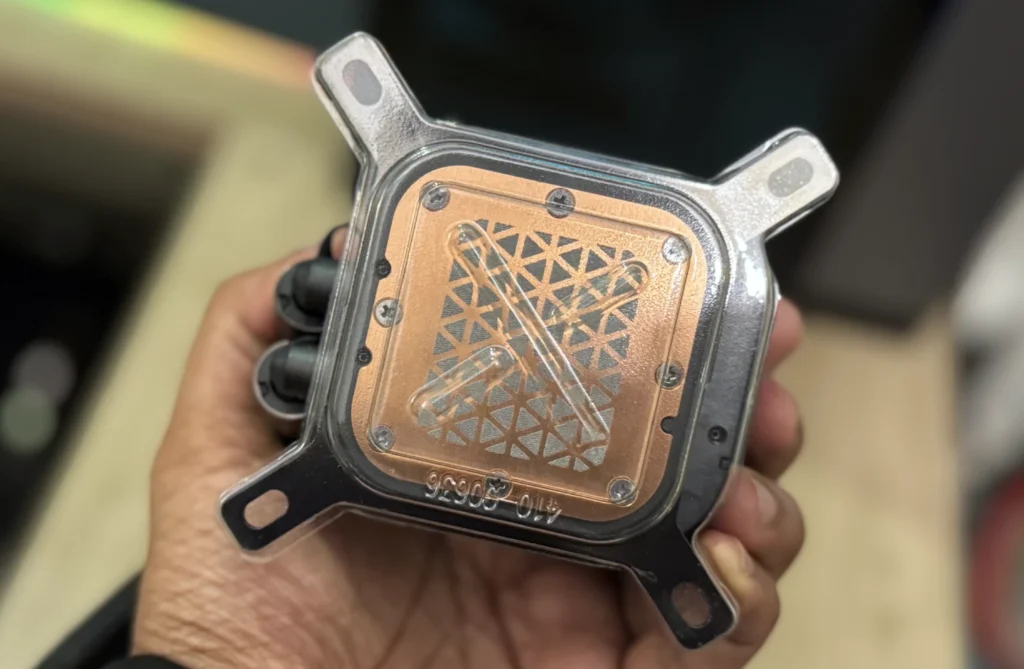
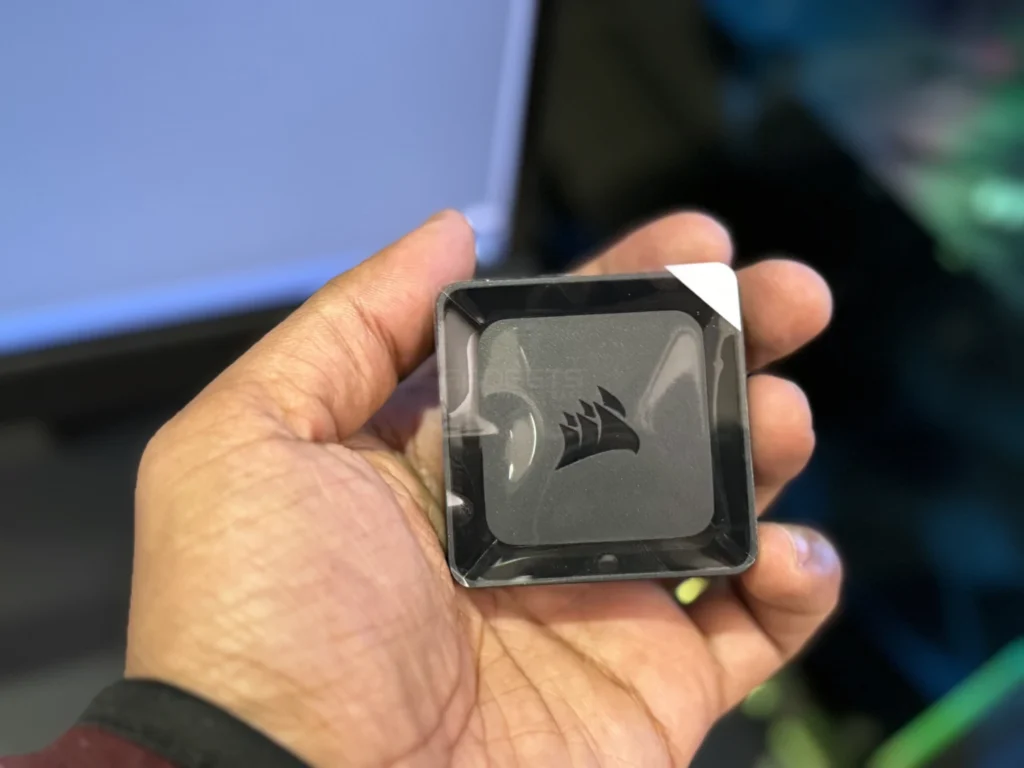
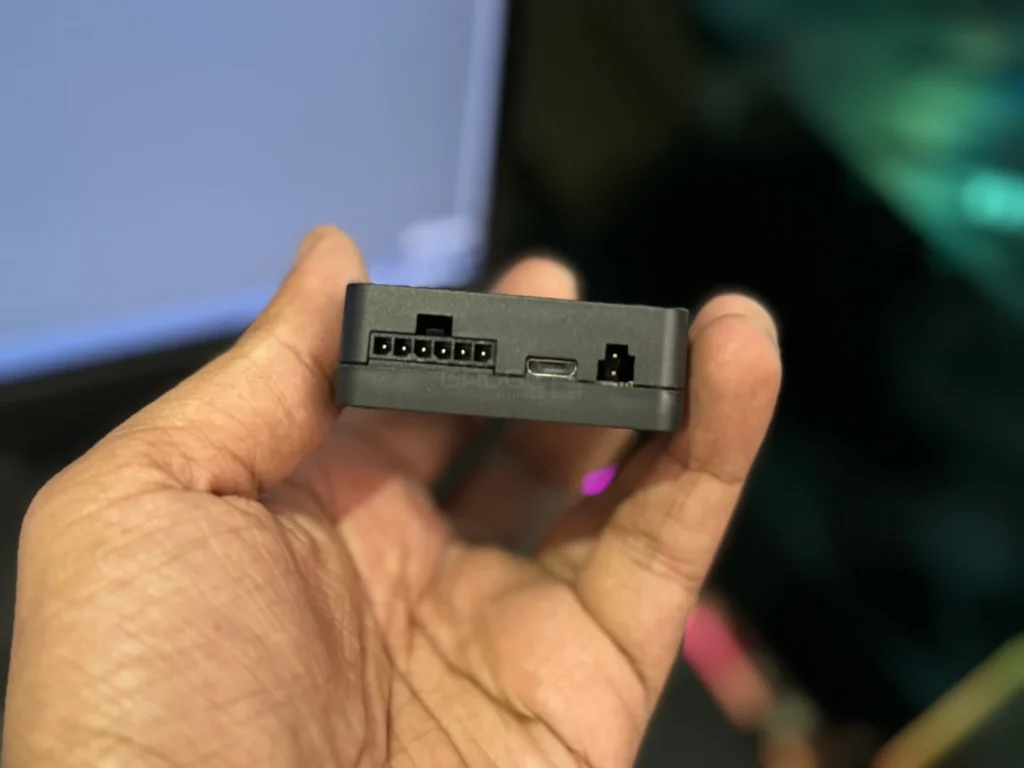
Modularity is facilitated by the iCUE LINK System Hub, a compact device with special connection sockets and three ports for power, PWM control, and USB connectivity. Supporting up to 14 iCUE LINK devices, it streamlines cable management and allows precise fan speed control, reducing overall noise. The single-cable technology simplifies assembly by automatically detecting and configuring internal components.
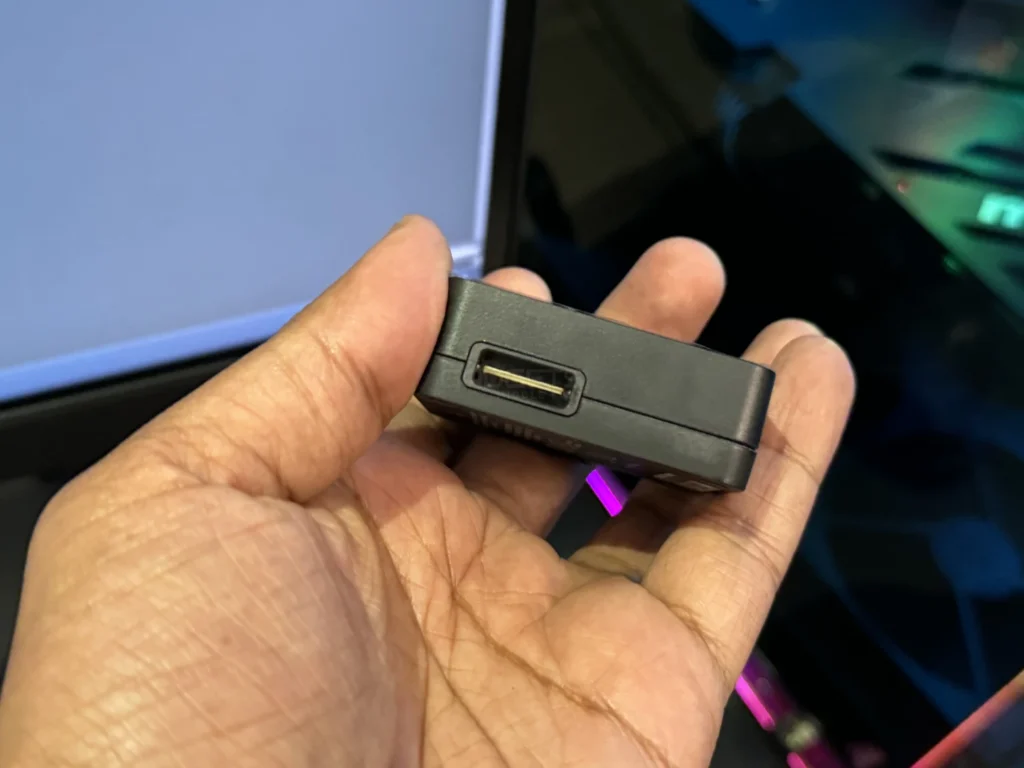
The assembly process is straightforward, though an instruction manual is absent from the box. A QR code within the packaging directs users to an online manual for guidance.
| Case | LIANLI O11 Dynamic Evo |
| CPU | AMD Ryzen 7 7900X |
| Motherboard | GIGABYTE B650 AORUS Elite AX |
| RAM | Kingston Fury Renegade DDR5 (2x16GB) 6400MHz RAM |
| Graphics | MSI Gaming GeForce RTX 4070 12GB GDRR6X |
| Hard Drives | Kingston Fury Renegade 2TB NVMe PCIe M.2 SSD with Heatsink |
| Power | MSI MPG A750GF 750W 80+ Gold |
Following the setup of the motherboard and installation of the cooler for AM5/AM4 or Intel configurations, including the radiator and pump unit, we tested the performance of the iCUE LINK H100i LCD.
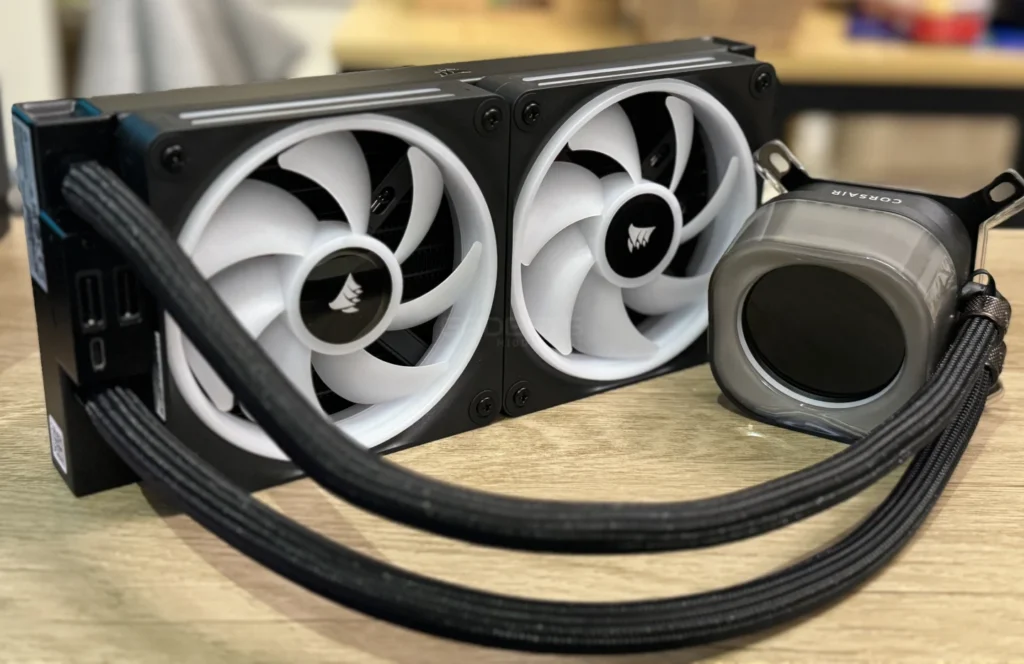
During idle periods, the CPU temperature consistently ranged between 28-32°C. Under load and during gaming sessions, temperatures peaked at 62-68°C, prompting the fans to increase speed for swift temperature stabilization. Remarkably, the fan noise levels remained quiet, at approximately 30 dBa during regular operation and reaching around 36 dBa under load in our tests.
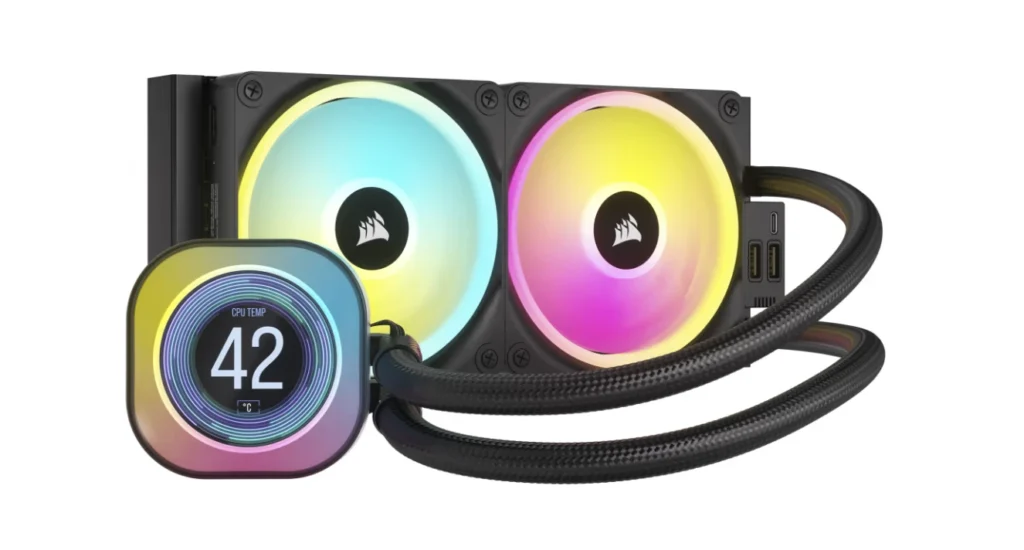
Corsair’s iCue software offers comprehensive control over lighting and fan settings. The RGB configurations extend to both the fans and the illuminated ring encircling the 480×480 IPS display. The pump’s display showcases versatility by supporting static images and GIF animations. Our testing involved adding a custom static image while adjusting pump and fan speeds to their maximum settings, achieving optimal temperature control.
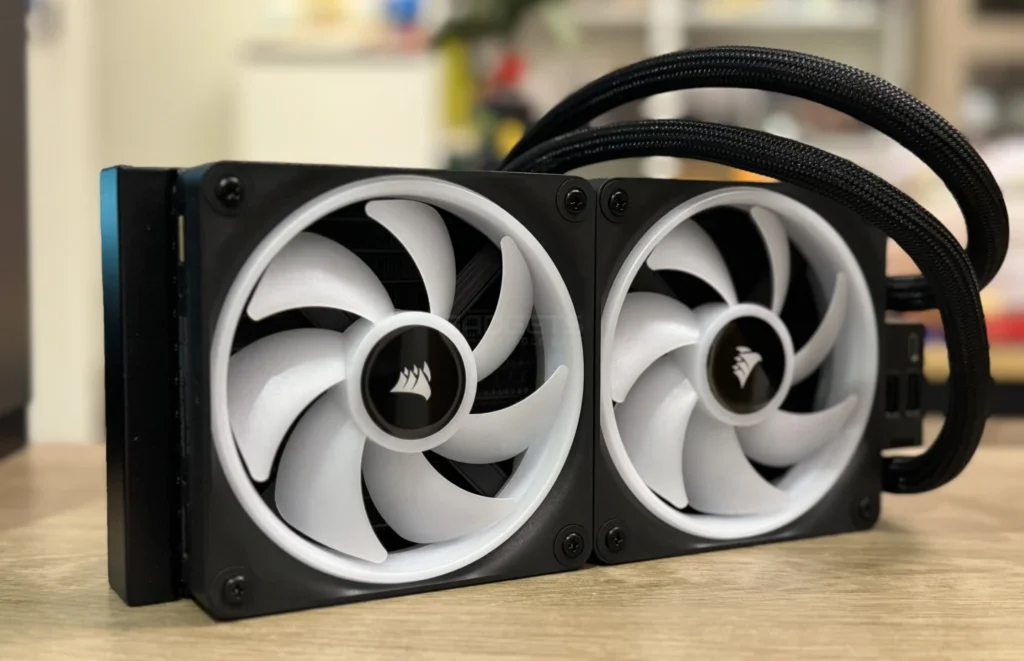
In conclusion, the Corsair iCUE LINK H100i LCD impresses with its innovative design, modular features, and efficient performance. The LCD screen, QX RGB fans, and iCUE LINK System Hub contribute to a streamlined and aesthetically pleasing build. Installation is straightforward, and the iCue software provides robust control over lighting and fan settings. With temperatures well-managed and noise levels kept minimal, this all-in-one cooler proves to be a compelling choice for users seeking both functionality and style in their cooling solutions.

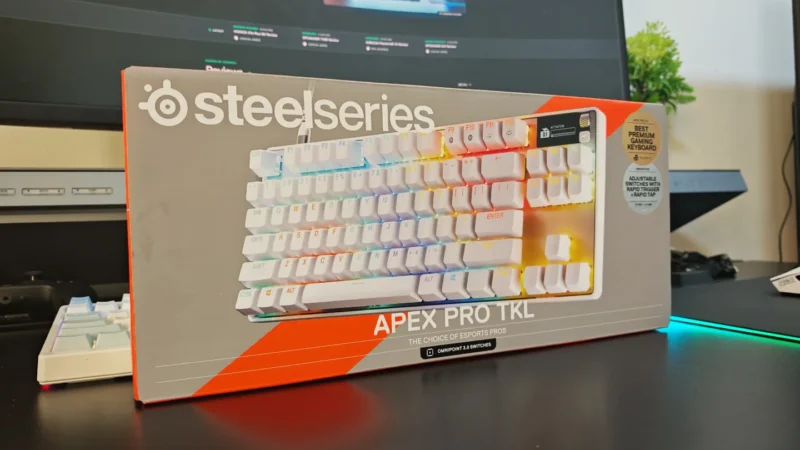
We review the SteelSeries Apex Pro TKL Gen 3, featuring OmniPoint 3.0 Hall Effect switches, adjustable actuation, Rapid Trigger, OLED display and RGB lighting.
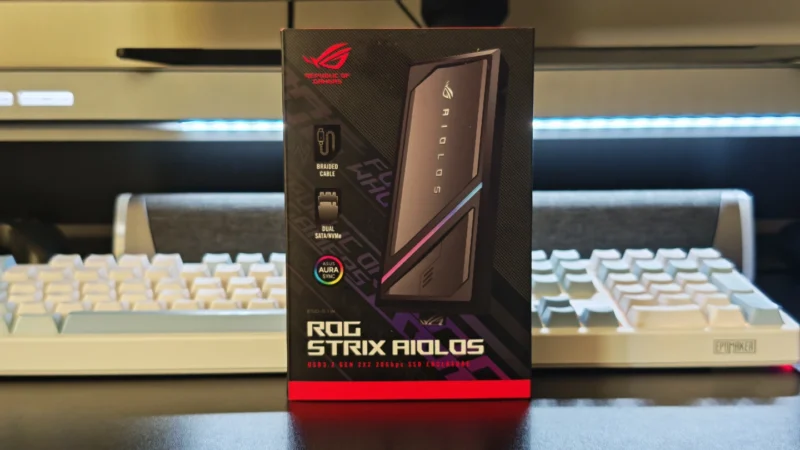
Our ASUS ROG Strix Aiolos review examines its 20Gbps USB 3.2 Gen 2×2 performance, design, cooling, tool-free installation, RGB lighting and value.
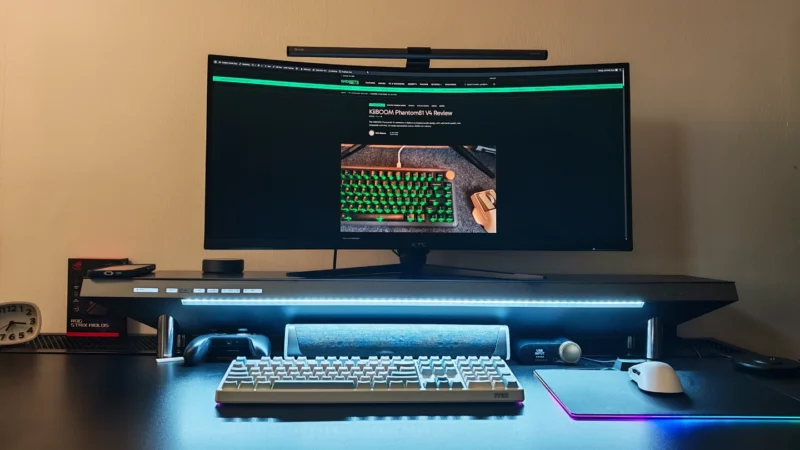
Our Hexcal Studio review examines its premium build, cable management, eight AC outlets, USB connectivity, wireless charging and integrated task lighting.
 Joshua James