
5 UGREEN Charging Accessories to Consider for Your Next iPhone
5 UGREEN Charging Accessories to Consider for Your Next iPhone
Whether you're a competitive gamer, a frequent traveler, or simply in need of a reliable companion, the options are plentiful.

Whether you’re a competitive gamer, a frequent traveler, or simply in need of a reliable companion, the options are plentiful. From the ASUS ROG Harpe Ace Aim Lab Edition’s precision to the portable Logitech MX Anywhere 3S and the budget-friendly Zaopin Z1 Pro, this guide dives into a spectrum of mice designed to meet diverse needs. Let’s navigate through the best picks that promise performance, comfort, and versatility!
So, what are the best mice of 2023 we’ve reviewed? Read on to find out!
We’ve rounded up the best travel mice on the market, perfect for those who are always on the go. From compact and lightweight options to feature-packed models, there’s a travel mouse for every need and budget.
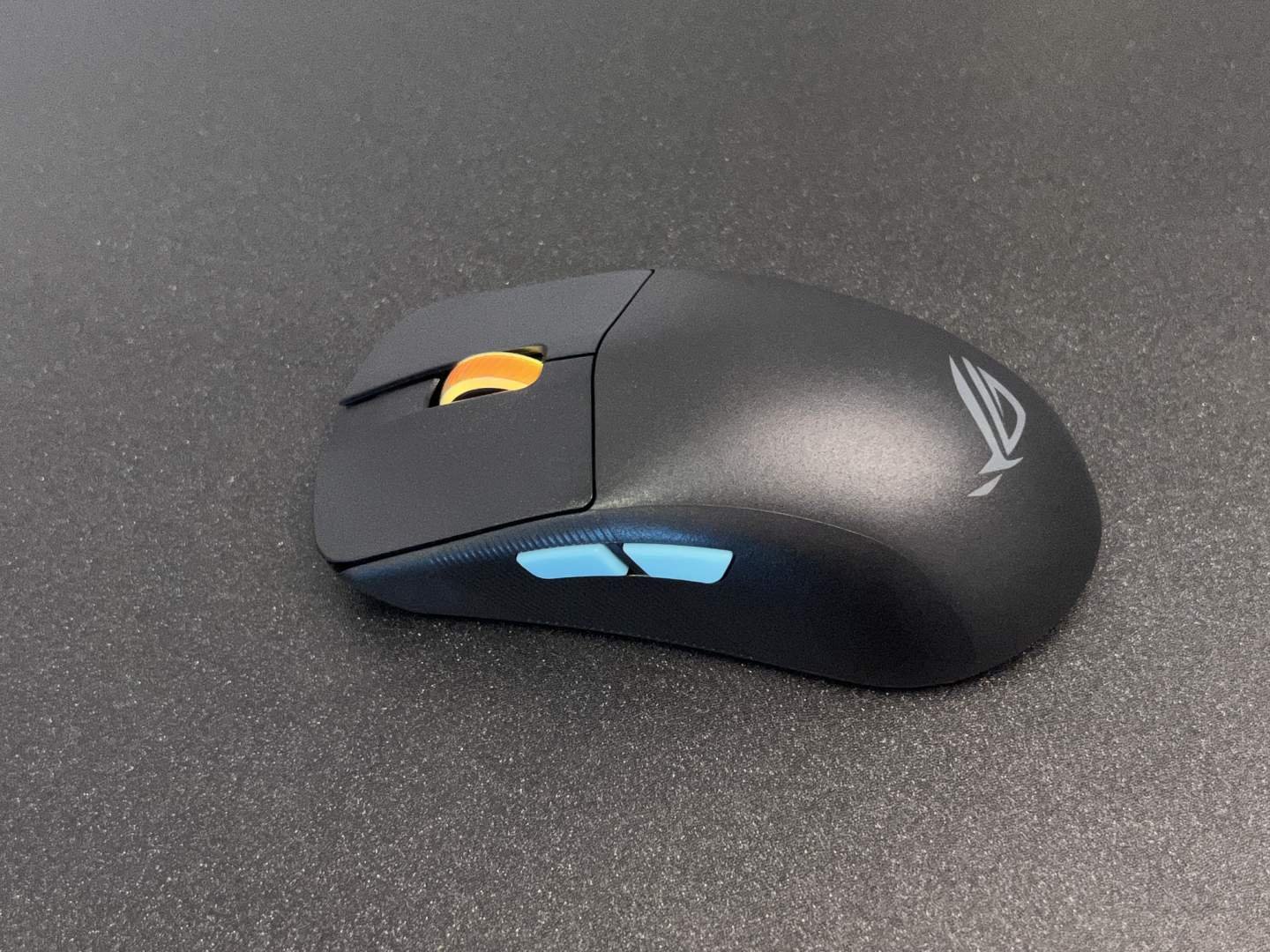
The ROG Harpe Ace Aim Lab Edition is a top-of-the-line wireless gaming mouse designed for competitive play and precision. It has software support that allows you to customize settings to match your playstyle. The mouse boasts an adjustable 36K DPI sensor, built-in battery, and wireless connectivity options. It is designed to be ambidextrous and suitable for all grip types, and features high-quality PTFE feet for smooth movement.
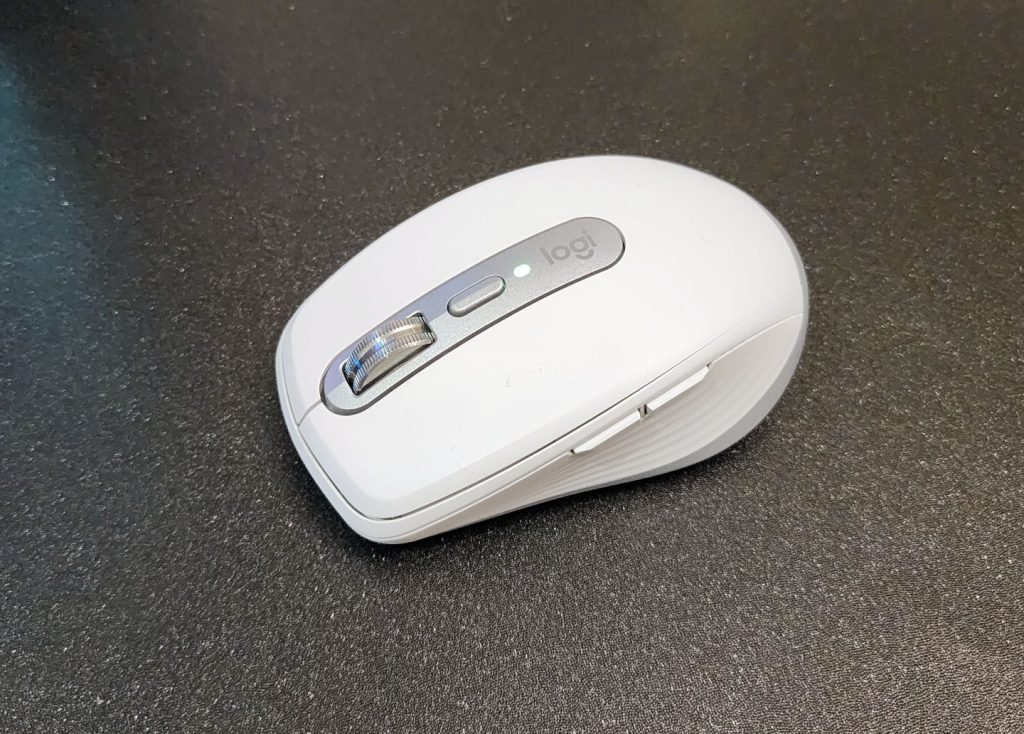
The Logitech MX Anywhere 3S wireless mouse impresses with its compact and versatile design, exceptional battery life, and seamless multi-device connectivity through Logi Flow technology. Its high-precision sensor and MagSpeed scroll wheel enhance performance, while the customizable settings and ergonomic construction provide a comfortable and personalized user experience.
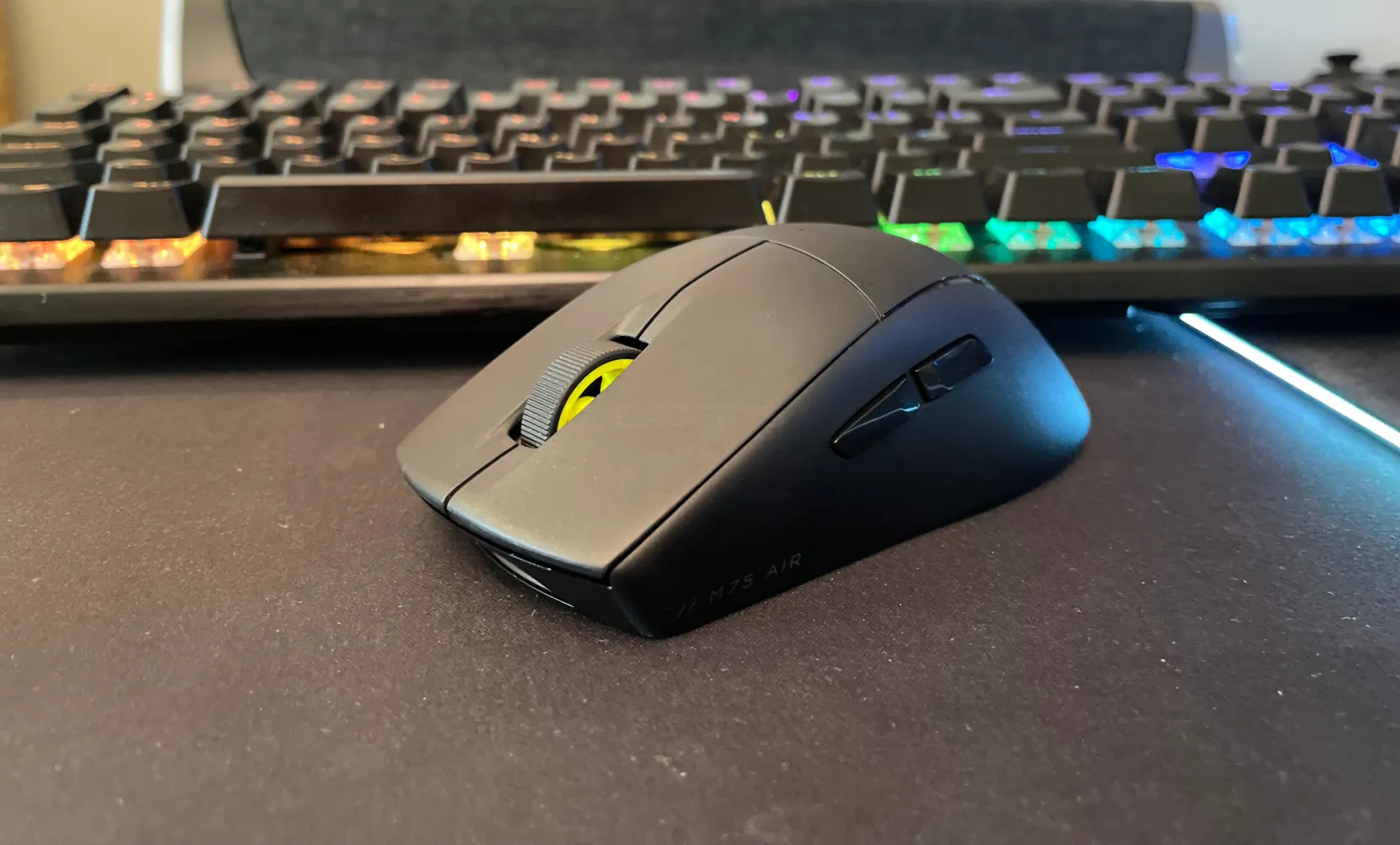
The Corsair M75 Air is a premium, ultra-lightweight wireless gaming mouse designed for competitive gaming and precision. With its adjustable 26K DPI sensor, built-in battery, and wireless connectivity, it’s a versatile choice. While it accommodates various hand sizes and grip types, thanks to its design and high-quality PTFE feet, the trade-off includes average battery life and potential discomfort during prolonged use due to its extreme lightness. Overall, it’s a premium gaming mouse that offers versatility and precision, making it a solid choice for gamers.
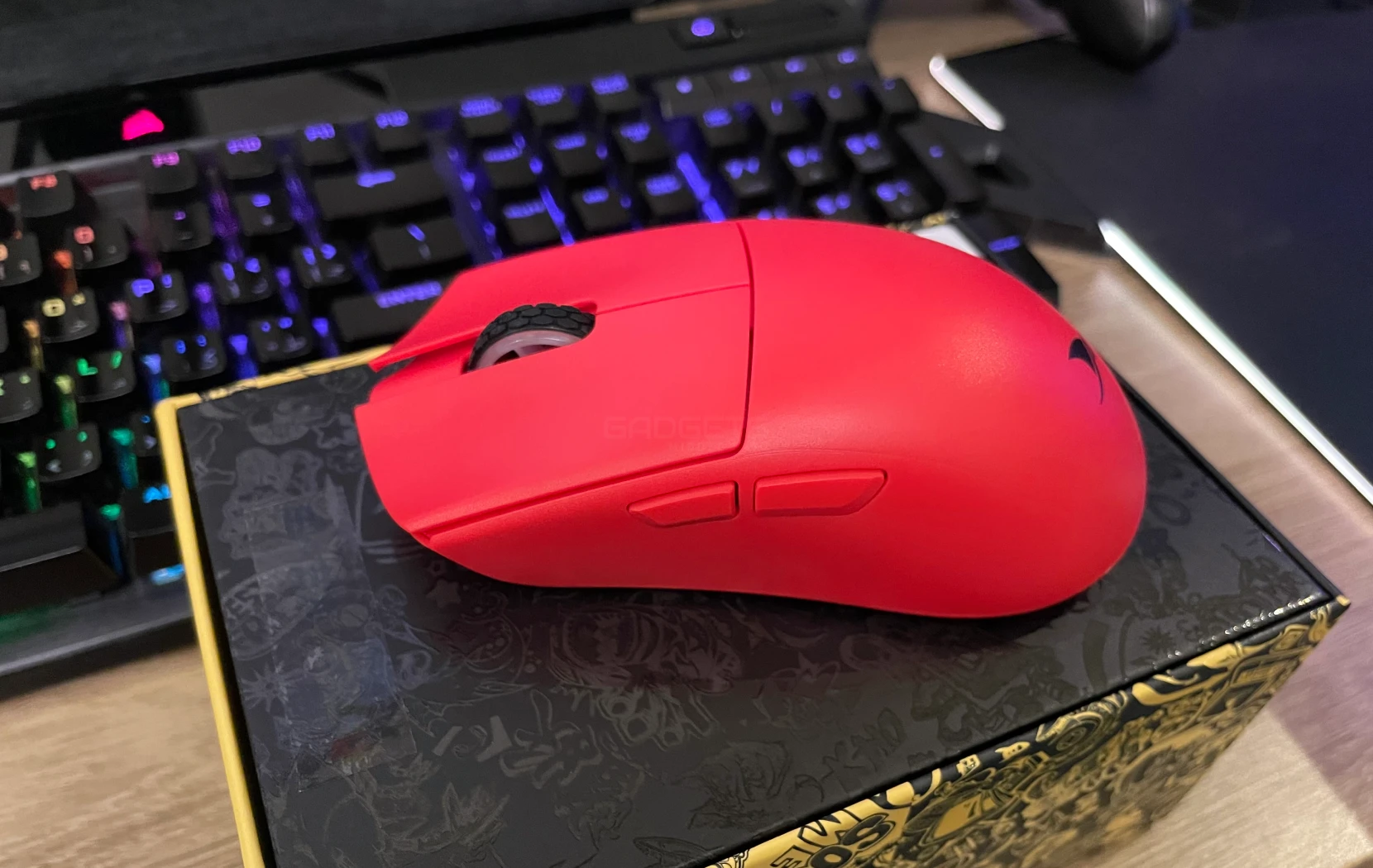
The Darmoshark M3-S is a high-performance yet affordable gaming mouse that punches well above its weight. With a top-notch PixArt PAW3395 sensor offering precision up to 26,000 DPI, a versatile range of connectivity options, and user-friendly software for customization, it’s a solid choice for gamers.
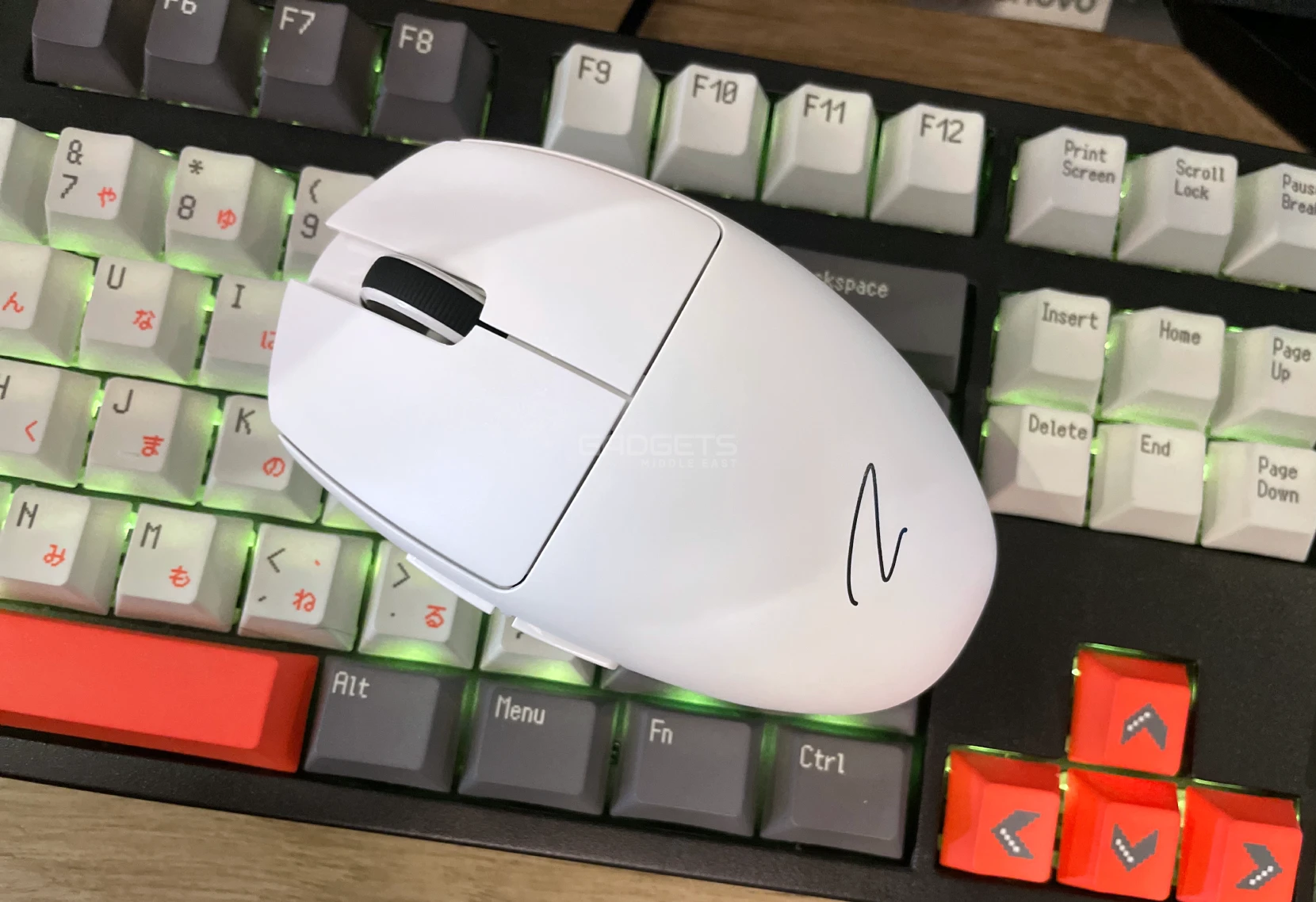
The Zaopin Z1 Pro stands out as a high-performance yet budget-friendly gaming mouse, featuring the top-tier PixArt PAW3395 sensor with precision up to 26,000 DPI. It’s versatile connectivity options and intuitive customization software are notable. Overall, priced competitively at $46, the Zaopin Z1 Pro impresses with its rich features and performance, offering excellent value for gamers seeking a reliable gaming mouse.
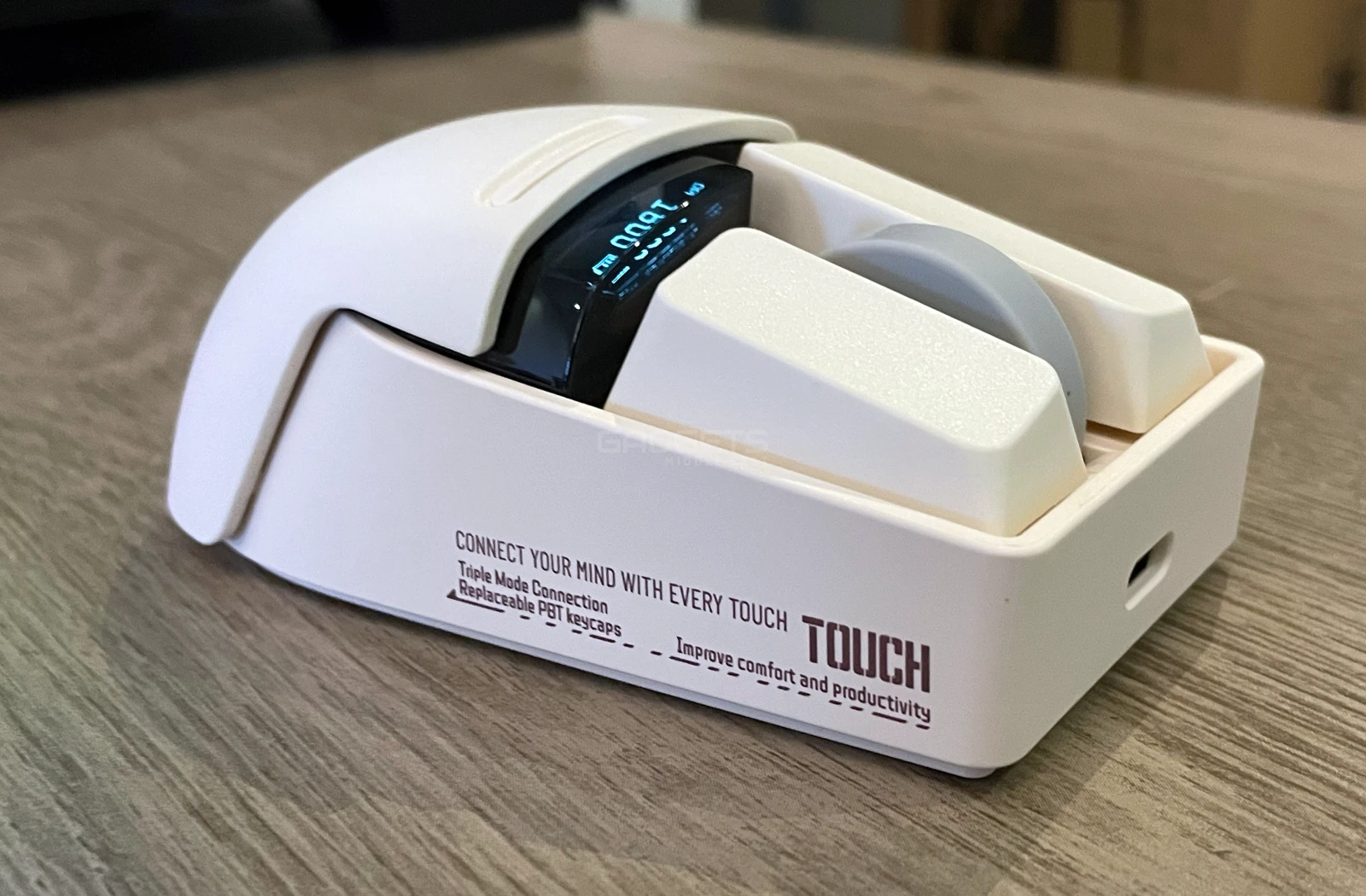
The Lofree Touch EO909 boasts a retro design yet surprises with its versatility as a gaming or office mouse. Weighing 106 grams, its PBT keycaps and matte body offer a comfortable grip. Equipped with a PixArt PAW3805 optical sensor supporting up to 3000 DPI and glass compatibility, it falls short in gaming due to its 500Hz polling rate. It’s not ideal for fast-paced FPS games but performs well for work or leisurely titles like Civilization or Age of Empires. Despite gaming limitations, its functionality and comfort make it a suitable choice for productivity tasks.
From the cutting-edge ASUS ROG Harpe Ace Aim Lab Edition to the unique Lofree OE909, these mice showcase innovation and versatility. Remember, finding the perfect mouse isn’t just about the specs; it’s about finding one that fits seamlessly into your lifestyle and enhances your experience


5 UGREEN Charging Accessories to Consider for Your Next iPhone

Reduce Input Lag on a Gaming Monitor: fixing it usually means working through your settings systematically rather than blaming any single piece of hardware.

How to Fix Common Wi-Fi and Router Problems at Home: A slow or unreliable Wi-Fi connection does not necessarily mean that your router needs to be replaced.
 GDGTME Team