
Lenovo ThinkPad X1 Carbon Gen 14 Aura Edition Review
Lenovo ThinkPad X1 Carbon Gen 14 review covering its design, OLED display, performance, battery life, keyboard, connectivity, repairability and value
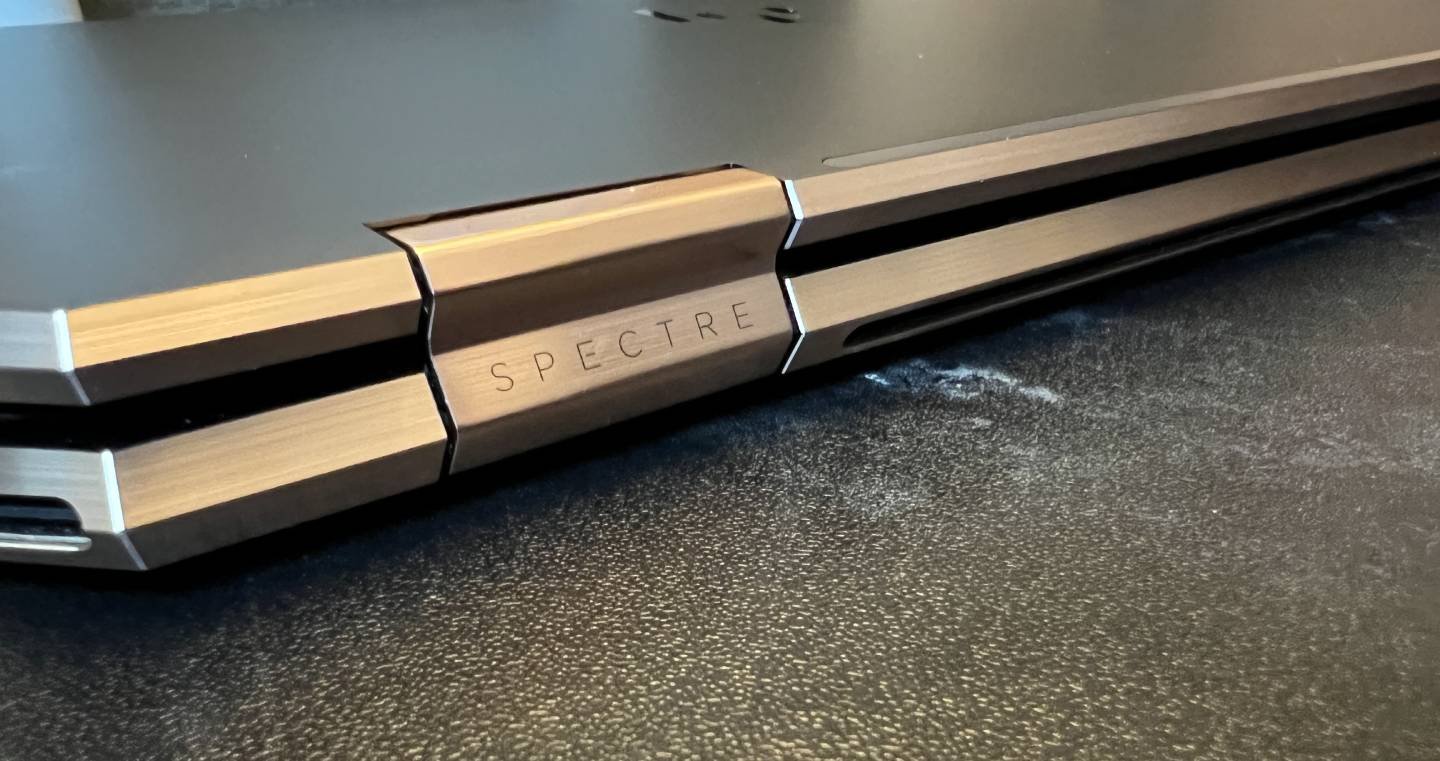
Featuring up to 11th-gen Intel Core i7 processors and Intel Xe Graphics, the HP Spectre x360 is a lightweight 2-in-1 convertible laptop in an extremely portable design, with a weight of just 1.1 kg. With a 66Wh battery that can deliver up to 12-15 hours of operation on a single charge.
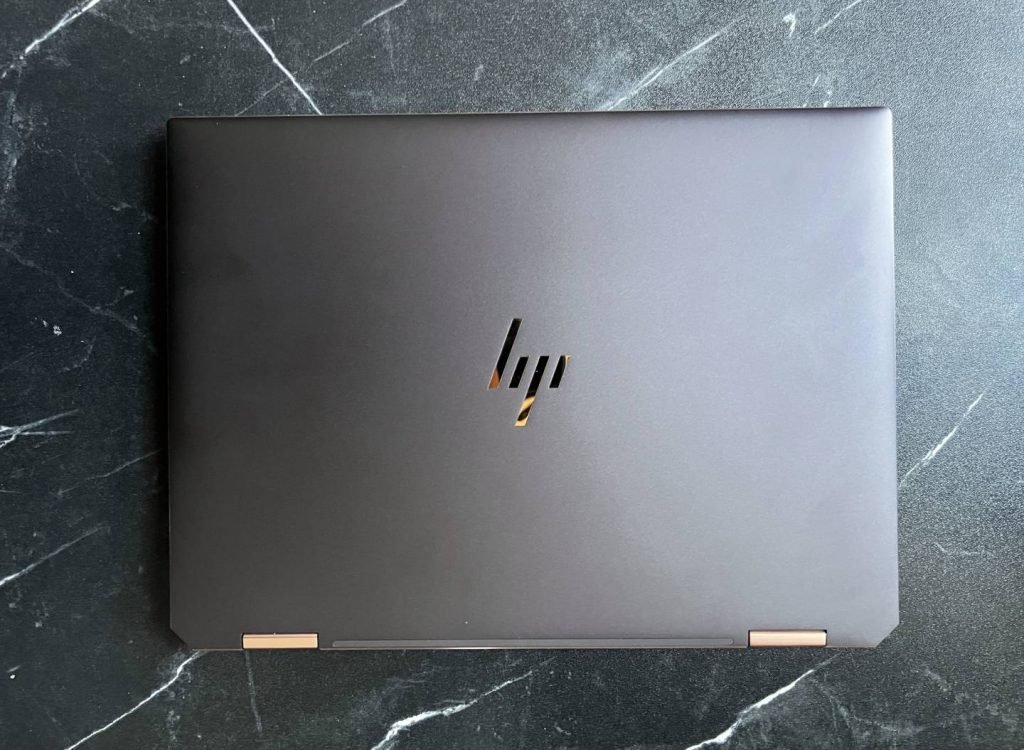
The HP Spectre x360 is perfect for today’s work-anywhere lifestyles with its beautiful 3:2 touch screen, excellent battery life, Thunderbolt 4 support and stylish design.
To be Intel Evo certified, laptops should be able to wake from sleep in less than a second, offer at least 9 hours of real-world battery life (with 1080p displays) and support fast charging (four hours of power with just 30 minutes of charge), include Tiger Lake processors, Wi-Fi 6 and Intel’s new Thunderbolt 4 standard.
The model we received for this review is the HP Spectre x360 14-ea0003ne.
| CPU | 11th Gen Intel Core i7-1165G7 (2.8GHz, Turbo up to 4.7GHz, L3 Cache 12MB) |
| RAM | 16 GB LPDDR4x-3733 SDRAM |
| GPU | Intel Xe Graphics |
| Storage | 1 TB PCIe NVMe TLC M.2 SSD |
| Display | 13.5″ WUXGA+ IPS 1920 x 1280 touch display 100% sRGB, 1000 nits brightness Multitouch-enabled Corning Gorilla Glass NBT |
| Ports | 2x Thunderbolt 4 with USB4 Type-C (USB Power Delivery, DisplayPort 1.4) 1x USB Type-A 1 microSD media card reader 1x Headphone/microphone combo jack |
| Connectivity | Intel Wi-Fi 6 AX201 Bluetooth 5.0 |
| Camera | 720p HD IR camera with camera shutter and integrated dual array digital microphones |
| Audio | Quad speakers Audio by Bang & Olufsen |
| Battery | 66Wh lithium-polymer battery 65W USB Type-C power adapter |
| Dimensions | 29.83 x 22.01 x 1.69 cm (WxDxH) Approx. 1.1 kg |
The HP Spectre x360 comes in a black and gold cardboard box. Inside are the laptop, charging adapter, laptop sleeve and manuals.
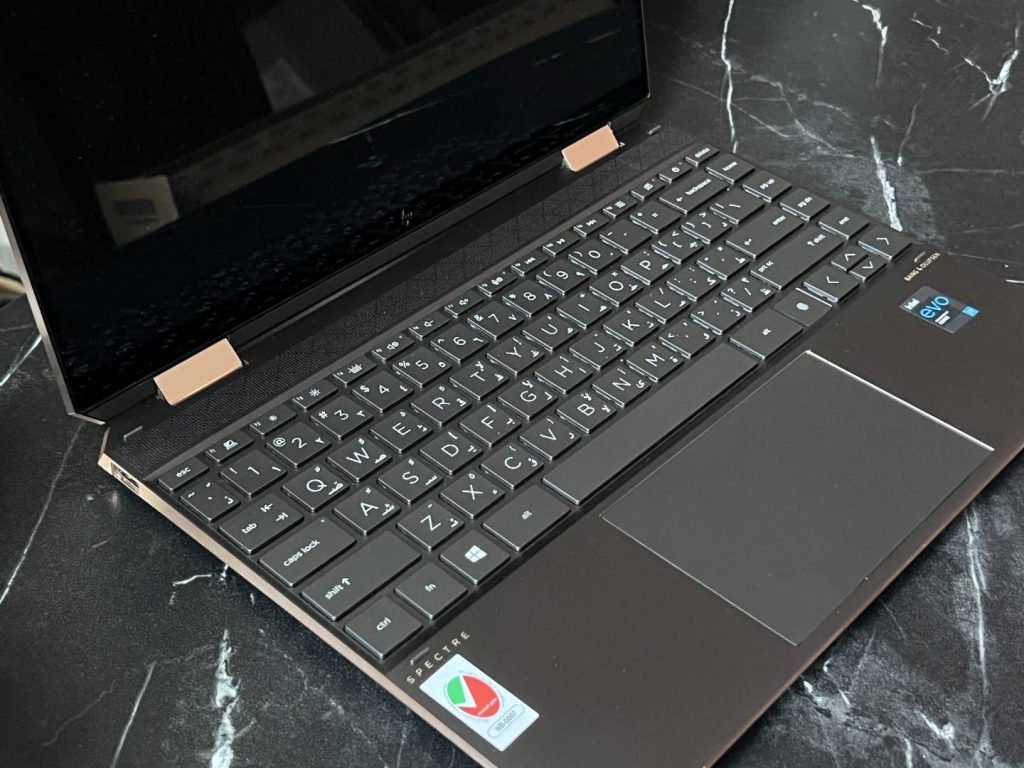
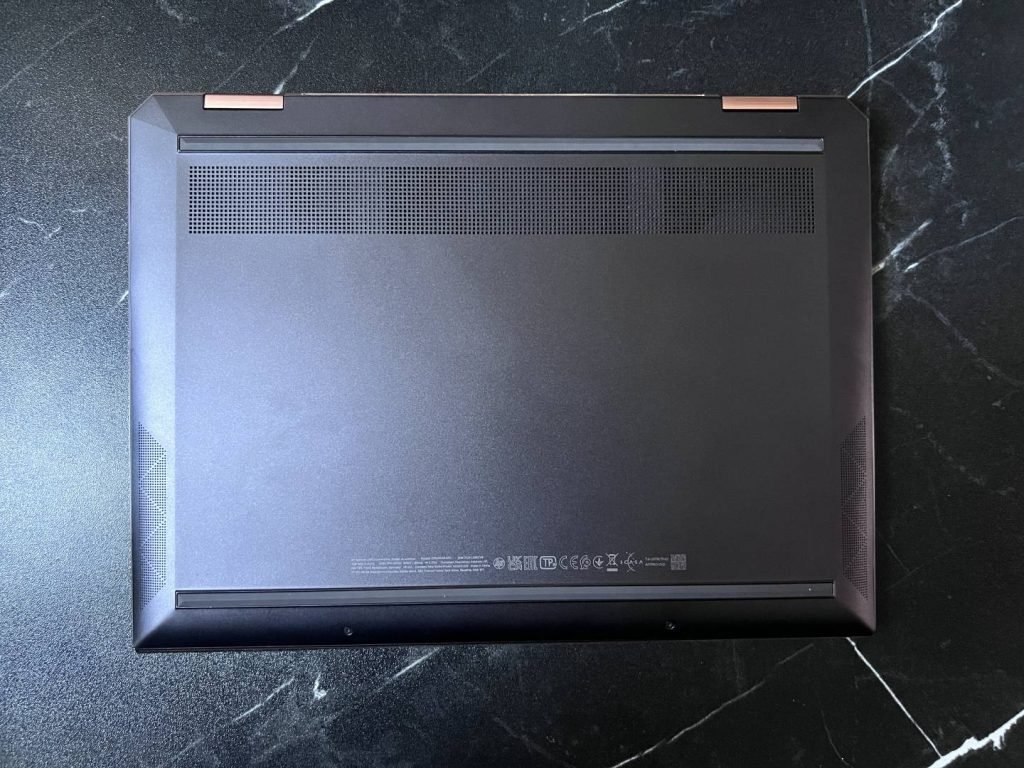
The laptop comes in three color options–Nightfall Black, Poseidon blue, and Natural Silver. The laptop has a stylish CNC-machined aluminum chassis with gold accents but is prone to fingerprint smudges. The chassis is quite rigid, the 180-degree hinges feel sturdy while folding into tablet mode or back into laptop mode. There is no flex in the chassis or screen wobbles, however it takes two hands to open the display lid.
The HP Spectre x360 also features a fingerprint sensor, The built-in reader scans your finger, so you don’t have to go through multiple steps or worry about forgetting your password.
The device is surprisingly light and portable with dimensions of 29.83 x 22.01 x 1.69 cm (WxDxH) and with a weight of 1.1 Kg, it can be easily carried around in laptop bags and backpacks.
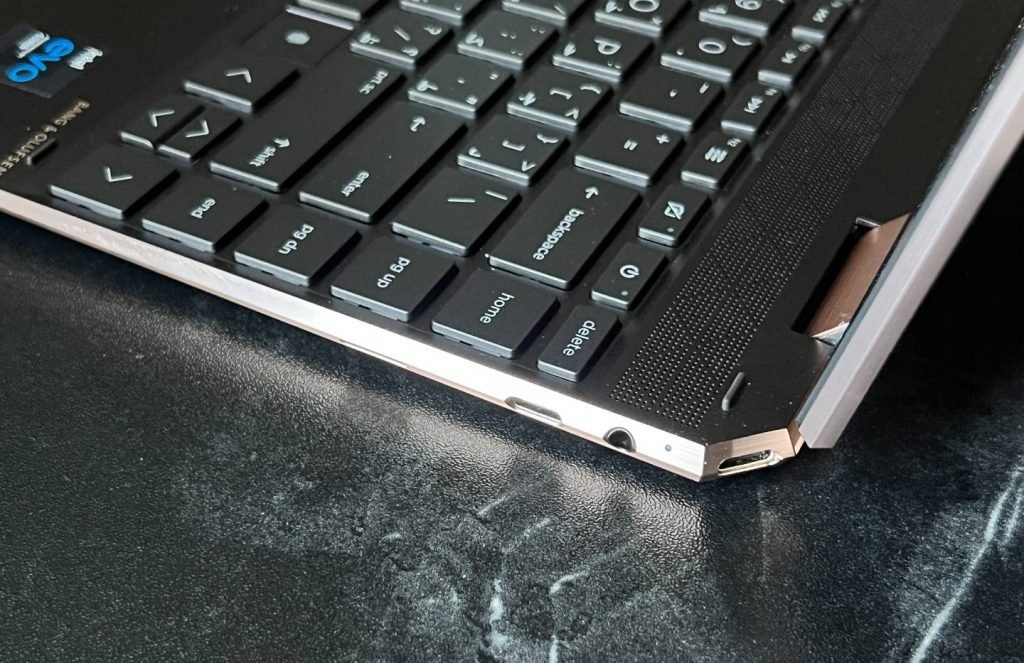
There are no connections at the back, all ports are on the right and left sides of the notebook. On the right is a single USB 3.2 Gen 1 Type-A.
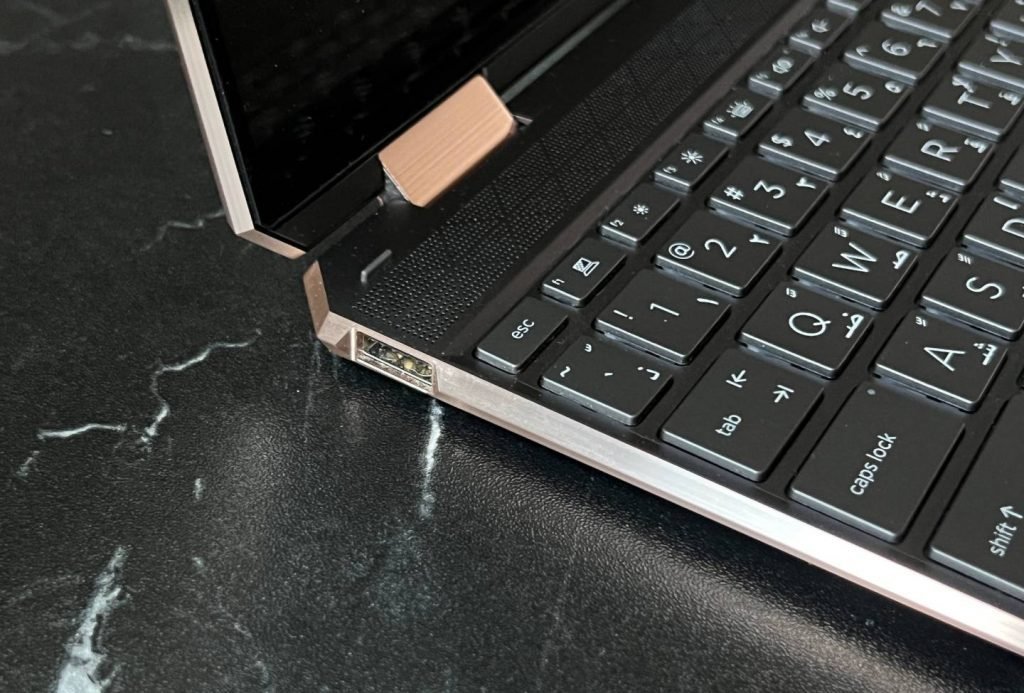
On the right side are the ports for 2x USB4 Type-C with support for Thunderbolt 4 (Power Delivery, DisplayPort) which lets you enjoy dual 4K and single 8K display connection using one Thunderbolt port. The USB4 ports also promise a transfer speeds of up to 40 Gbps and next-gen interface support. Located is here also the headphone/mic combo jack and a Micro SD port.
The HP Spectre x360 features a glossy 14-inch 3:2-ratio display, making it excellent for multitasking and productivity tasks. The screen bezels are ultra-thin at 90.33% screen-to-body ratio.
The IPS display delivers WUXGA (1920×1280) resolution for clear, vivid color production. It features 1000 nits brightness and 100% sRGB color coverage. Colors are rich, vivid, and saturated and really pack a punch with no signs of stuttering or ghosting, and the viewing angles are good.
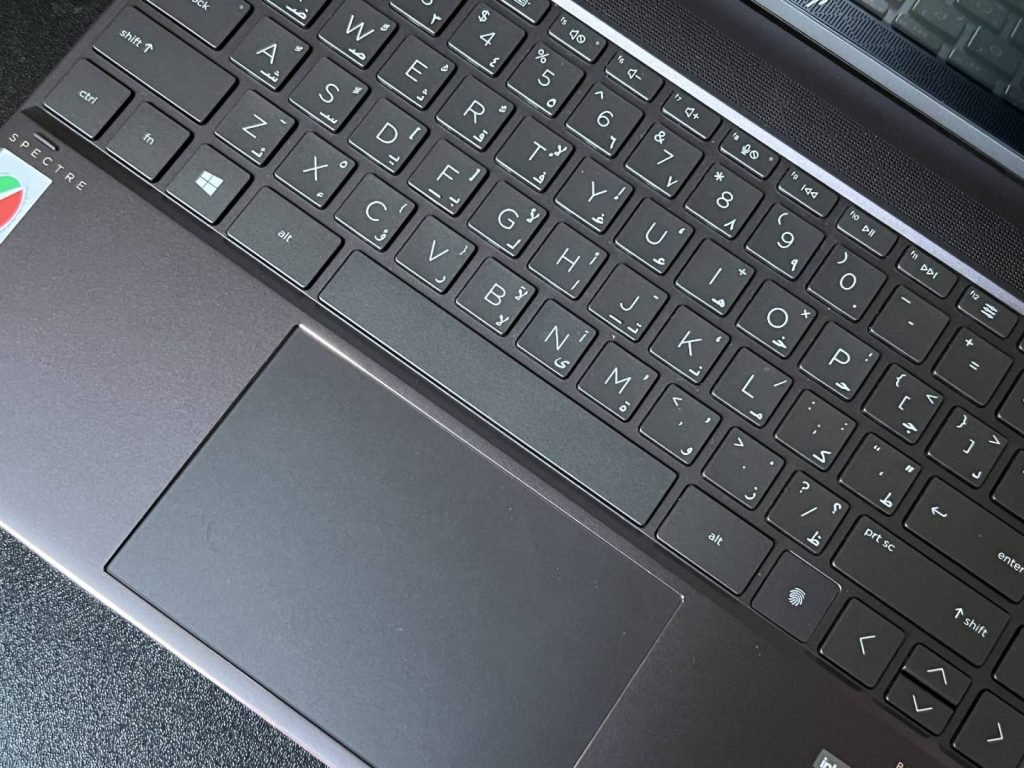
The backlit chiclet keyboard has a short key-travel and feels great to type on. The first row of function keys are smaller in size which allows adjusting simple things like screen brightness, multimedia controls etc. Typing experience is good and has solid feedback.
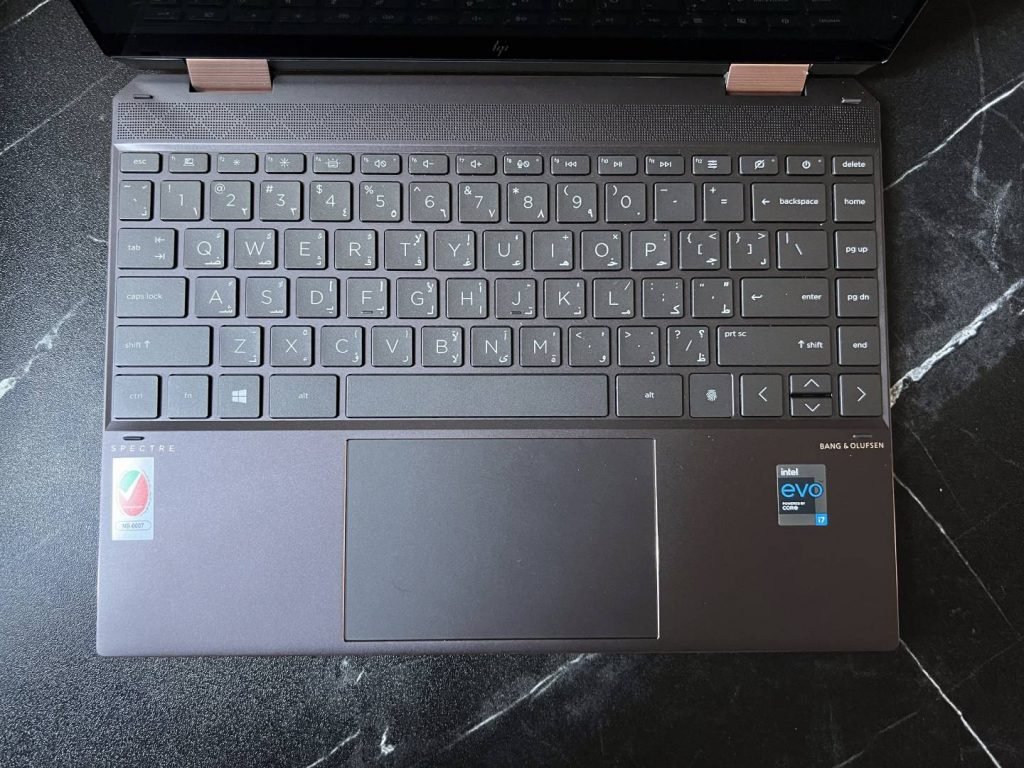
The HP Spectre x360 also features a fingerprint login on the lower right corner of the keyboard, making waking up the laptop as simple as unlocking your phone. Coming to the touchpad, it’s easy to navigate, multi-touch gestures are recognized and handled properly.
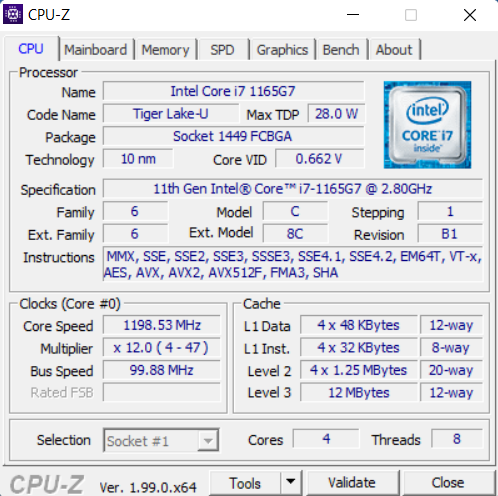
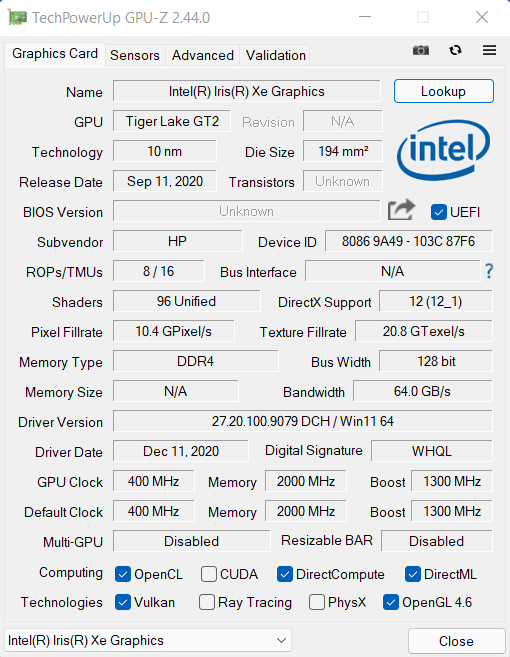
Powered by the latest 11th Generation Intel Core i7-1165G7 processor, The HP Spectre x360 offers with up to 16GB of LPDDRX4 3733MHz RAM, Intel Iris Xe graphics and 1TB M.2 2280 NVMe SSD storage.
CPU
The i7-1165G7 has four cores at a clock frequency of 2.80 GHz each reaching up to 4.70 GHz with eight threads, offering good multitasking performance.
GPU
The HP Spectre x360 is powered by the new Intel Xe graphics which is powerful enough for daily tasks, work and photo editing. However, gaming performance is really poor and most games fail to achieve playable frame rates in full resolution/quality.
RAM
In terms of RAM, The HP Spectre x360 is equipped with 16 GB of LPDDR4X RAM at a frequency of 3733MHz.
STORAGE
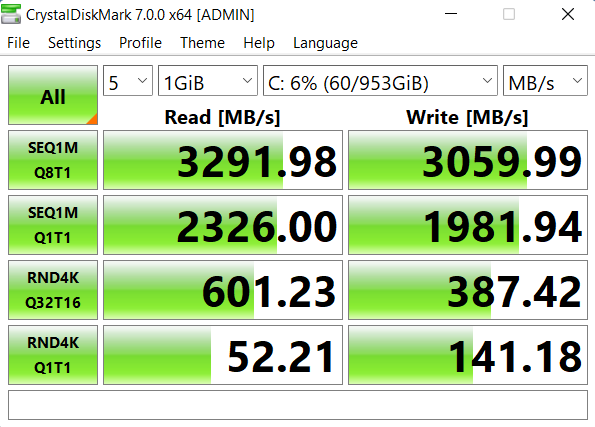
Our review unit came with a 1TB M.2 2280 NVMe SSD. However, depending on the region, they may be different. The SSD offers good performance with read speeds of up to 3,291MB per second and write of up to 3,059MB.
BENCHMARKS
In Cinebench R20 tests, the i7 1165G7U scored 489 in single core benchmark and 1,497 in multi-core benchmark. In PCMark 10 Benchmark, the HP Spectre x360 scored 4,682.
Since this isn’t a laptop built for gaming, we haven’t benchmarked any games with the HP Spectre x360. With the said the hardware can run games at low-res with low quality settings.
| BENCHMARK | SCORE |
| Cinebench R20 single core | 489 |
| Cinebench R20 multi core | 1,497 |
| PCMark 10 Benchmark | 4,682 |
| 3DMark Time Spy | 1,743 |
| 3DMark Fire Strike | 4,350 |
| 3DMark Night Raid | 13,687 |
With typical day-to-day tasks and using the silent profile, the noise and heat remained at very low levels. Even with resource-intensive tasks, the noise is minimal and the laptop does not get excessively warm.
The HP Spectre x360 comes with a 66Wh lithium-polymer battery and 65W USB Type-C power adapter. On paper, it’s rated for about 22 hours of battery life. On a full charge, based on the usage and screen brightness, the laptop lasts between 11 to 13 hours. When browsing the internet, you can expect around 12 hours of battery time.
The HP Spectre x360 features a quad speaker sound setup tuned by Bang & Olufsen. The sound quality is good and loud enough much distortion at high volume. But as with most laptops, we recommend using a headset.
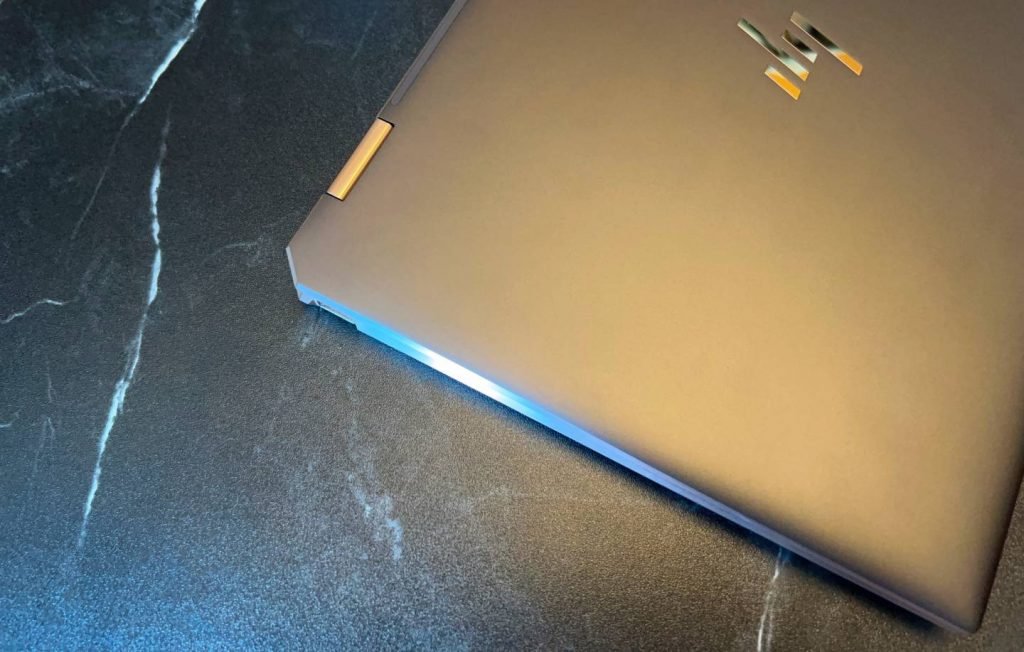
The HP Spectre x360 is slim, compact and features good hardware. It has excellent build quality, a 3:2 display that makes multitasking significantly easier, stylus support and great battery life making it one of the best 2-in-2 convertible laptops in the market.
The only downside here is the price as there are really some good 10th-gen Intel and Ryzen 4000 alternatives currently available for much cheaper, although not as stylish or slim.

Lenovo ThinkPad X1 Carbon Gen 14 review covering its design, OLED display, performance, battery life, keyboard, connectivity, repairability and value
We review the SteelSeries Apex Pro TKL Gen 3, featuring OmniPoint 3.0 Hall Effect switches, adjustable actuation, Rapid Trigger, OLED display and RGB lighting.
Our ASUS ROG Strix Aiolos review examines its 20Gbps USB 3.2 Gen 2×2 performance, design, cooling, tool-free installation, RGB lighting and value.
 Joshua James